Best For
- Starting from a structured, reusable prompt instead of a blank chat.
- Adapting the prompt to your own inputs while keeping the original intent intact.
- Workflows related to Software Development, Design & Art.

Create a photorealistic 3D render of famous sculptures, animals and geometric objects in different materials properties with optical effects.
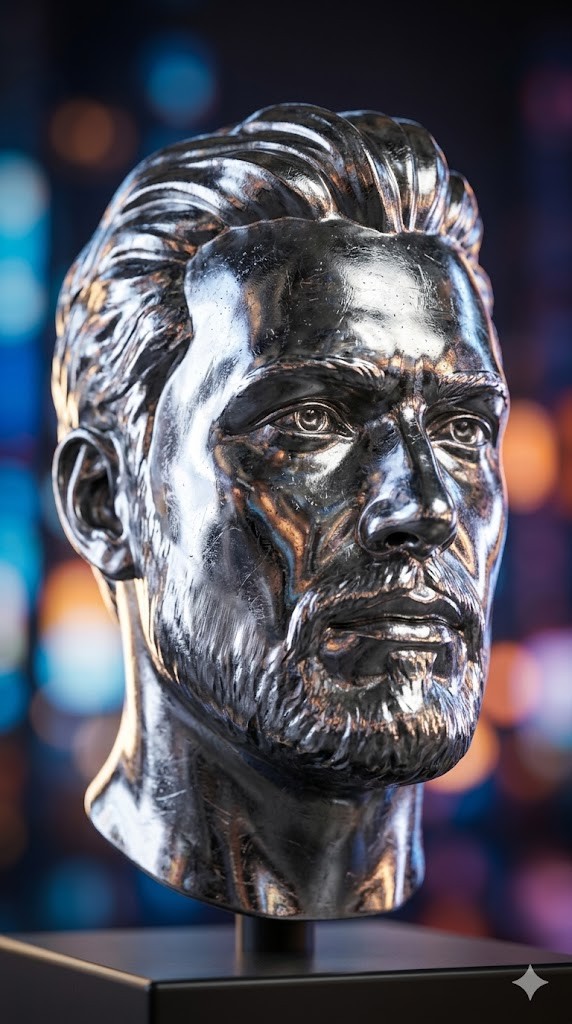
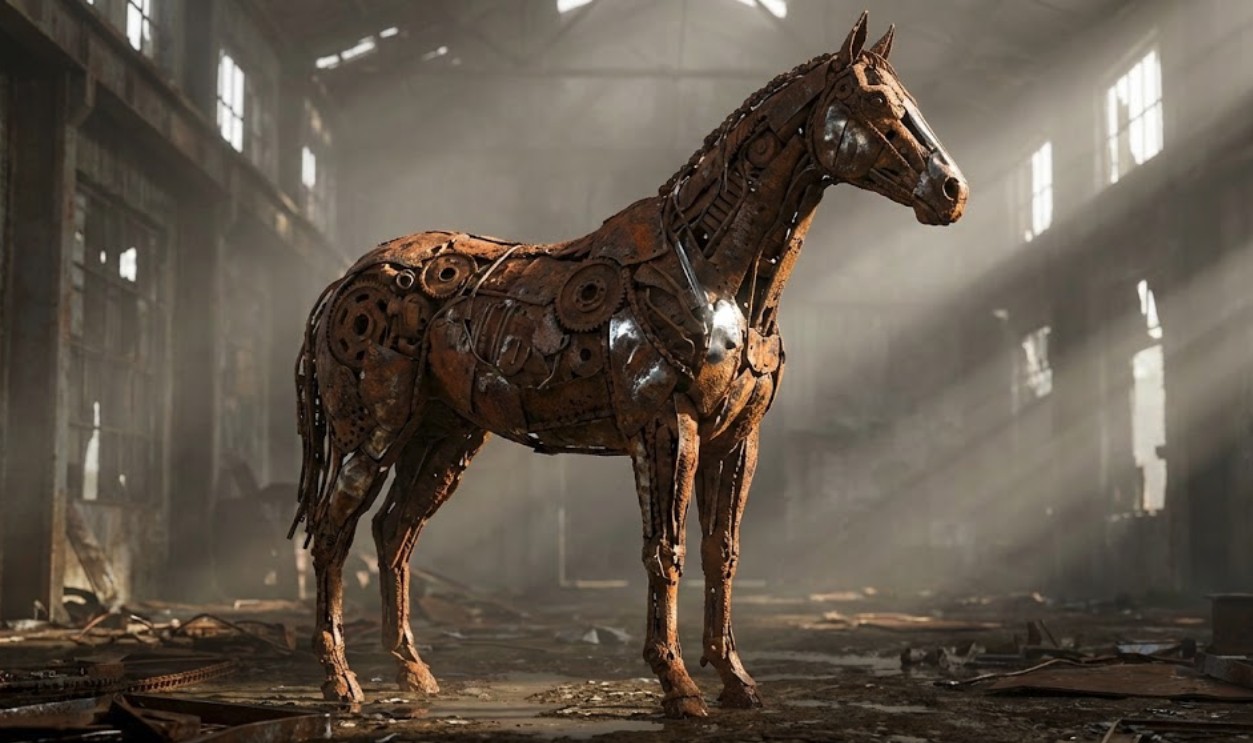
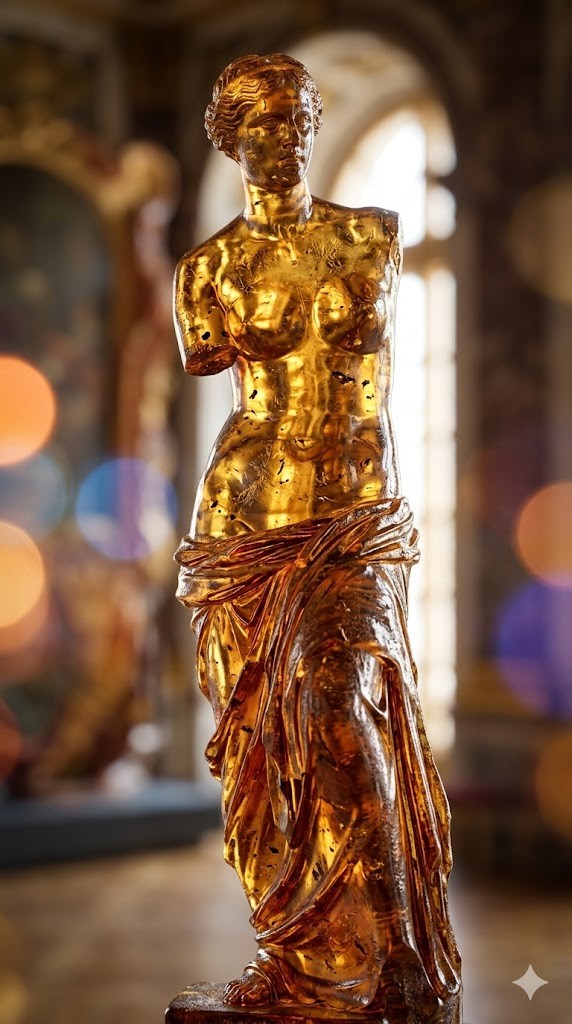
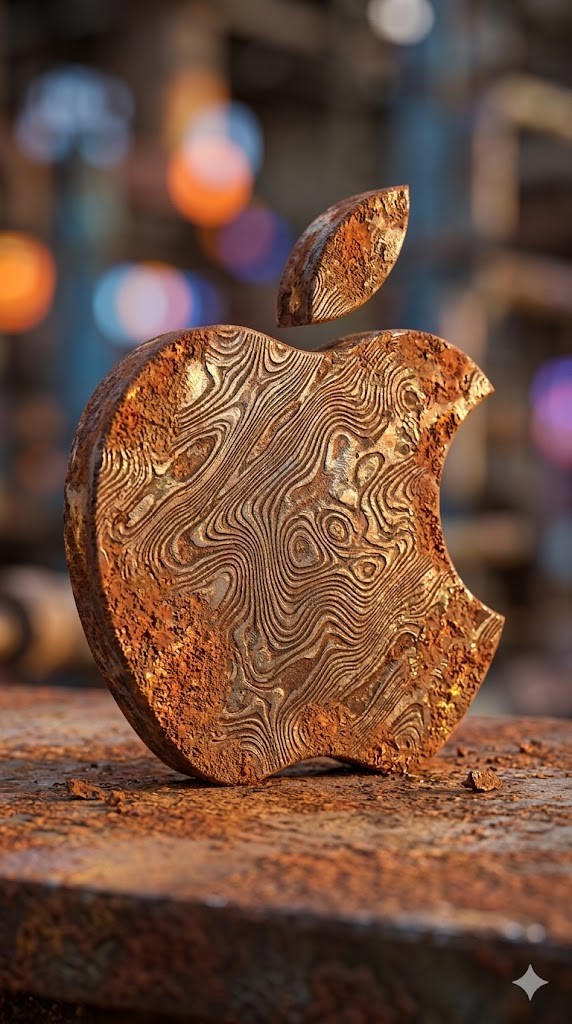
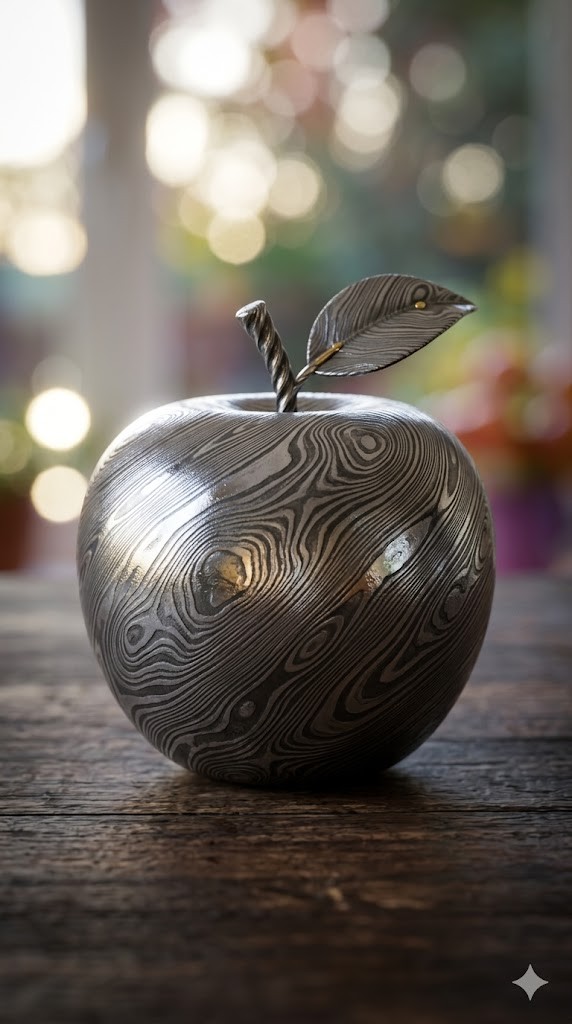

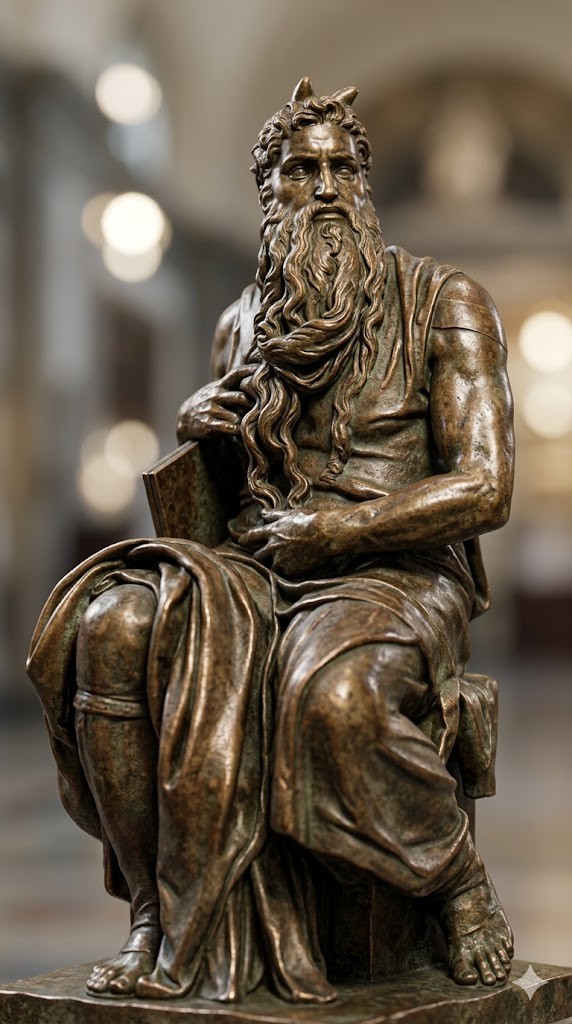
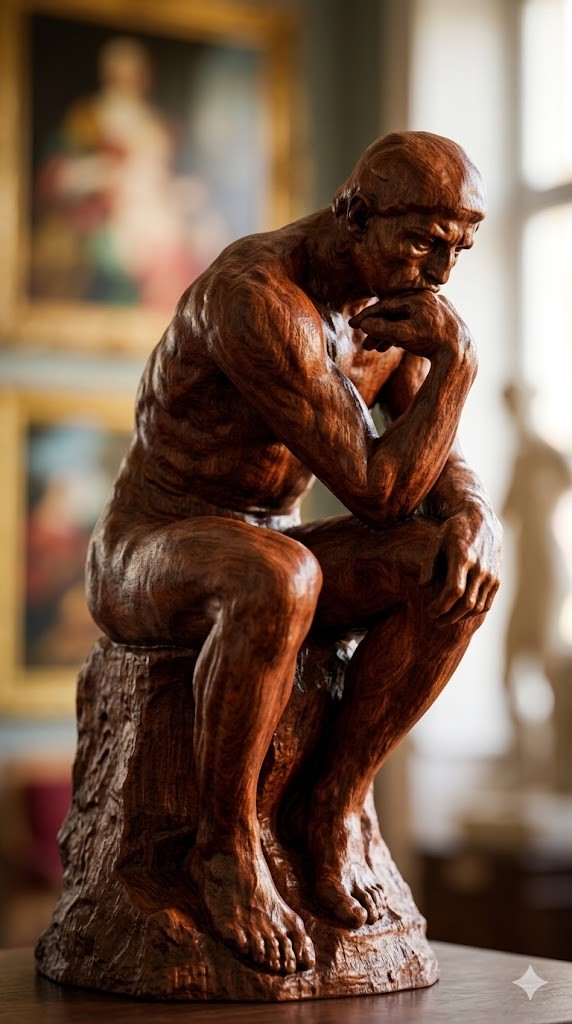
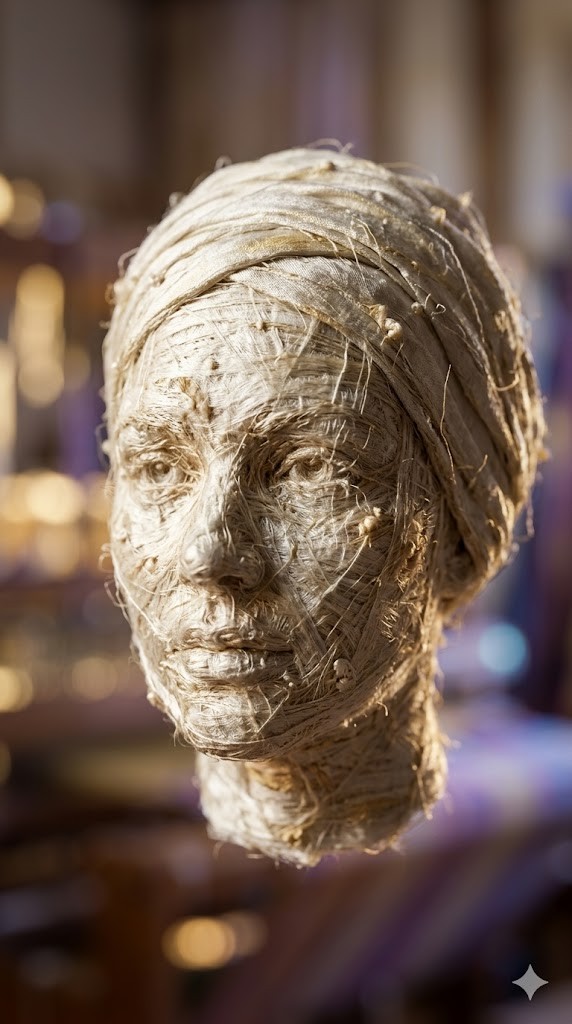
Create a photorealistic 3D render of a/the {{object: Female Head, Male Head, Human Hand, Human Foot, Sphere, Cube, Ball, Apple, Banana, Coffee Mug, Teapot, Book Stack, Chair, Table Lamp, Key, Padlock, Chess Piece, Seashell, Feather, Standing Horse, Cat, Dog, Bird, Fish, Turtle, Snail, The Thinker by Auguste Rodin, David by Michelangelo, Venus de Milo by Alexandros of Antioch, * Statue of Liberty by Frédéric Auguste Bartholdi, Pietà by Michelangelo, The Kiss by Auguste Rodin, Apollo and Daphne by Gian Lorenzo Bernini, Winged Victory of Samothrace, Discobolus by Myron, The Burghers of Calais by Auguste Rodin, Moses by Michelangelo}} made entirely of {{Material:[materials]}}.

To enhance the visual impact, apply a {{Effect:[visual_effects]}} to the image.

Focus on how light interacts with the {{Material:[materials]}} surface, capturing reflections, roughness, and texture details.

The aspect ratio of generated image is {{Aspect Ratios: [aspect_ratios]}}
Female Head, Male Head, Human Hand, Human Foot, Sphere, Cube, Ball, Apple
[materials]
[visual_effects]
[aspect_ratios]
Create a photorealistic 3D render of a/the Female Head made entirely of [materials].

To enhance the visual impact, apply a [visual_effects] to the image.

Focus on how light interacts with the [materials] surface, capturing reflections, roughness, and texture details.

The aspect ratio of generated image is [aspect_ratios]
Variables are wrapped in {{ and }} and follow this pattern:
A selection can reference a predefined variable list using square brackets. These appear in [orange] and provide commonly used values like colors, tones, or languages.
You can also provide an inline list of choices separated by commas.
Tip: You don't need the PUCO app to use these prompts! Simply copy the template and replace each {{…}} section with your own text directly in ChatGPT, Claude, Gemini, or any other AI assistant.