Ideal para
- Começar a partir de um prompt estruturado e reutilizável em vez de um chat em branco.
- Adaptar o prompt aos seus próprios dados, mantendo intacta a intenção original.
- Fluxos de trabalho relacionados com Software Development, Design & Art.

Crie um render 3D fotorrealista de esculturas famosas, animais e objetos geométricos com diferentes propriedades de materiais e efeitos ópticos.
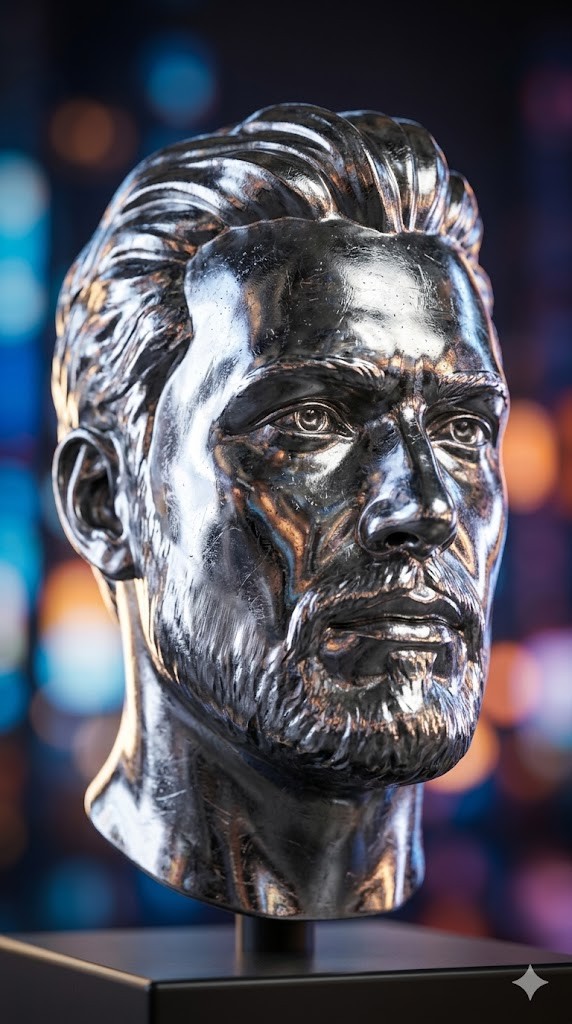
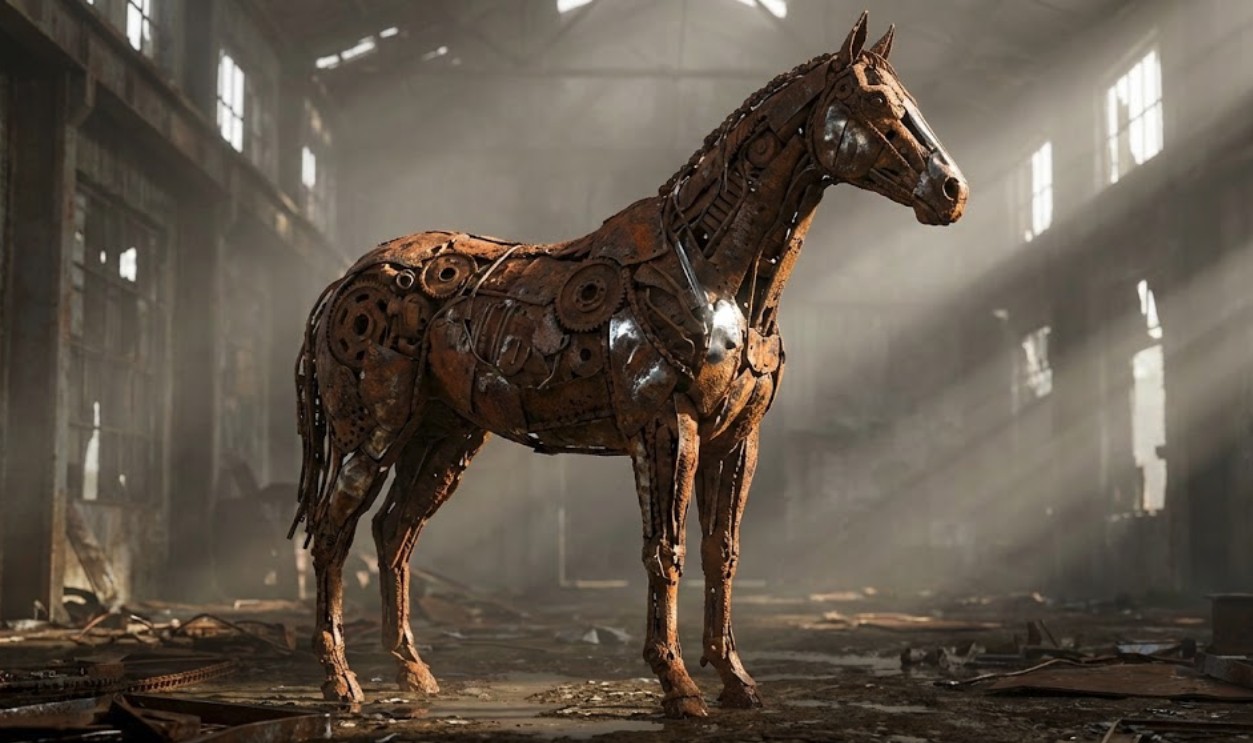
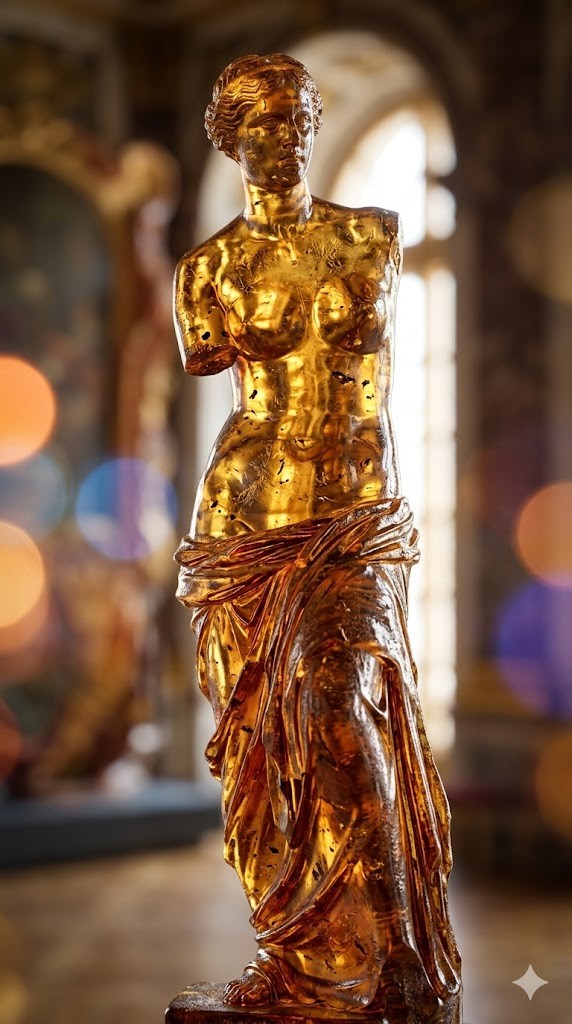
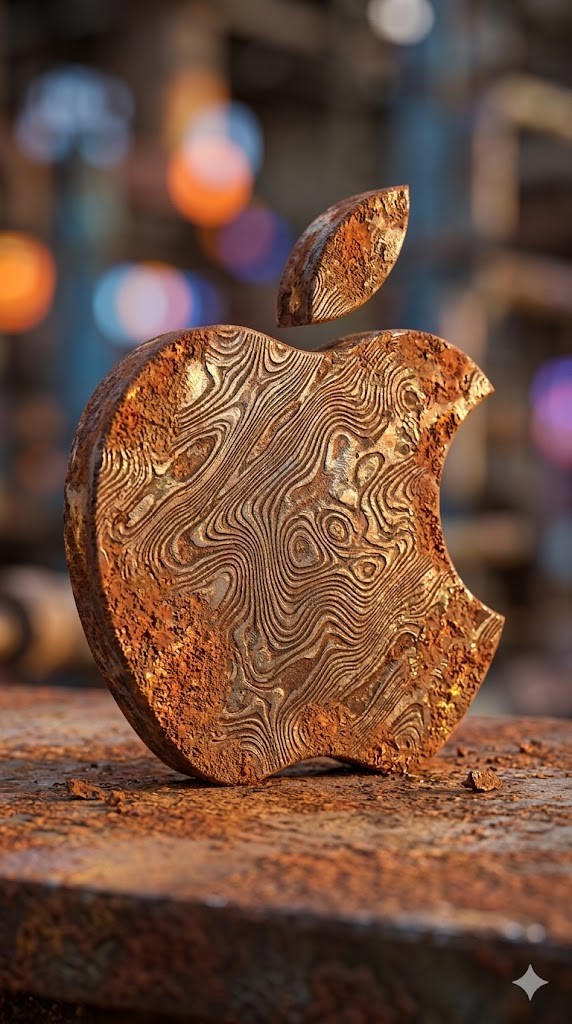
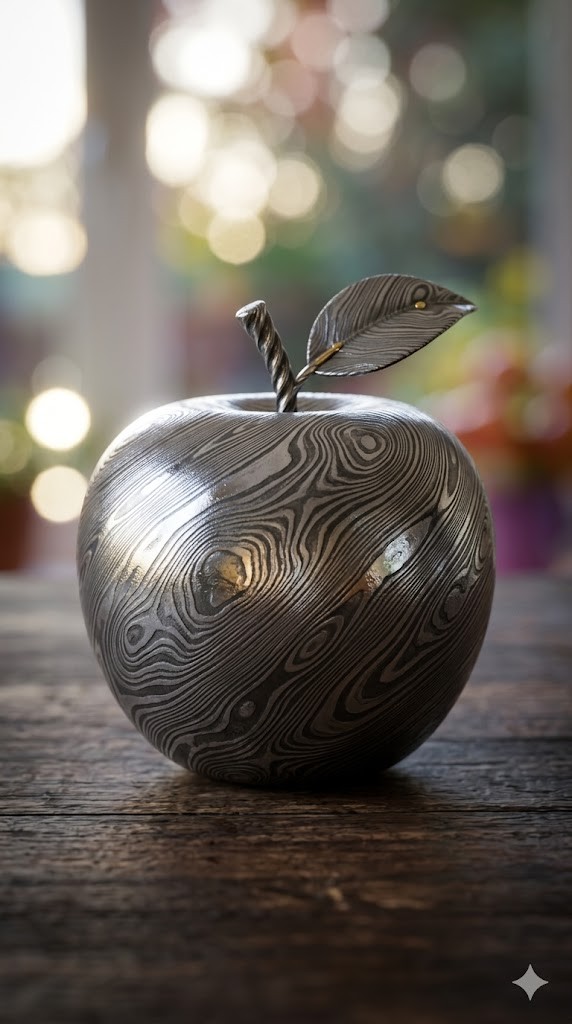

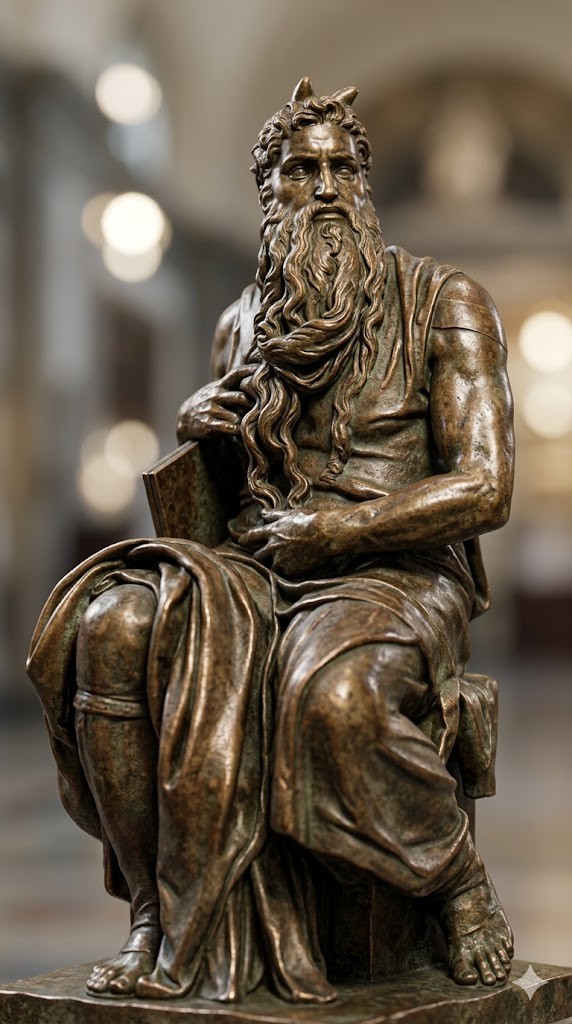
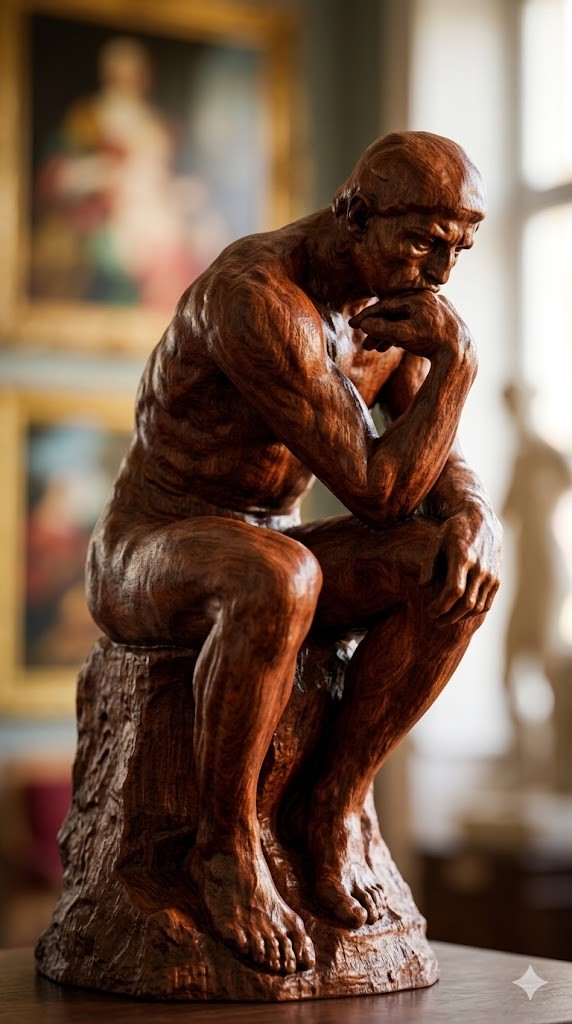
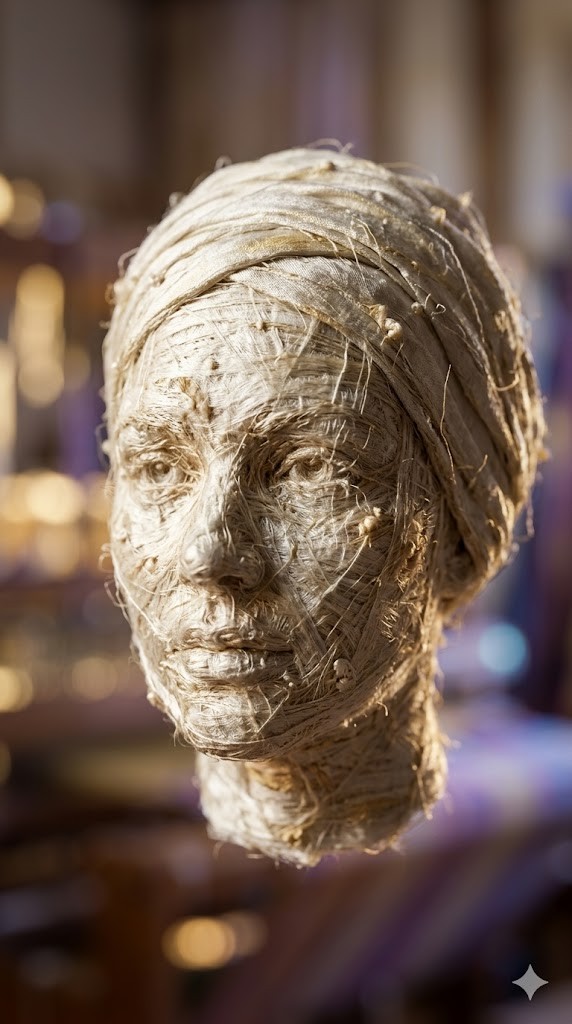
Create a photorealistic 3D render of a/the {{object: Female Head, Male Head, Human Hand, Human Foot, Sphere, Cube, Ball, Apple, Banana, Coffee Mug, Teapot, Book Stack, Chair, Table Lamp, Key, Padlock, Chess Piece, Seashell, Feather, Standing Horse, Cat, Dog, Bird, Fish, Turtle, Snail, The Thinker by Auguste Rodin, David by Michelangelo, Venus de Milo by Alexandros of Antioch, * Statue of Liberty by Frédéric Auguste Bartholdi, Pietà by Michelangelo, The Kiss by Auguste Rodin, Apollo and Daphne by Gian Lorenzo Bernini, Winged Victory of Samothrace, Discobolus by Myron, The Burghers of Calais by Auguste Rodin, Moses by Michelangelo}} made entirely of {{Material:[materials]}}.

To enhance the visual impact, apply a {{Effect:[visual_effects]}} to the image.

Focus on how light interacts with the {{Material:[materials]}} surface, capturing reflections, roughness, and texture details.

The aspect ratio of generated image is {{Aspect Ratios: [aspect_ratios]}}
Female Head, Male Head, Human Hand, Human Foot, Sphere, Cube, Ball, Apple
[materials]
[visual_effects]
[aspect_ratios]
Create a photorealistic 3D render of a/the Female Head made entirely of [materials].

To enhance the visual impact, apply a [visual_effects] to the image.

Focus on how light interacts with the [materials] surface, capturing reflections, roughness, and texture details.

The aspect ratio of generated image is [aspect_ratios]
As variáveis ficam entre {{ e }} e seguem este padrão:
Uma seleção pode fazer referência a uma lista de variáveis predefinida usando colchetes. Aparecem em [laranja] e fornecem valores comuns, como cores, tons ou idiomas.
Também pode fornecer uma lista de opções em linha, separadas por vírgulas.
Dica: não precisa da app PUCO para usar estes prompts! Basta copiar o modelo e substituir cada secção {{…}} pelo seu próprio texto diretamente no ChatGPT, Claude, Gemini ou qualquer outro assistente de IA.