เหมาะสำหรับ
- เริ่มจากพรอมต์ที่มีโครงสร้างและใช้ซ้ำได้ แทนที่จะเป็นแชทเปล่า
- ปรับพรอมต์ให้เข้ากับข้อมูลของคุณ โดยยังคงเจตนาเดิมไว้
- เวิร์กโฟลว์ที่เกี่ยวข้องกับ Software Development, Design & Art

สร้างภาพเรนเดอร์ 3D แบบสมจริงของประติมากรรมชื่อดัง สัตว์ และวัตถุเรขาคณิตในวัสดุที่หลากหลายพร้อมเอฟเฟกต์ทางแสง
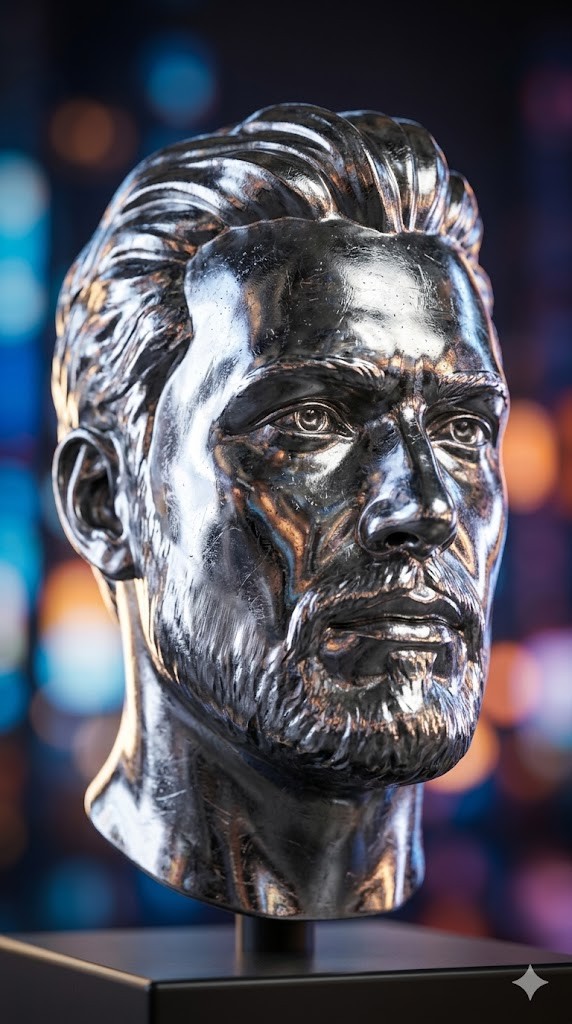
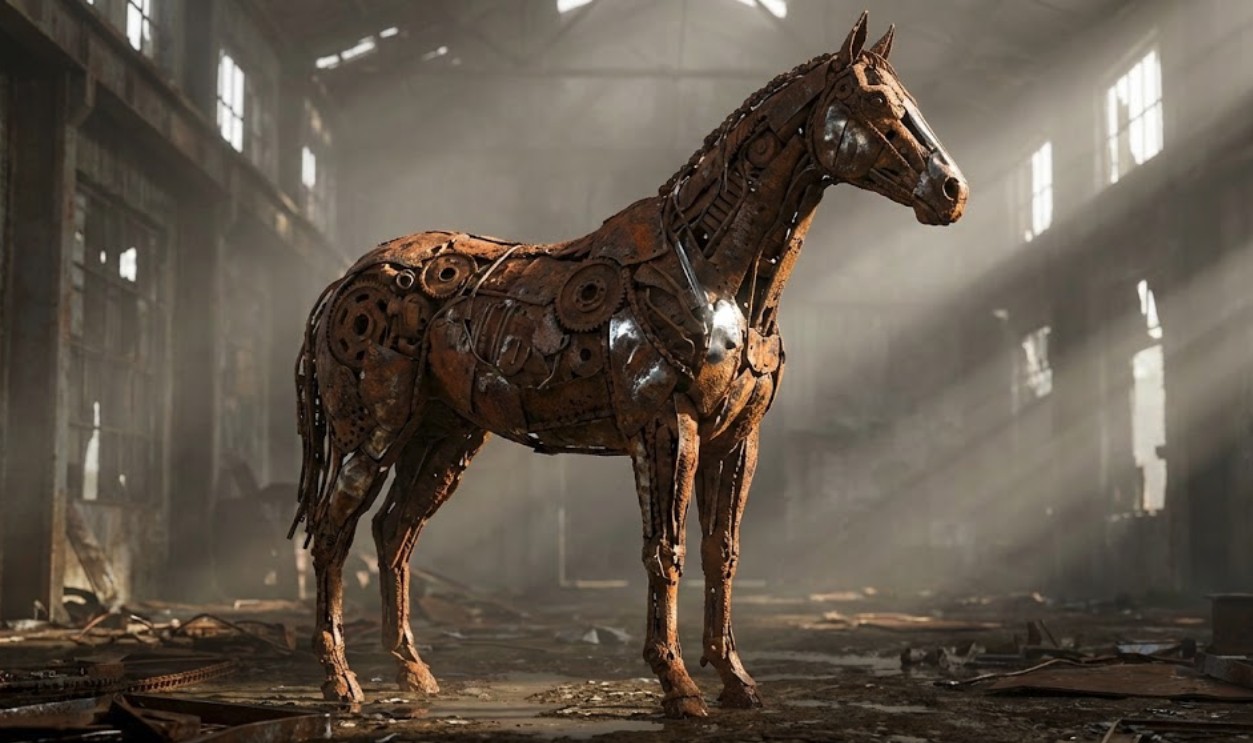
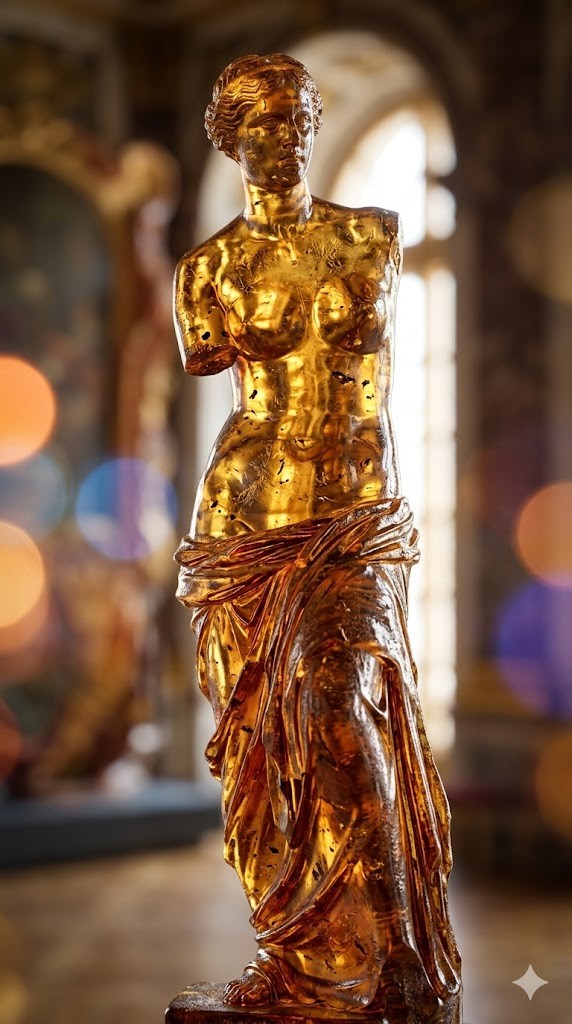
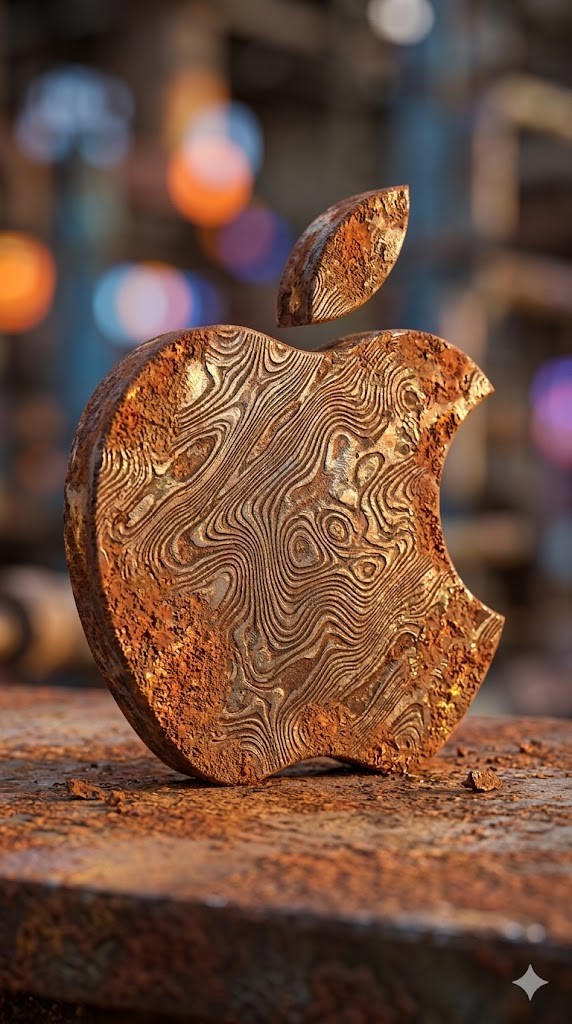
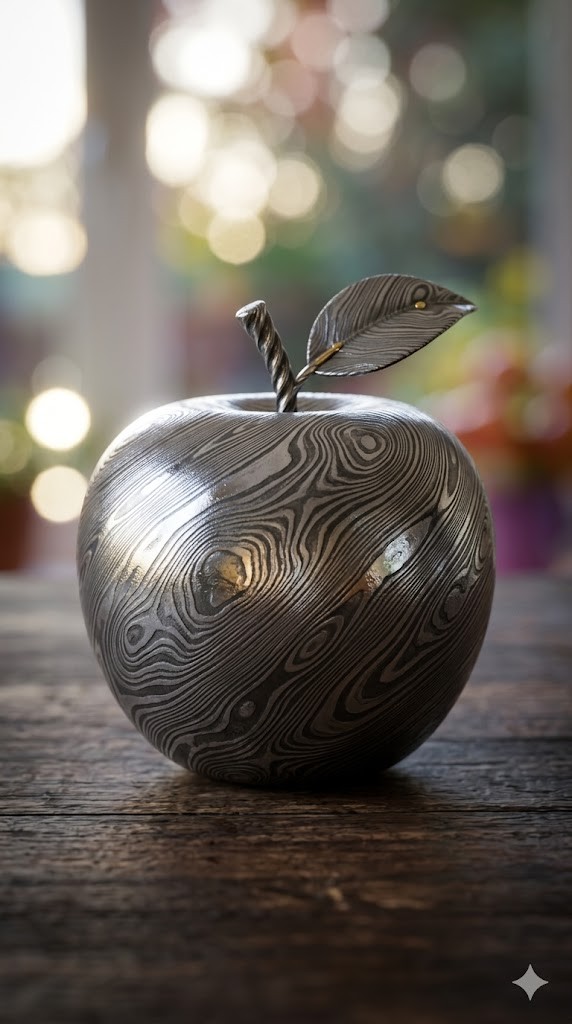

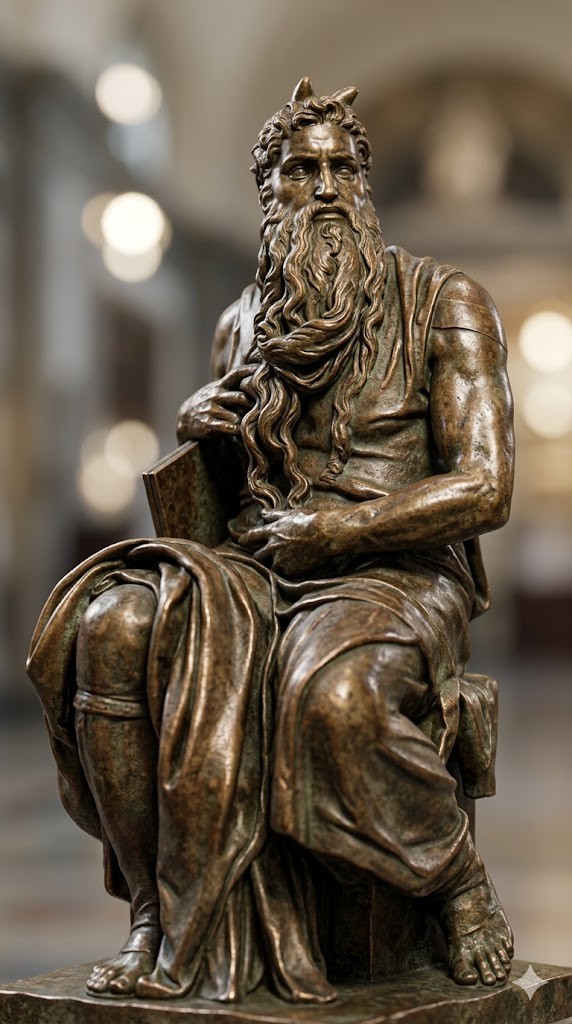
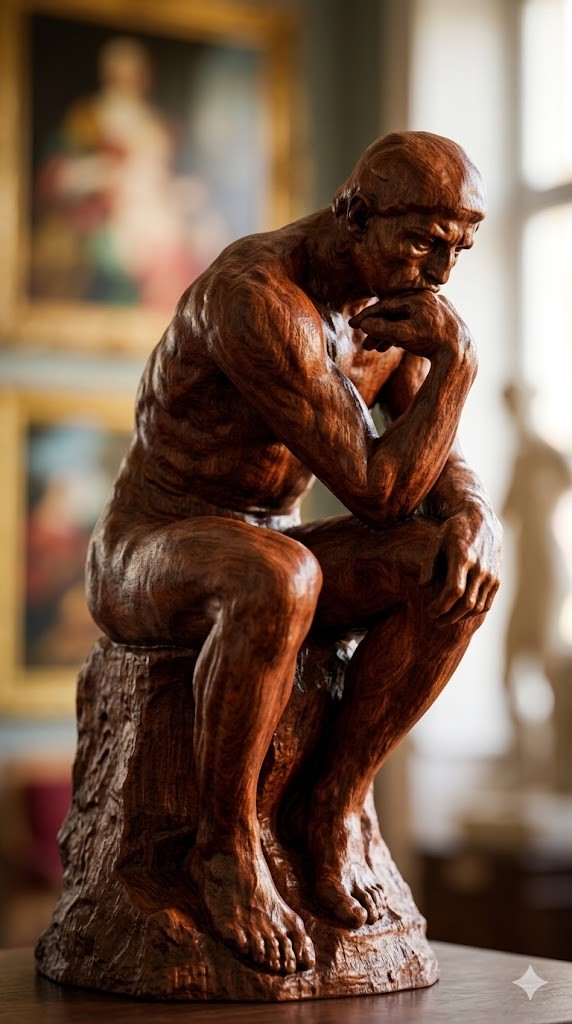
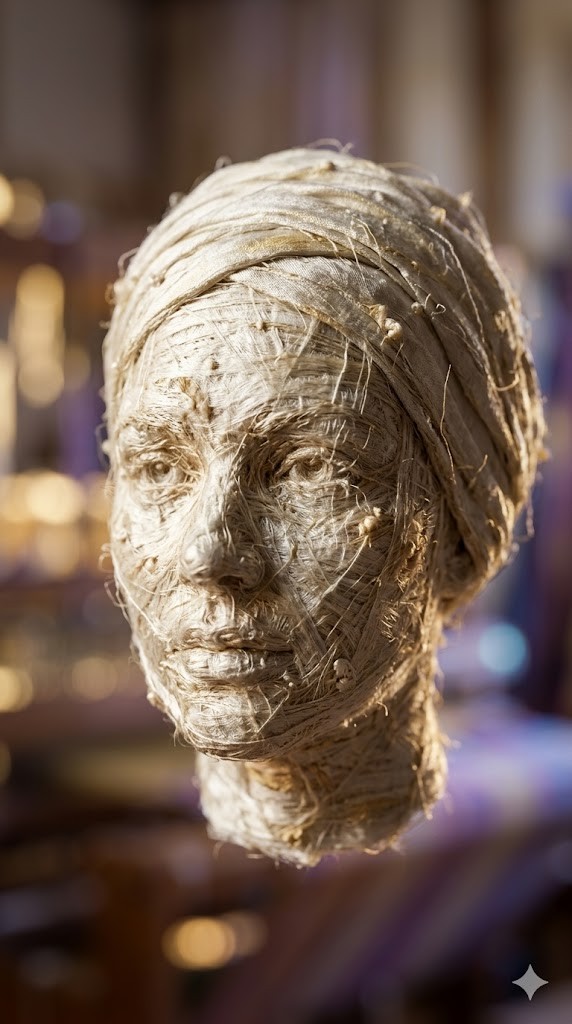
Create a photorealistic 3D render of a/the {{object: Female Head, Male Head, Human Hand, Human Foot, Sphere, Cube, Ball, Apple, Banana, Coffee Mug, Teapot, Book Stack, Chair, Table Lamp, Key, Padlock, Chess Piece, Seashell, Feather, Standing Horse, Cat, Dog, Bird, Fish, Turtle, Snail, The Thinker by Auguste Rodin, David by Michelangelo, Venus de Milo by Alexandros of Antioch, * Statue of Liberty by Frédéric Auguste Bartholdi, Pietà by Michelangelo, The Kiss by Auguste Rodin, Apollo and Daphne by Gian Lorenzo Bernini, Winged Victory of Samothrace, Discobolus by Myron, The Burghers of Calais by Auguste Rodin, Moses by Michelangelo}} made entirely of {{Material:[materials]}}.

To enhance the visual impact, apply a {{Effect:[visual_effects]}} to the image.

Focus on how light interacts with the {{Material:[materials]}} surface, capturing reflections, roughness, and texture details.

The aspect ratio of generated image is {{Aspect Ratios: [aspect_ratios]}}
Female Head, Male Head, Human Hand, Human Foot, Sphere, Cube, Ball, Apple
[materials]
[visual_effects]
[aspect_ratios]
Create a photorealistic 3D render of a/the Female Head made entirely of [materials].

To enhance the visual impact, apply a [visual_effects] to the image.

Focus on how light interacts with the [materials] surface, capturing reflections, roughness, and texture details.

The aspect ratio of generated image is [aspect_ratios]
ตัวแปรจะอยู่ภายใน {{ และ }} และเป็นไปตามรูปแบบนี้:
ตัวเลือกสามารถอ้างอิงรายการตัวแปรที่กำหนดไว้ล่วงหน้าโดยใช้วงเล็บเหลี่ยม ตัวเลือกเหล่านี้จะแสดงเป็น[สีส้ม]และให้ค่าที่ใช้บ่อย เช่น สี โทน หรือภาษา
คุณยังสามารถระบุรายการตัวเลือกแบบอินไลน์ โดยคั่นด้วยเครื่องหมายจุลภาคได้
เคล็ดลับ: คุณไม่จำเป็นต้องใช้แอป PUCO เพื่อใช้พรอมต์เหล่านี้! เพียงคัดลอกเทมเพลตและแทนที่แต่ละส่วน {{…}} ด้วยข้อความของคุณเองโดยตรงใน ChatGPT, Claude, Gemini หรือผู้ช่วย AI อื่น ๆ