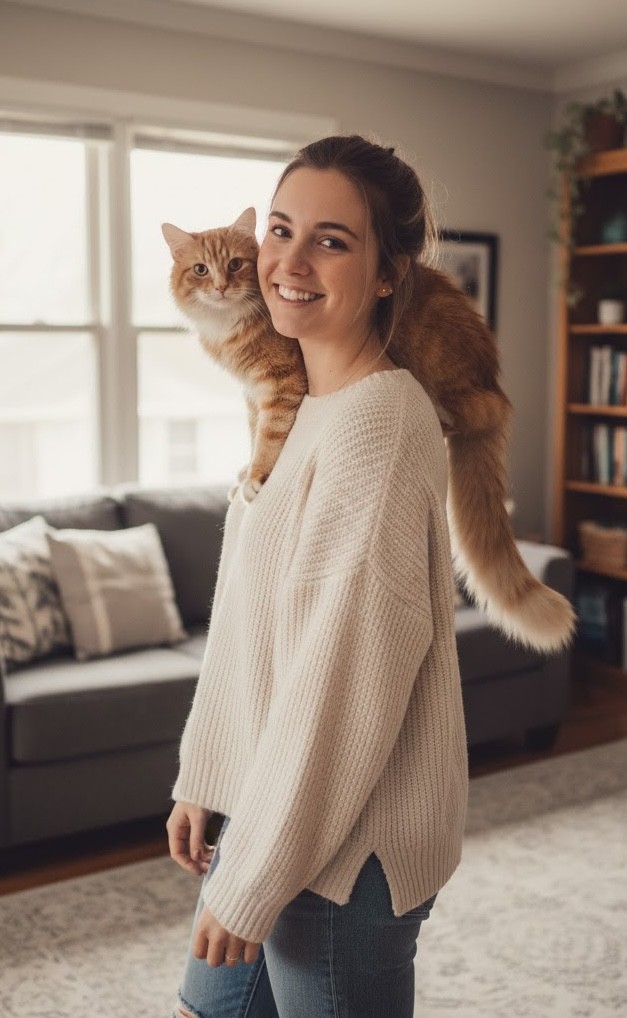
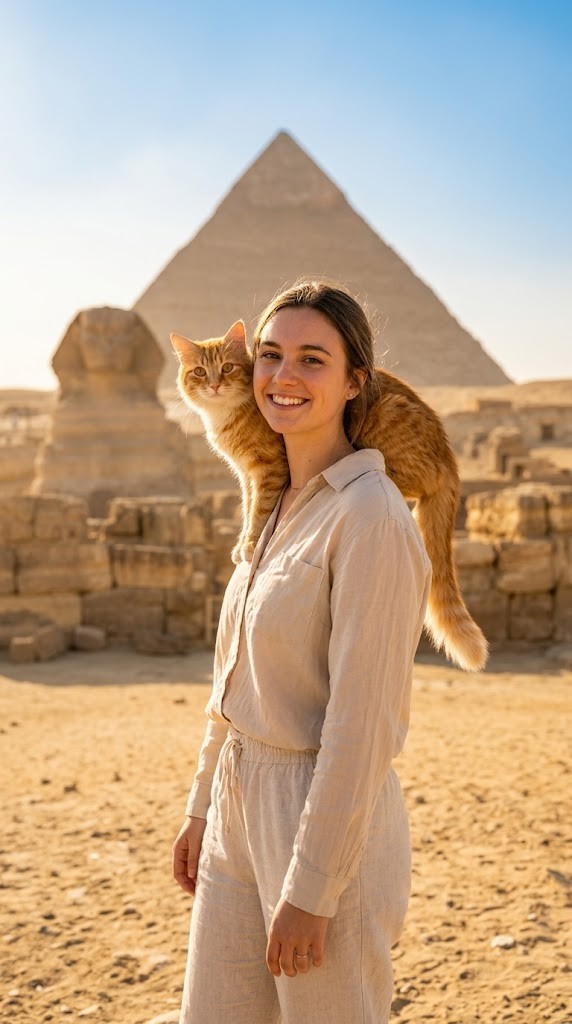
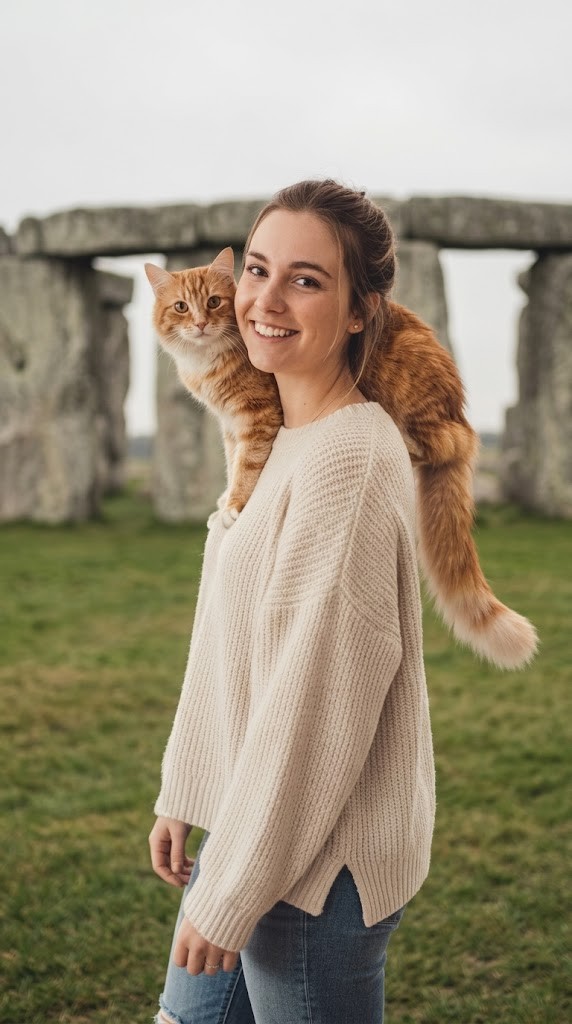
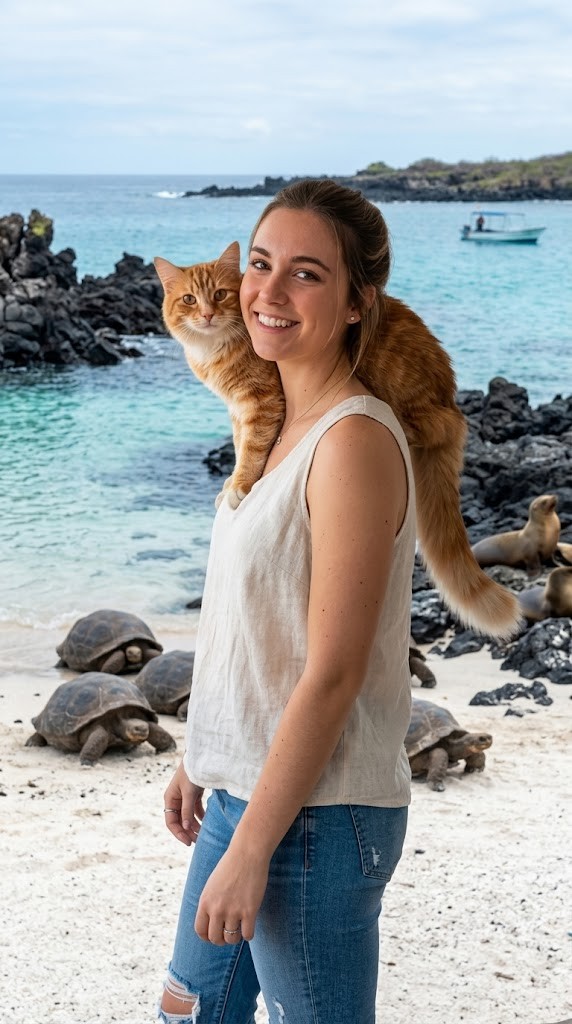
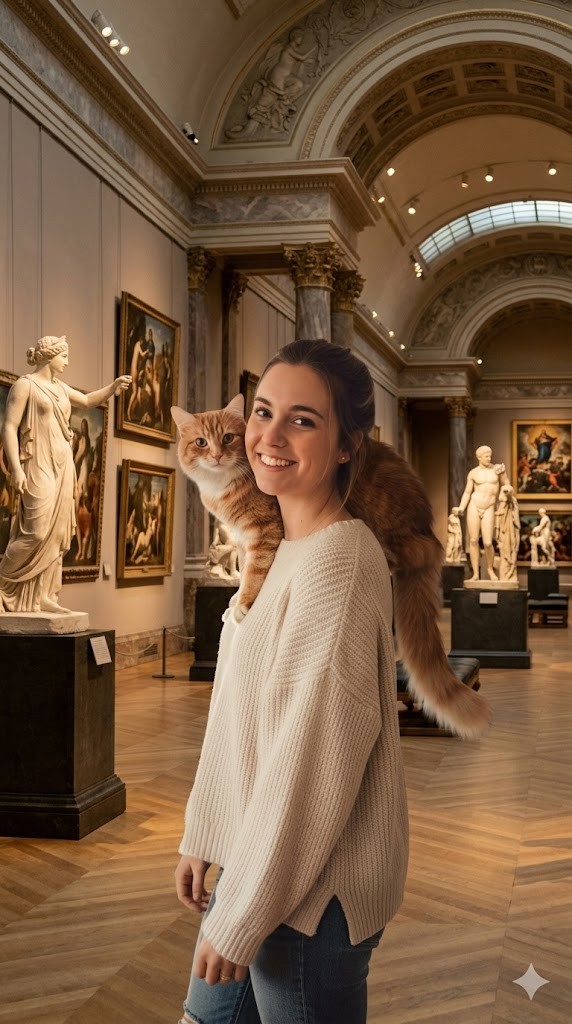
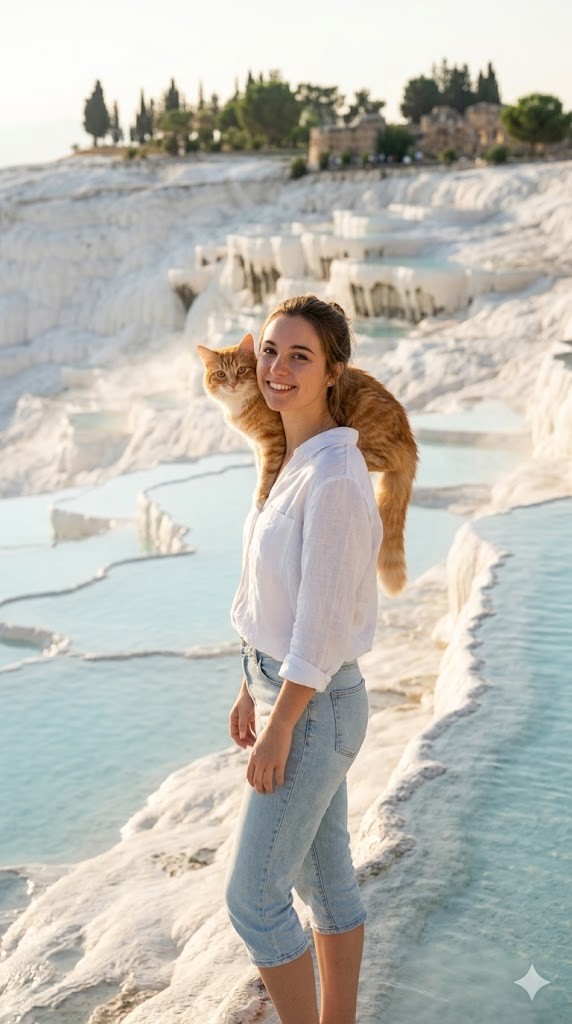
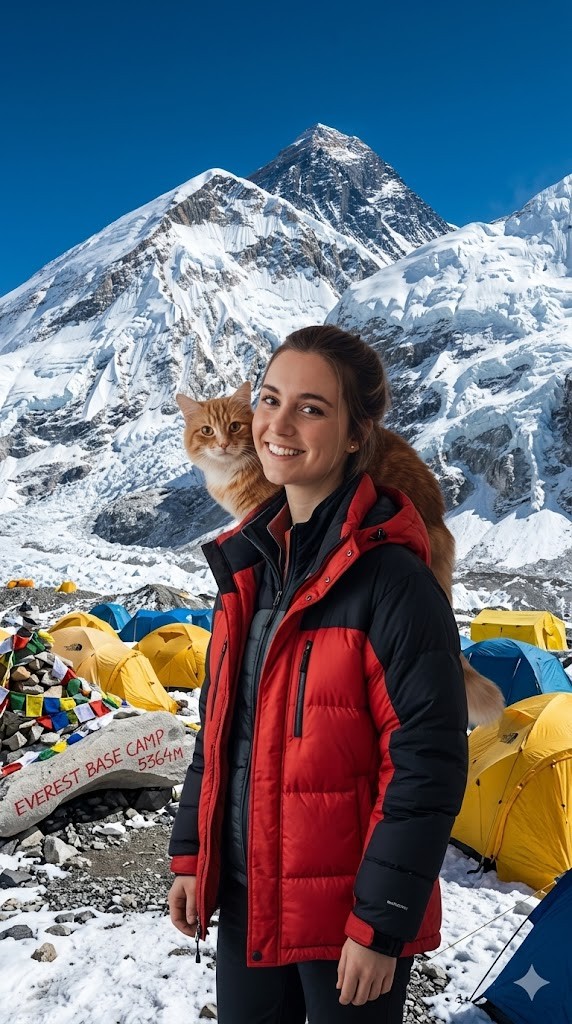
I have attached an image of myself. No public figures on the image. Please follow these steps:

Step 1: Analyze the visual environment of {{Destination:[tourist_destinations]}}, noting its iconic landmarks, typical lighting conditions, and architectural style.

Step 2: Use the attached image and the description from Step 1 to modify the background and adjust the lighting so it matches the background. If the clothing of the subject is not appropriate for the environment (e.g. warm coat at the beach), adjust the clothes accordingly.
Generate  a new version of the image where the subject appears to be visiting {{Destination:[tourist_destinations]}} and chose the Aspect ratio: {{Aspect Ratios: [aspect_ratios]}} Make sure it blends well with the backgrond
Guia do prompt
Ideal para
Começar a partir de um prompt estruturado e reutilizável em vez de um chat em branco.
Adaptar o prompt aos seus próprios dados, mantendo intacta a intenção original.
Fluxos de trabalho relacionados com Design & Art, Global Travel, Photography.
Como usar
Copie o modelo de prompt completo.
Substitua cada variável pelo seu próprio contexto ou escolha uma das opções sugeridas.
Cole o prompt concluído no ChatGPT, Claude, Gemini ou outro assistente de IA.
Variáveis neste prompt
DestinationLista predefinida
[tourist_destinations]
Aspect RatiosLista predefinida
[aspect_ratios]
Exemplo de ponto de partida
I have attached an image of myself. No public figures on the image. Please follow these steps:

Step 1: Analyze the visual environment of [tourist_destinations], noting its iconic landmarks, typical lighting conditions, and architectural style.

Step 2: Use the attached image and the description from Step 1 to modify the background and adjust the lighting so it matches the background. If the clothing of the subject is not appropriate for the environment (e.g. warm coat at the beach), adjust the clothes accordingly.
Generate  a new version of the image where the subject appears to be visiting [tourist_destinations] and chose the Aspect ratio: [aspect_ratios] Make sure it blends well with the backgrond
Como funcionam as variáveis
Sintaxe das variáveis
As variáveis ficam entre {{ e }} e seguem este padrão:
{{variable name: option1, option2, option3}}
Variáveis predefinidas
Uma seleção pode fazer referência a uma lista de variáveis predefinida usando colchetes. Aparecem em [laranja] e fornecem valores comuns, como cores, tons ou idiomas.
{{Tone: [tones]}}
Listas de seleção personalizadas
Também pode fornecer uma lista de opções em linha, separadas por vírgulas.
Dica: não precisa da app PUCO para usar estes prompts! Basta copiar o modelo e substituir cada secção {{…}} pelo seu próprio texto diretamente no ChatGPT, Claude, Gemini ou qualquer outro assistente de IA.
Prompts relacionados
Technical Infographic Generator
Combines realistic photography with hand-drawn technical annotations and schematic overlays on a clean white background.
Transforms a subject into a colossal, intricately detailed stained-glass window panel set within a massive Gothic cathedral, emphasizing physical realism and bioluminescent pigments[cite: 1].