适用场景
- 以结构化、可复用的提示词为起点,而非空白对话框。
- 根据自己的需求调整提示词,同时保持原始意图不变。
- 与Software Development, Design & Art相关的工作流。

创建著名雕塑、动物和几何物体的写实 3D 渲染,并呈现不同材质属性与光学效果。
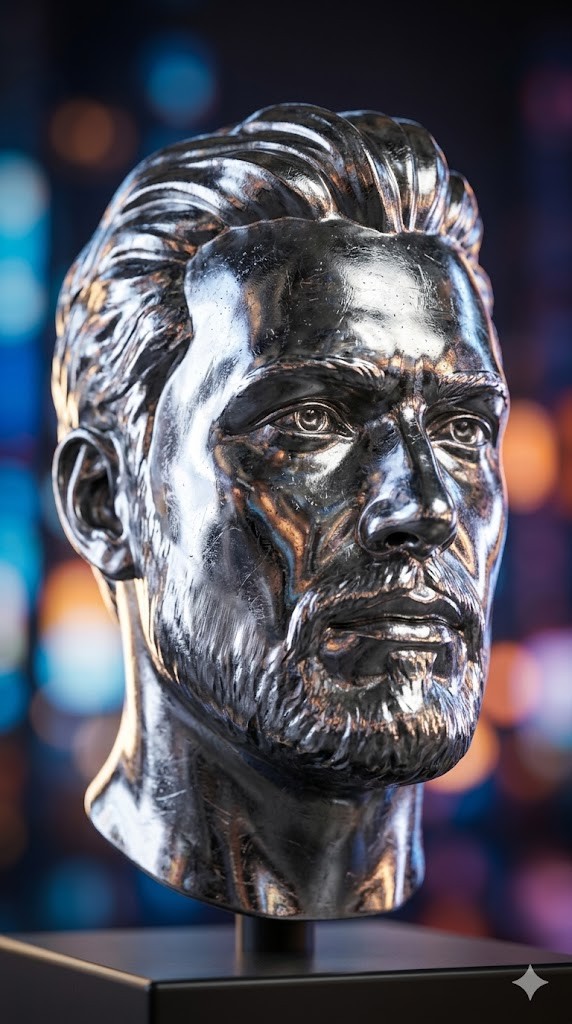
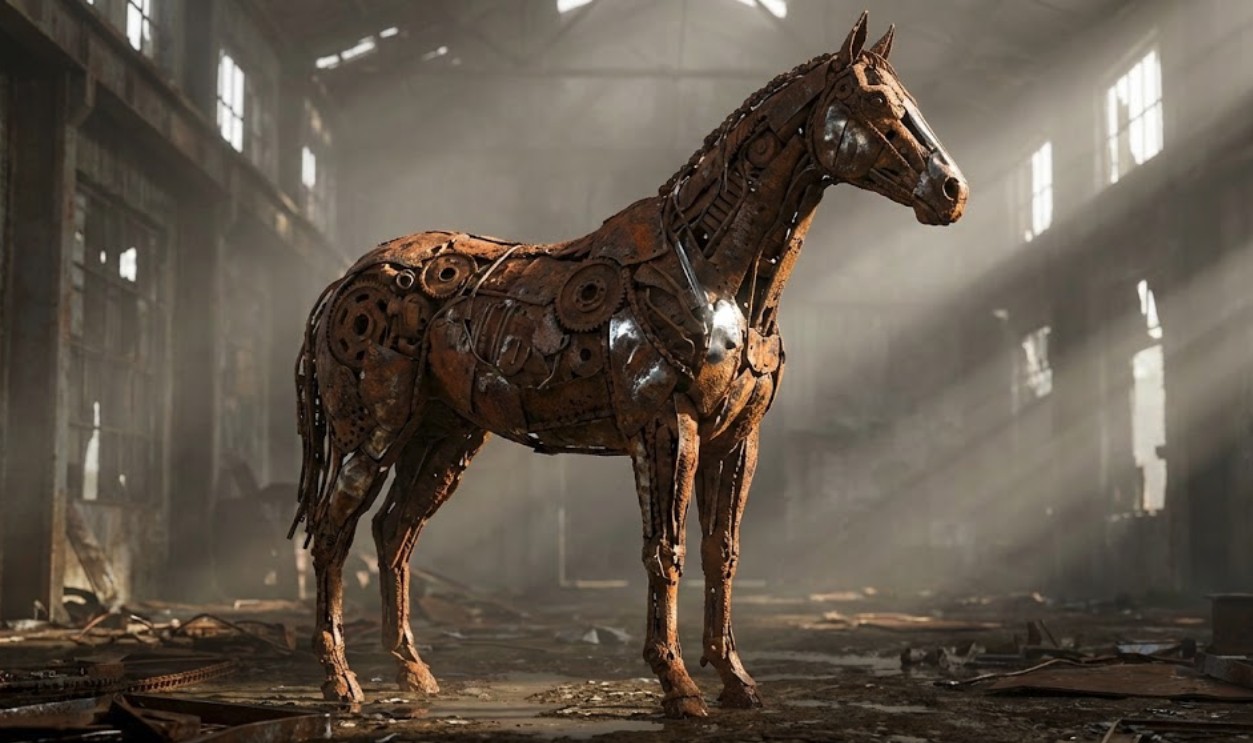
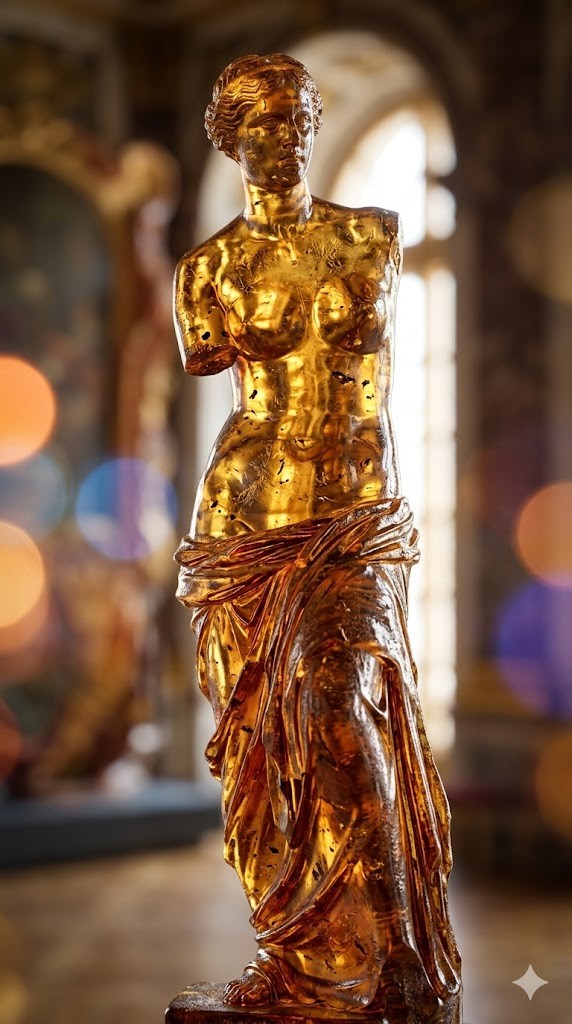
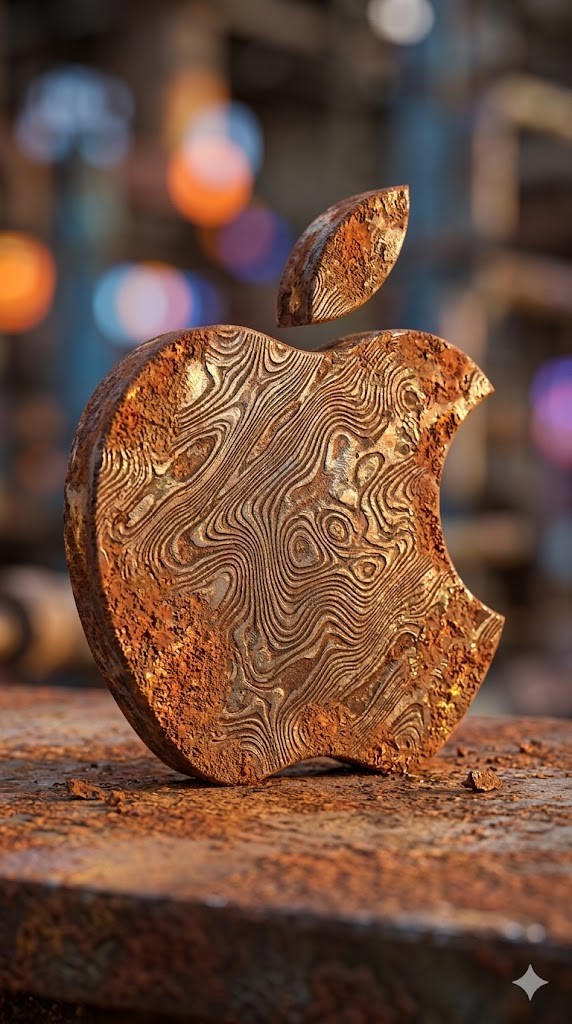
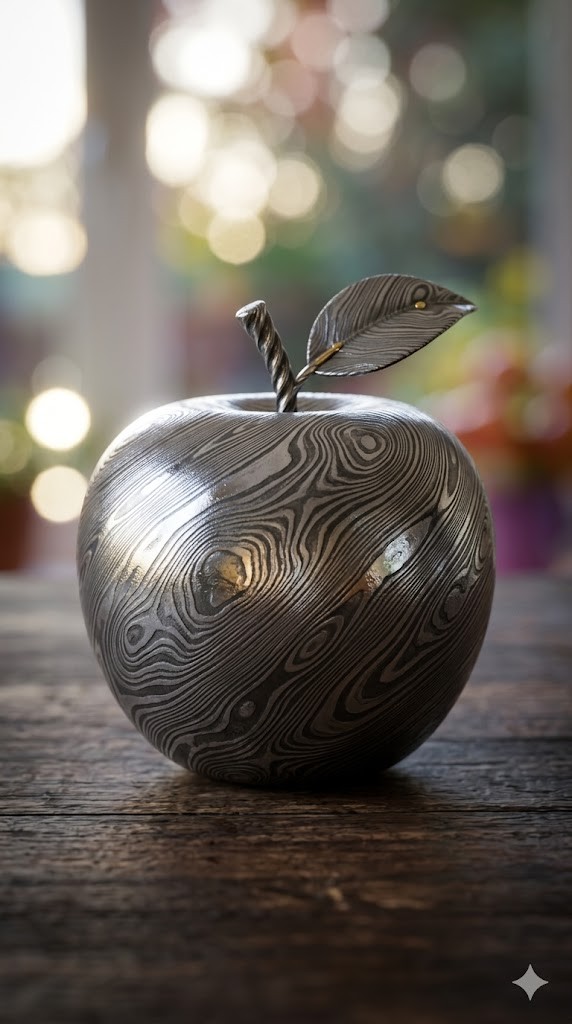
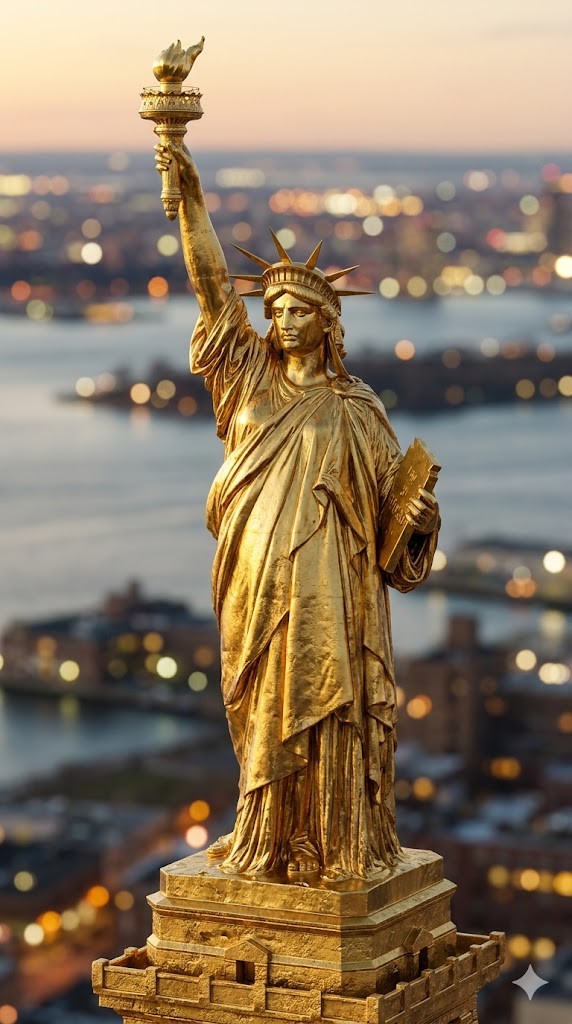
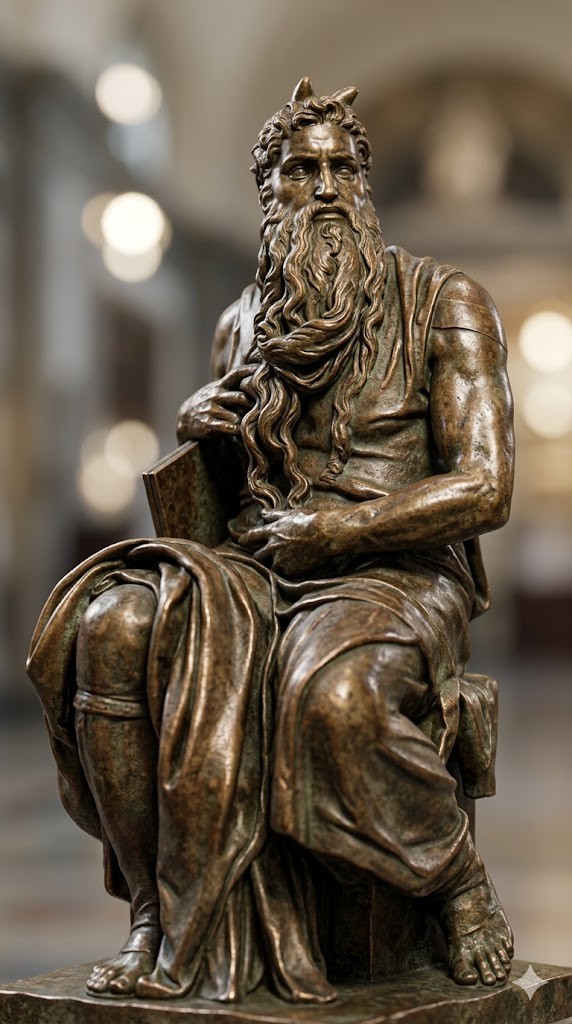
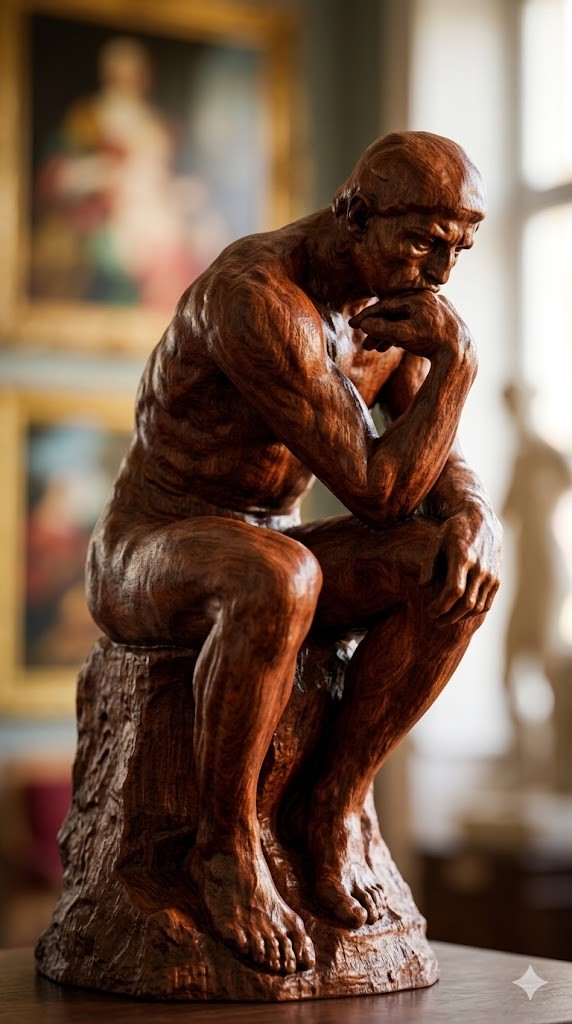
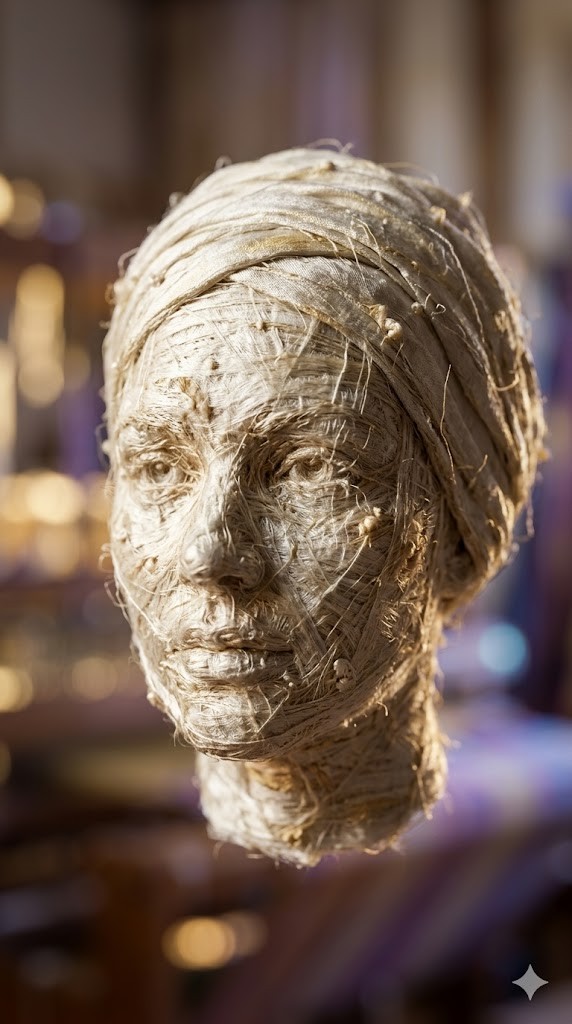
Create a photorealistic 3D render of a/the {{object: Female Head, Male Head, Human Hand, Human Foot, Sphere, Cube, Ball, Apple, Banana, Coffee Mug, Teapot, Book Stack, Chair, Table Lamp, Key, Padlock, Chess Piece, Seashell, Feather, Standing Horse, Cat, Dog, Bird, Fish, Turtle, Snail, The Thinker by Auguste Rodin, David by Michelangelo, Venus de Milo by Alexandros of Antioch, * Statue of Liberty by Frédéric Auguste Bartholdi, Pietà by Michelangelo, The Kiss by Auguste Rodin, Apollo and Daphne by Gian Lorenzo Bernini, Winged Victory of Samothrace, Discobolus by Myron, The Burghers of Calais by Auguste Rodin, Moses by Michelangelo}} made entirely of {{Material:[materials]}}.

To enhance the visual impact, apply a {{Effect:[visual_effects]}} to the image.

Focus on how light interacts with the {{Material:[materials]}} surface, capturing reflections, roughness, and texture details.

The aspect ratio of generated image is {{Aspect Ratios: [aspect_ratios]}}
Female Head, Male Head, Human Hand, Human Foot, Sphere, Cube, Ball, Apple
[materials]
[visual_effects]
[aspect_ratios]
Create a photorealistic 3D render of a/the Female Head made entirely of [materials].

To enhance the visual impact, apply a [visual_effects] to the image.

Focus on how light interacts with the [materials] surface, capturing reflections, roughness, and texture details.

The aspect ratio of generated image is [aspect_ratios]
变量被 {{ 和 }} 包裹,遵循以下格式:
选项可以通过方括号引用预定义变量列表。这些选项以[橙色]显示,提供颜色、语气或语言等常用值。
也可以提供以逗号分隔的内联选项列表。
提示:使用这些提示词无需 PUCO 应用!只需复制模板,直接在 ChatGPT、Claude、Gemini 或任何其他 AI 助手中将每个 {{…}} 部分替换为自己的文本。