Ideal para
- Começar a partir de um prompt estruturado e reutilizável em vez de um chat em branco.
- Adaptar o prompt aos seus próprios dados, mantendo intacta a intenção original.
- Fluxos de trabalho relacionados com Design & Art.

Gera pôsteres infográficos profissionais em estilo editorial com títulos, estilos e esquemas de cores personalizáveis.
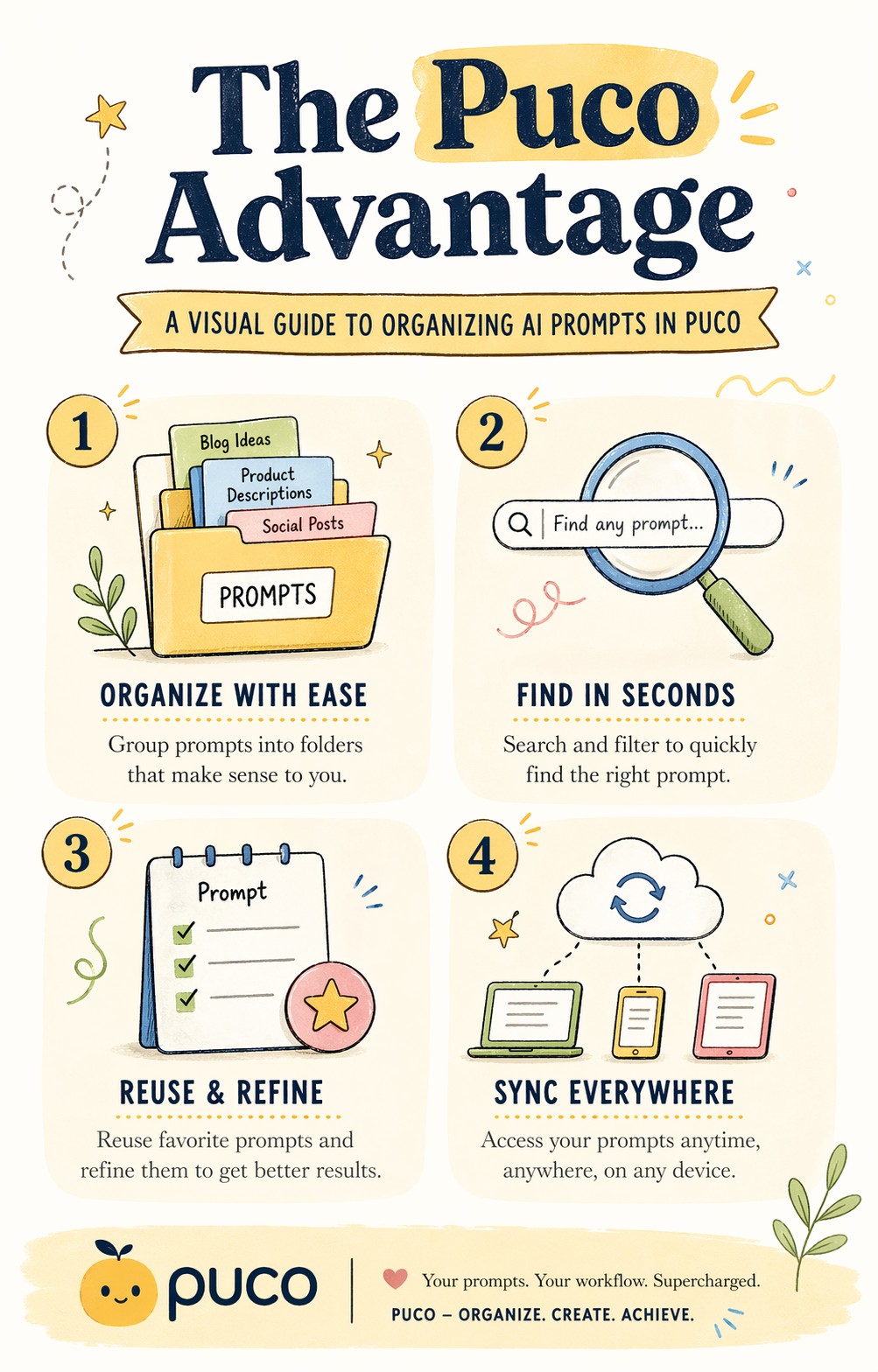
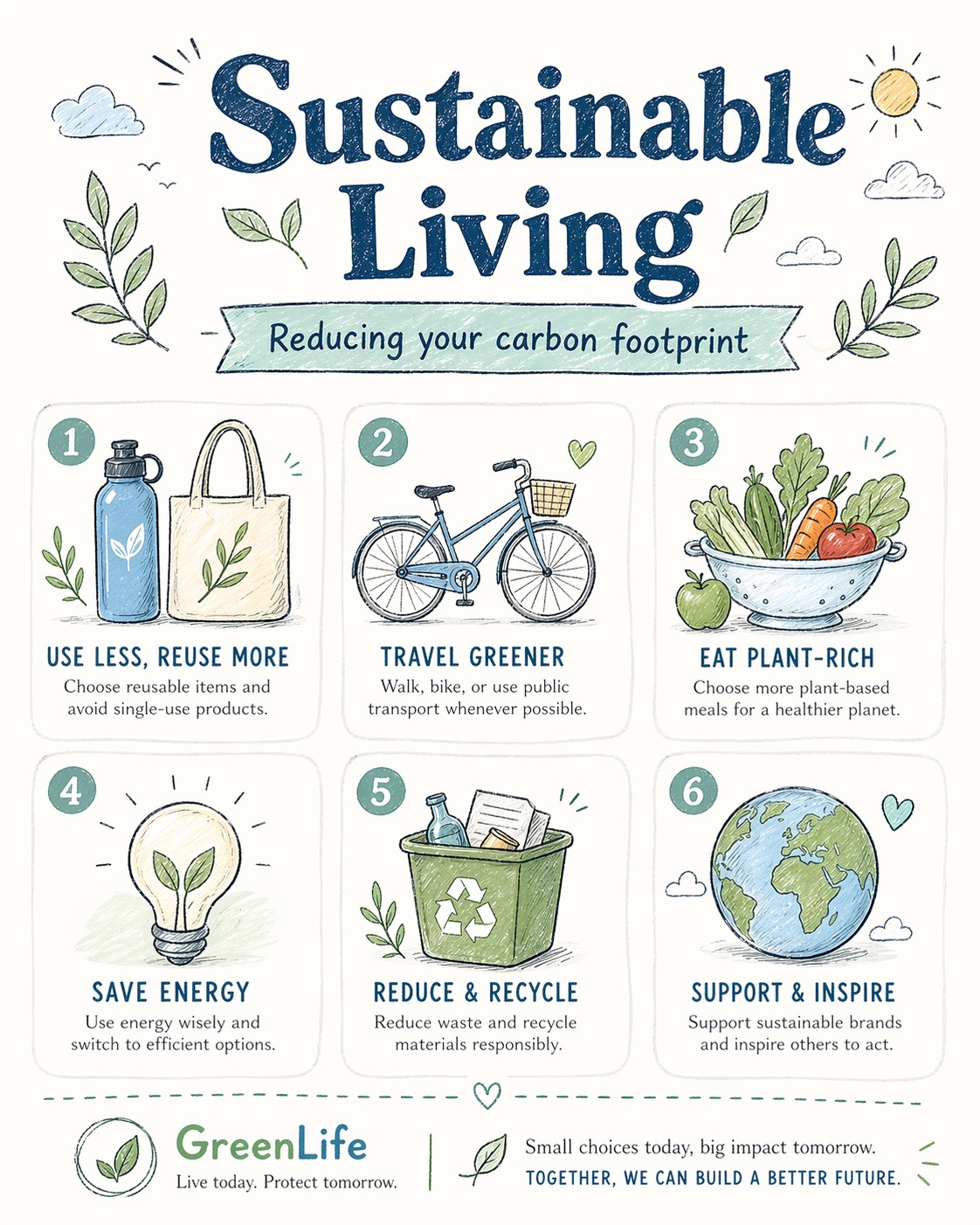
A bright, illustrated infographic poster titled "{{Headline: The Puco Workflow, Future of AI, Mastering Prompts, Digital Nomad Life, Sustainable Living, Tech Trends 2024, Productivity Hacks, Creative Mindset, Healthy Habits, Coding Best Practices}}". Sub headline: {{Sub headline: A guide to prompt engineering, How to scale your business, The evolution of neural networks, Tips for remote workers, Reducing your carbon footprint, Top gadgets this year, Time management techniques, Unlocking your potential, Meal prep for beginners, Debugging like a pro}}. Style: {{Style: Editorial Flat Design, Bauhaus Geometric, Retro Vaporwave, Minimalist Line Art, Corporate Memphis, Hand-Drawn Sketch, Cyberpunk Vector, Swiss Modernism}} — hand-drawn icons, playful but professional, similar to a Behance-award-winning social graphic. Color palette: {{Color Palette: Warm Pastels, Earthy Tones, Neon Cyber, Monochrome Blue, Sunset Gradient, Forest Green & Gold, Nordic Cool, Vibrant Pop Art}} on an off-white background. Layout: {{Section Count:4}} sections, each with a small icon and 2-line label. Title at top in bold playful serif. Footer with subtle branding area. Typography: mix of rounded sans-serif (headers) and light serif (body). All text clearly readable. Aspect ratio: {{Aspect Ratio: 4:5, 1:1, 16:9, 9:16}}. Negative constraints: no photorealism, no dark tones, no clipart, no blurry text, no stock-illustration generic look.
The Puco Workflow, Future of AI, Mastering Prompts, Digital Nomad Life, Sustainable Living, Tech Trends 2024, Productivity Hacks, Creative Mindset
A guide to prompt engineering, How to scale your business, The evolution of neural networks, Tips for remote workers, Reducing your carbon footprint, Top gadgets this year, Time management techniques, Unlocking your potential
Editorial Flat Design, Bauhaus Geometric, Retro Vaporwave, Minimalist Line Art, Corporate Memphis, Hand-Drawn Sketch, Cyberpunk Vector, Swiss Modernism
Warm Pastels, Earthy Tones, Neon Cyber, Monochrome Blue, Sunset Gradient, Forest Green & Gold, Nordic Cool, Vibrant Pop Art
4
4:5, 1:1, 16:9, 9:16
A bright, illustrated infographic poster titled "The Puco Workflow". Sub headline: A guide to prompt engineering. Style: Editorial Flat Design — hand-drawn icons, playful but professional, similar to a Behance-award-winning social graphic. Color palette: Warm Pastels on an off-white background. Layout: 4 sections, each with a small icon and 2-line label. Title at top in bold playful serif. Footer with subtle branding area. Typography: mix of rounded sans-serif (headers) and light serif (body). All text clearly readable. Aspect ratio: 4:5. Negative constraints: no photorealism, no dark tones, no clipart, no blurry text, no stock-illustration generic look.
As variáveis ficam entre {{ e }} e seguem este padrão:
Uma seleção pode fazer referência a uma lista de variáveis predefinida usando colchetes. Aparecem em [laranja] e fornecem valores comuns, como cores, tons ou idiomas.
Também pode fornecer uma lista de opções em linha, separadas por vírgulas.
Dica: não precisa da app PUCO para usar estes prompts! Basta copiar o modelo e substituir cada secção {{…}} pelo seu próprio texto diretamente no ChatGPT, Claude, Gemini ou qualquer outro assistente de IA.