Ideal para
- Começar a partir de um prompt estruturado e reutilizável em vez de um chat em branco.
- Adaptar o prompt aos seus próprios dados, mantendo intacta a intenção original.
- Fluxos de trabalho relacionados com Creative & Visuals.

Gera uma cena miniatura 3D isométrica de uma cidade que incorpora visualmente condições climáticas específicas e metadados tipográficos.
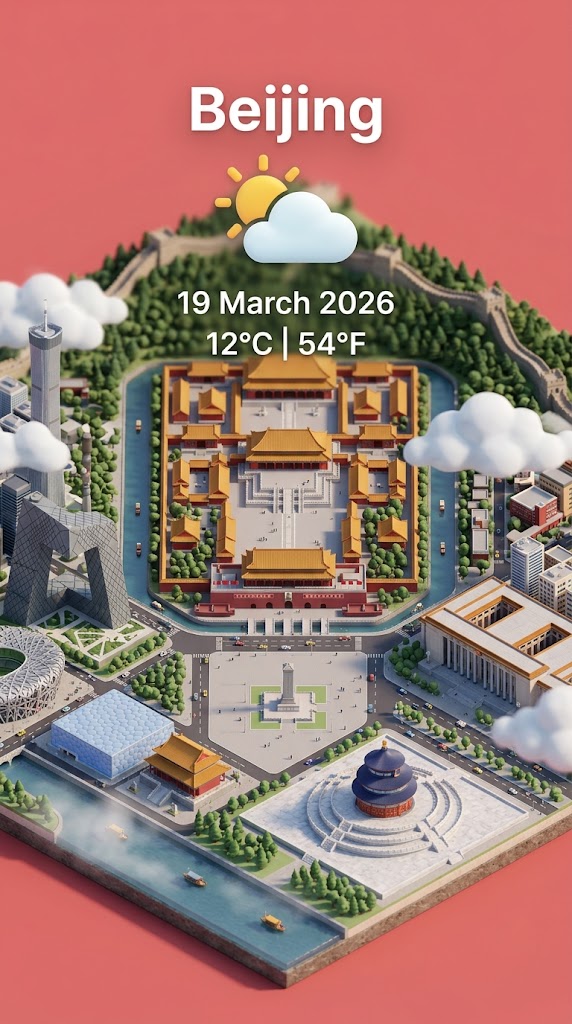
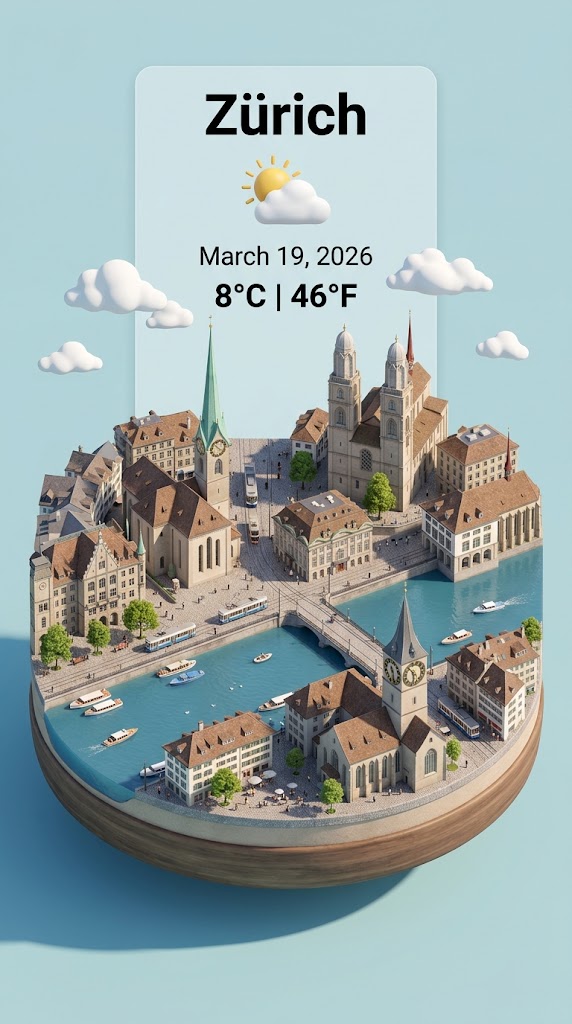
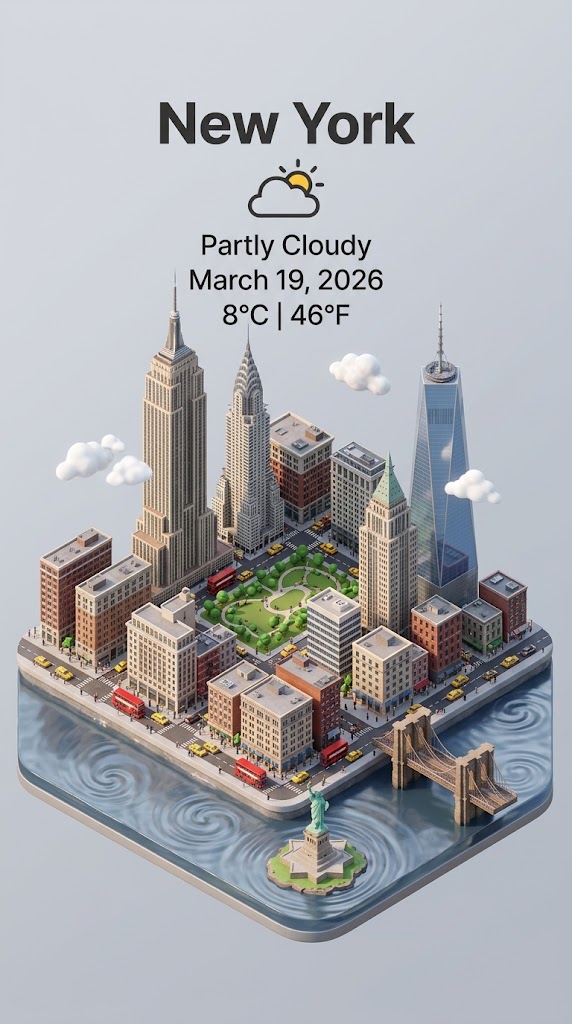
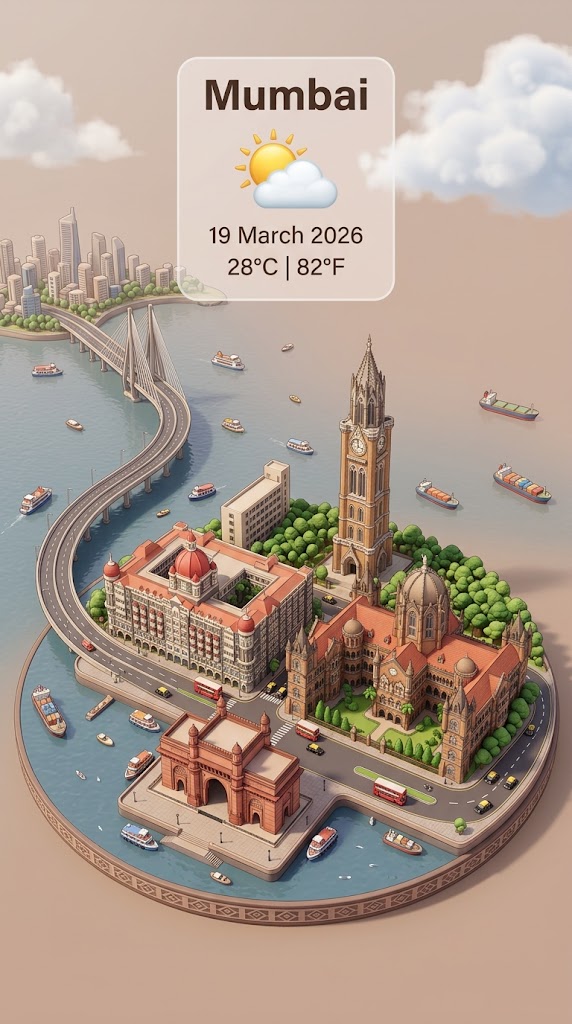
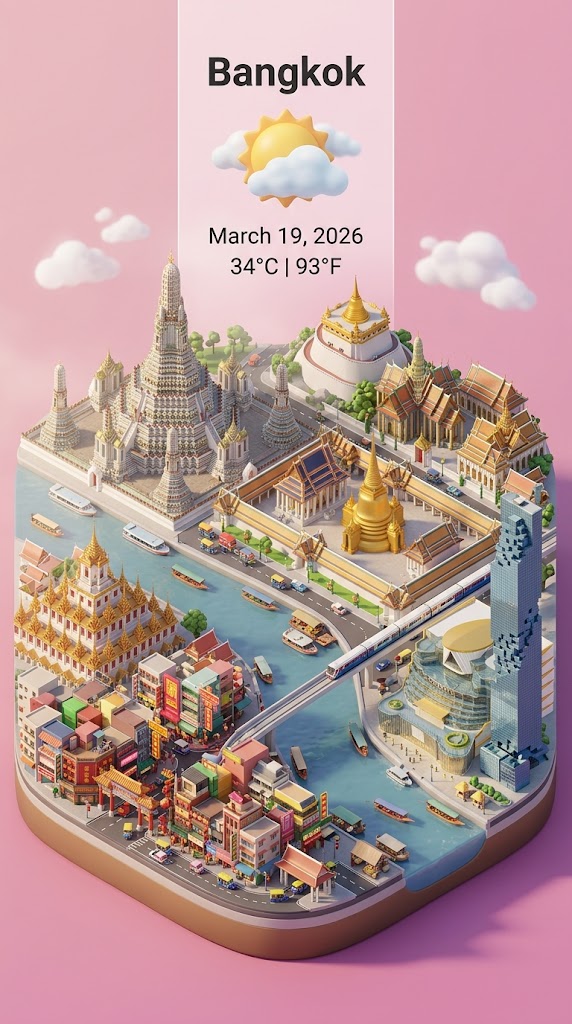
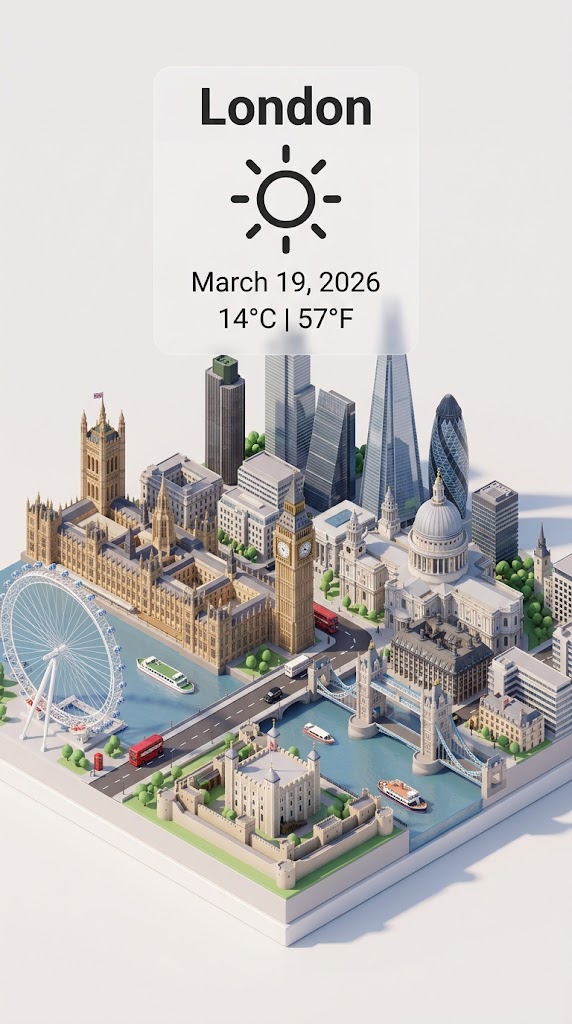
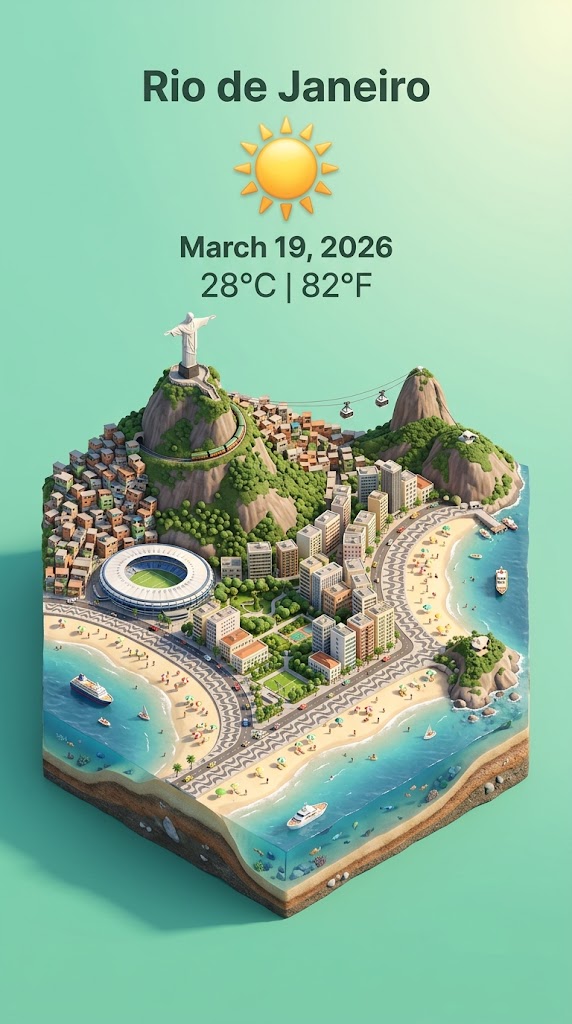
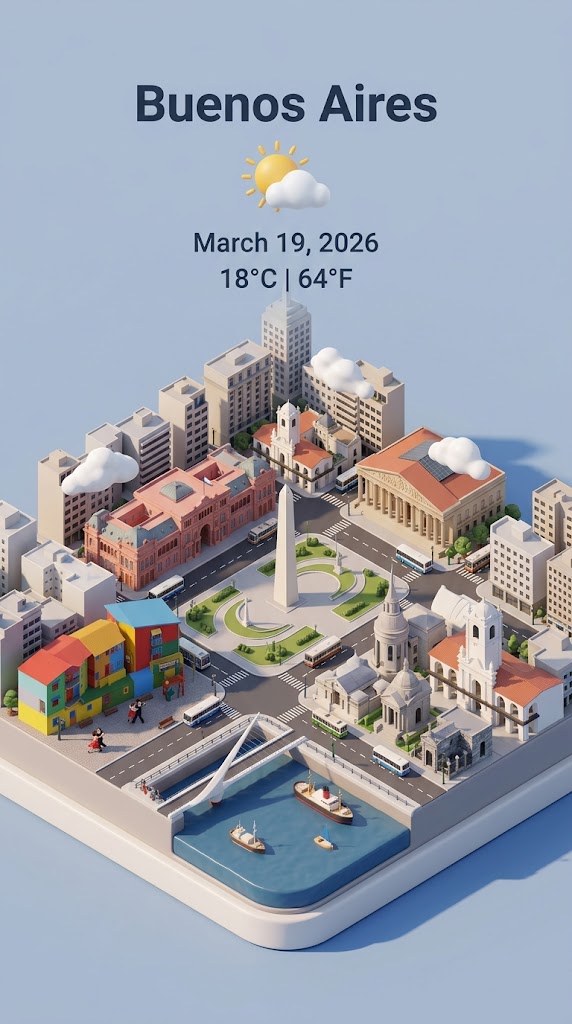
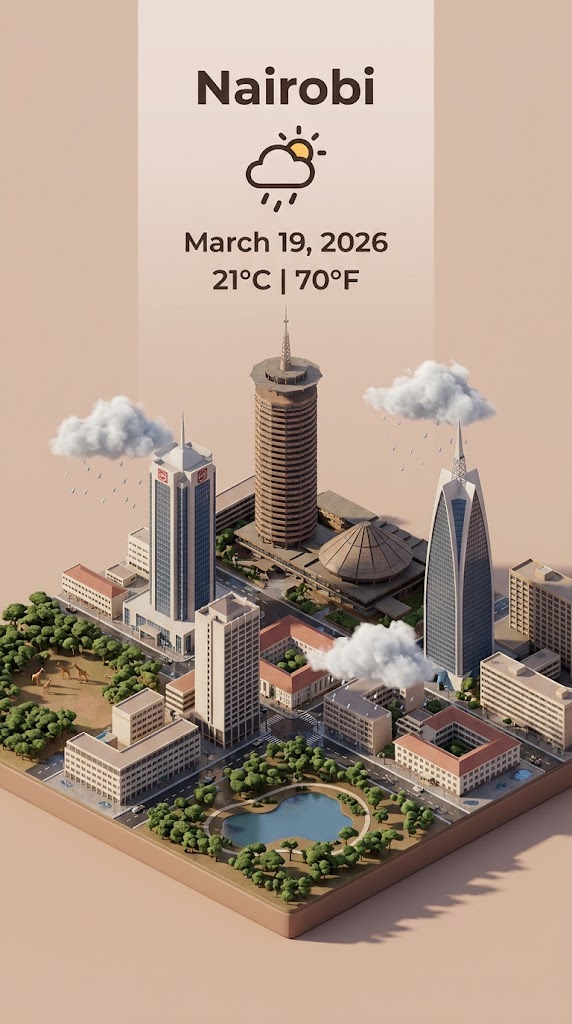
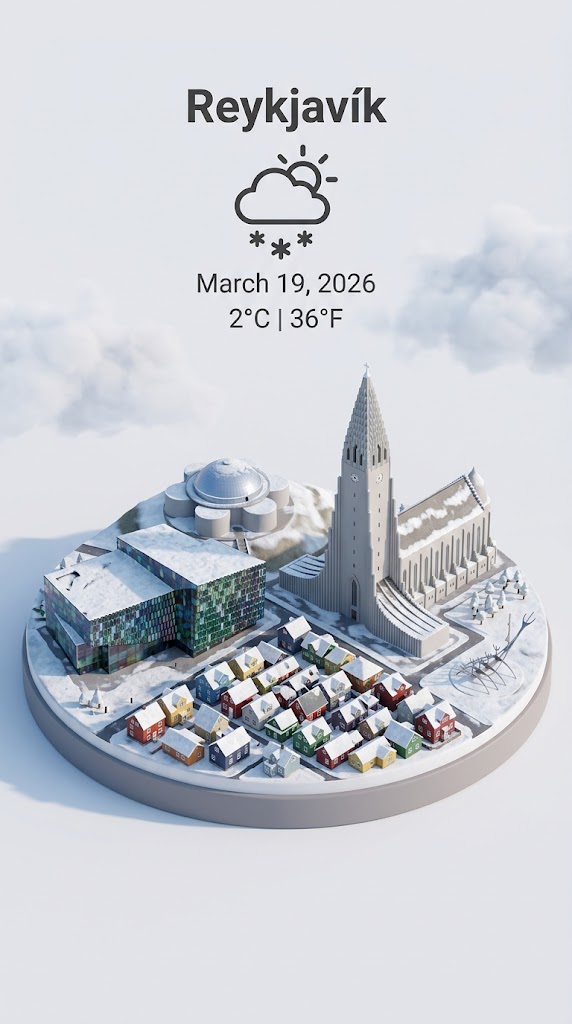
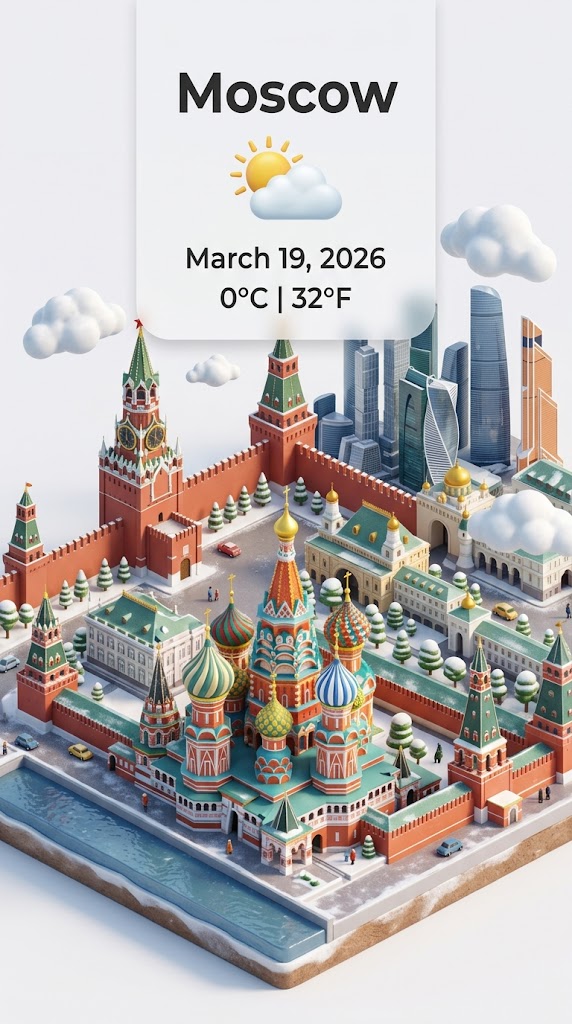
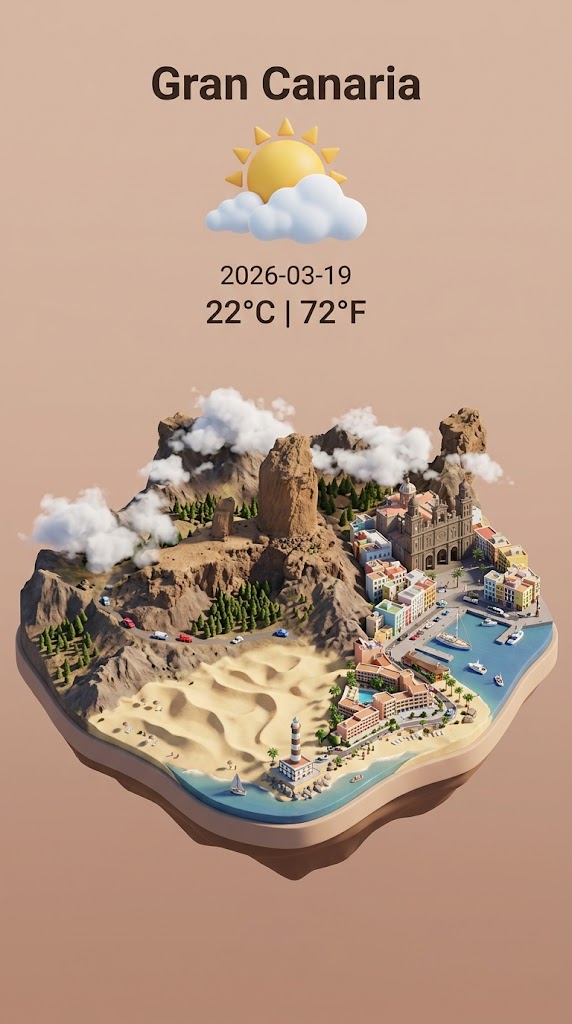
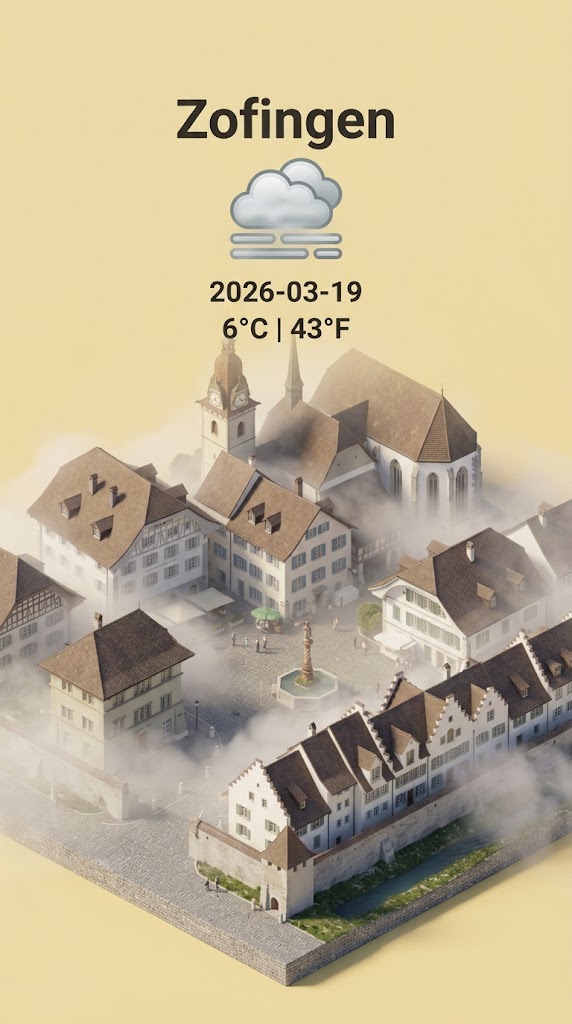
Step 1: retrieve the weather conditions and temperature of {{City: e.g. Zürich}} on the date  {{date: today}}.

Step 2:

Present a clear, 45° top-down isometric miniature 3D cartoon scene of {{City}} featuring its most iconic landmarks and architectural elements. Use soft, refined textures with realistic PBR materials and gentle, lifelike lighting and shadows.

Use the weather conditions to create an immersive atmospheric mood.

Use a clean, minimalistic composition with pastel {{Colors: [colors]}} background. At the top-center, place the title {{City}} in large bold text, a prominent weather icon beneath it, then the date {{date}} (format the date according to my locale - just the date, no time) and temperature in ° Celsius and Fahrenheit

All text must be centered with consistent spacing and may subtly overlap the tops of the buildings. Dimension: {{Image Sizes: [image_sizes]}}.
e.g. Zürich
today
[colors]
[image_sizes]
Step 1: retrieve the weather conditions and temperature of e.g. Zürich on the date  today.

Step 2:

Present a clear, 45° top-down isometric miniature 3D cartoon scene of e.g. Zürich featuring its most iconic landmarks and architectural elements. Use soft, refined textures with realistic PBR materials and gentle, lifelike lighting and shadows.

Use the weather conditions to create an immersive atmospheric mood.

Use a clean, minimalistic composition with pastel [colors] background. At the top-center, place the title e.g. Zürich in large bold text, a prominent weather icon beneath it, then the date today (format the date according to my locale - just the date, no time) and temperature in ° Celsius and Fahrenheit

All text must be centered with consistent spacing and may subtly overlap the tops of the buildings. Dimension: [image_sizes].
As variáveis ficam entre {{ e }} e seguem este padrão:
Uma seleção pode fazer referência a uma lista de variáveis predefinida usando colchetes. Aparecem em [laranja] e fornecem valores comuns, como cores, tons ou idiomas.
Também pode fornecer uma lista de opções em linha, separadas por vírgulas.
Dica: não precisa da app PUCO para usar estes prompts! Basta copiar o modelo e substituir cada secção {{…}} pelo seu próprio texto diretamente no ChatGPT, Claude, Gemini ou qualquer outro assistente de IA.