Ideal para
- Começar a partir de um prompt estruturado e reutilizável em vez de um chat em branco.
- Adaptar o prompt aos seus próprios dados, mantendo intacta a intenção original.
- Fluxos de trabalho relacionados com Fun & Casual, Design & Art.

Transforma uma foto anexada no estilo visual de um universo de comic escolhido, analisando primeiro o estilo artístico e depois gerando um prompt de imagem detalhado que replique esse estilo.
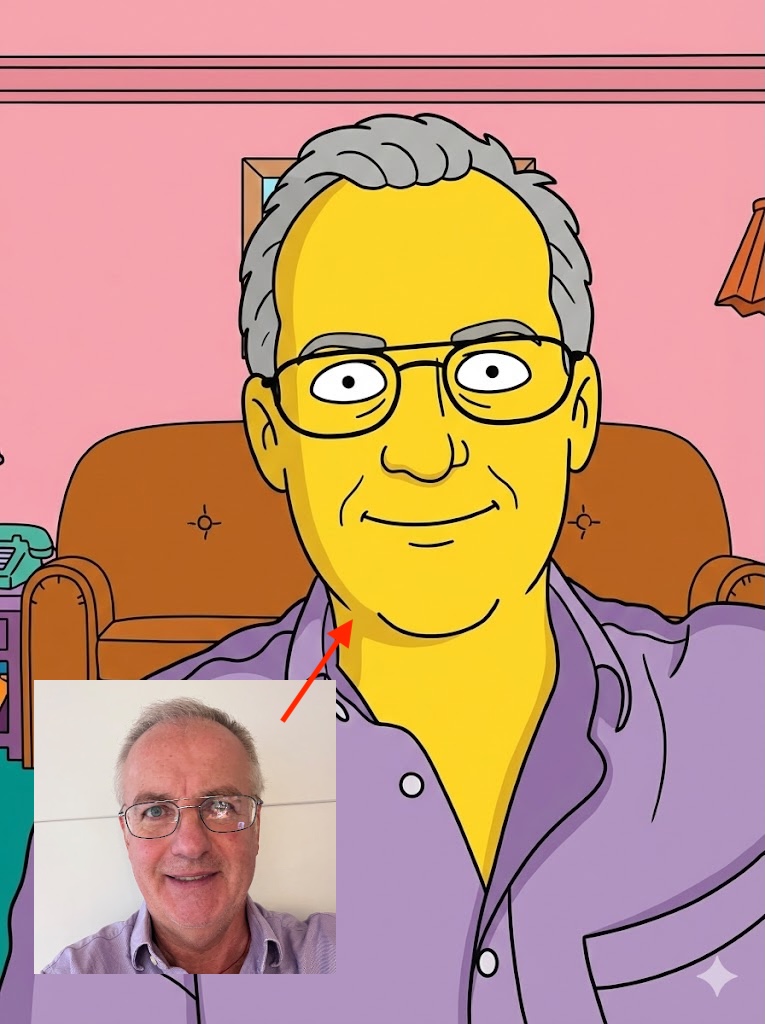
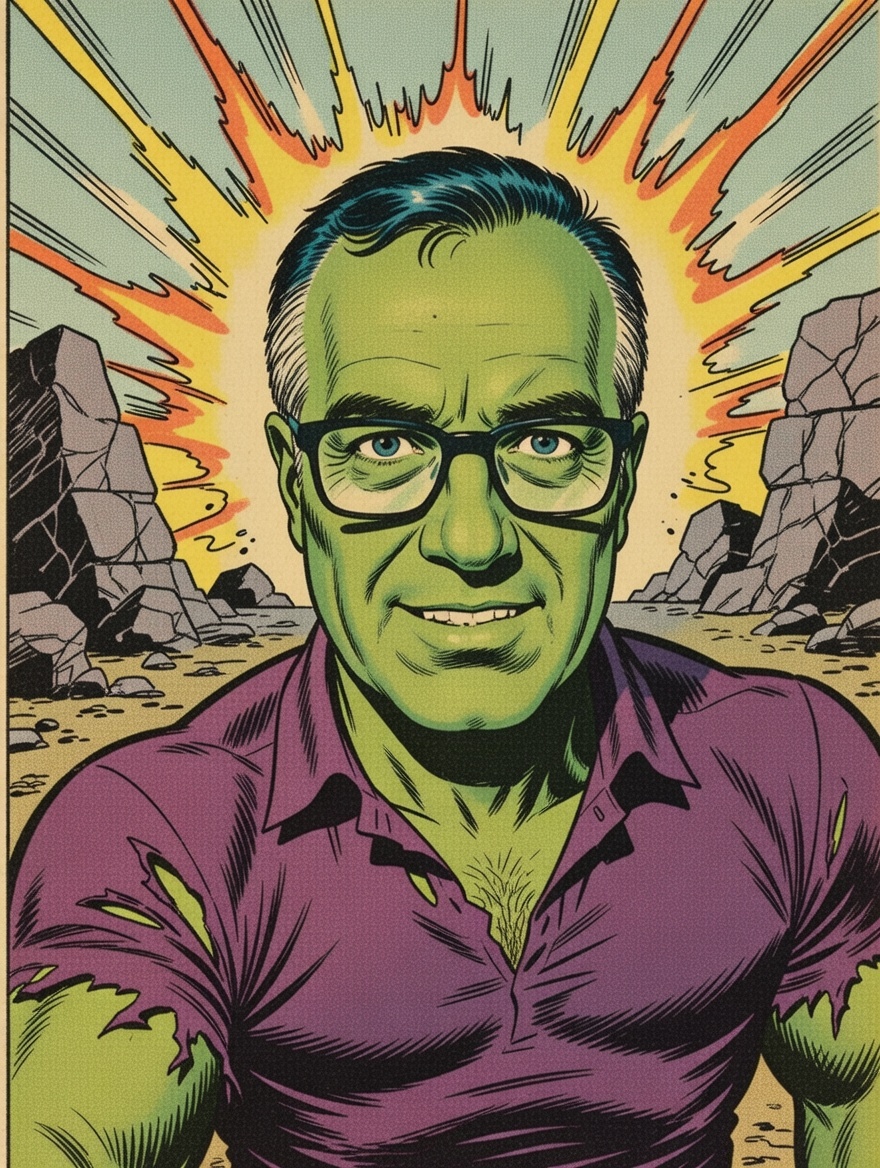
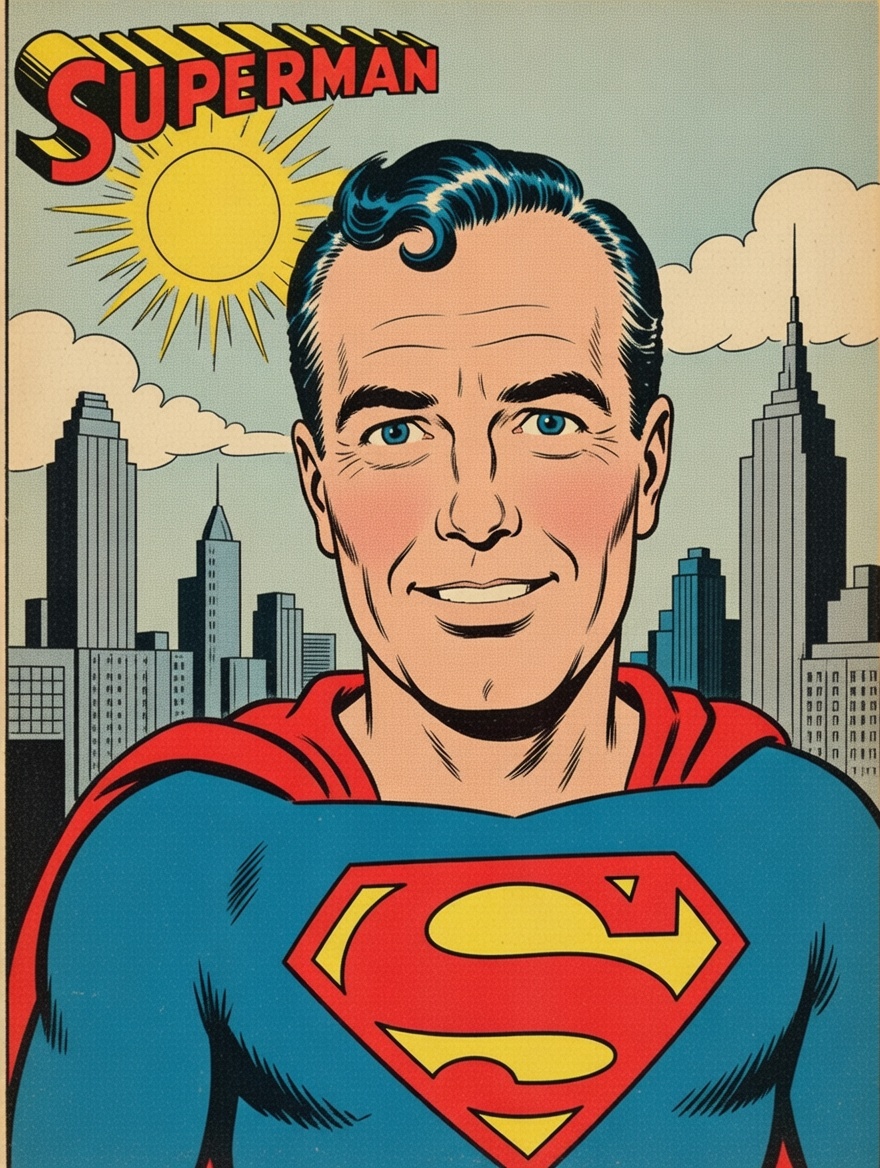
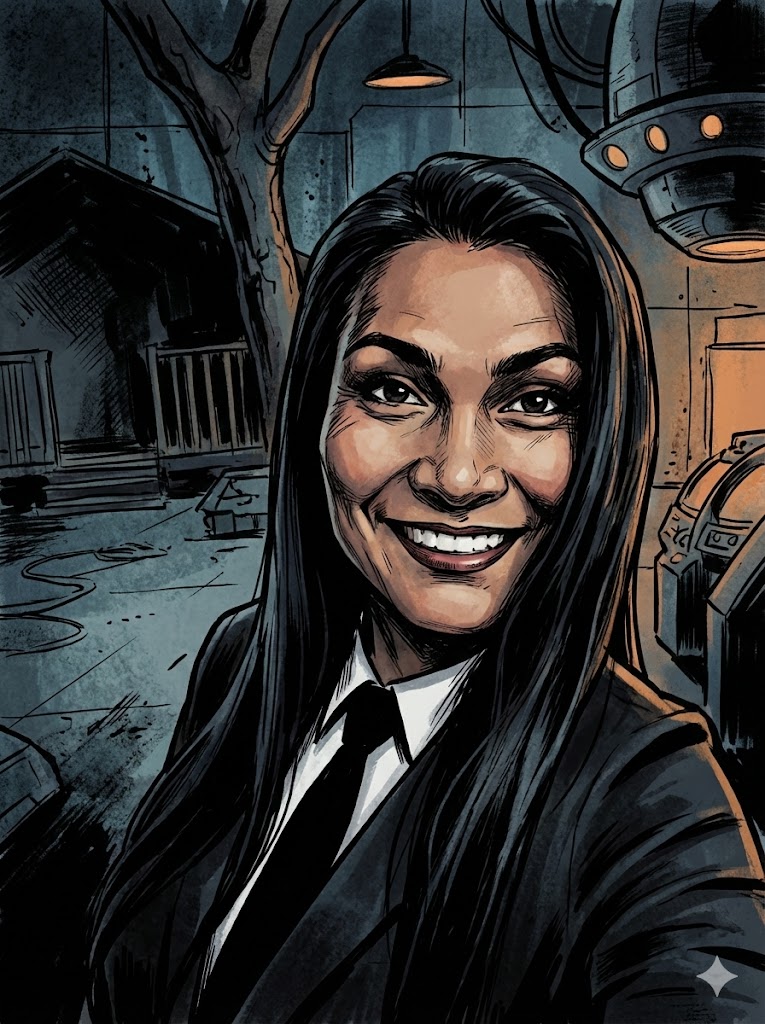
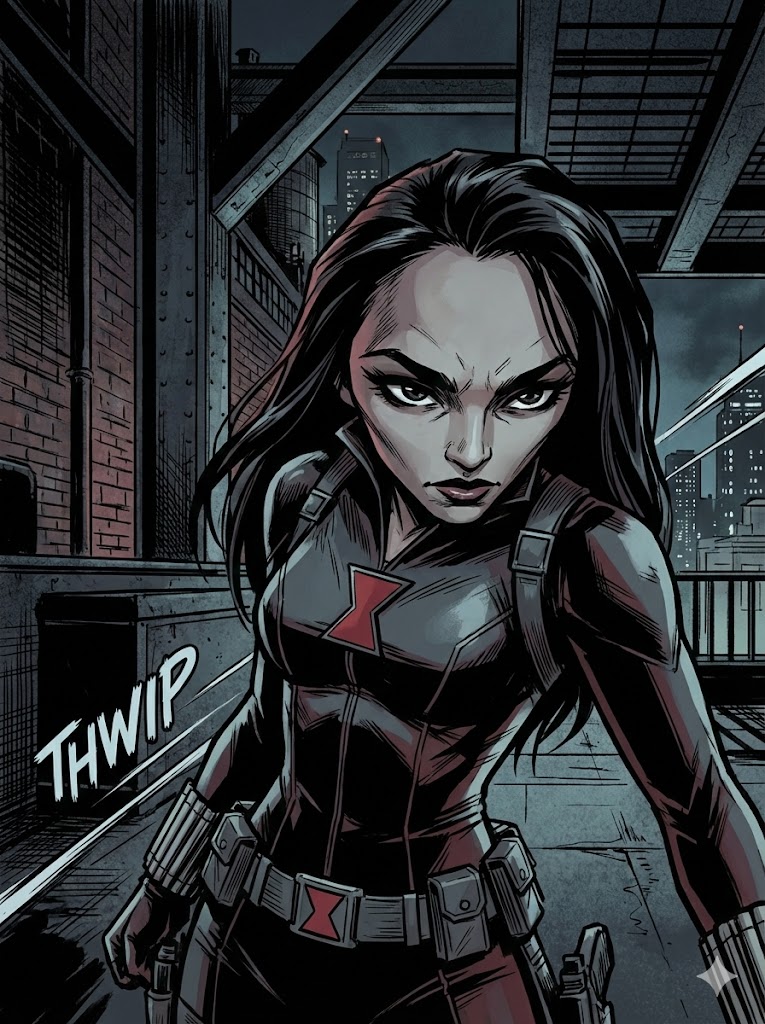
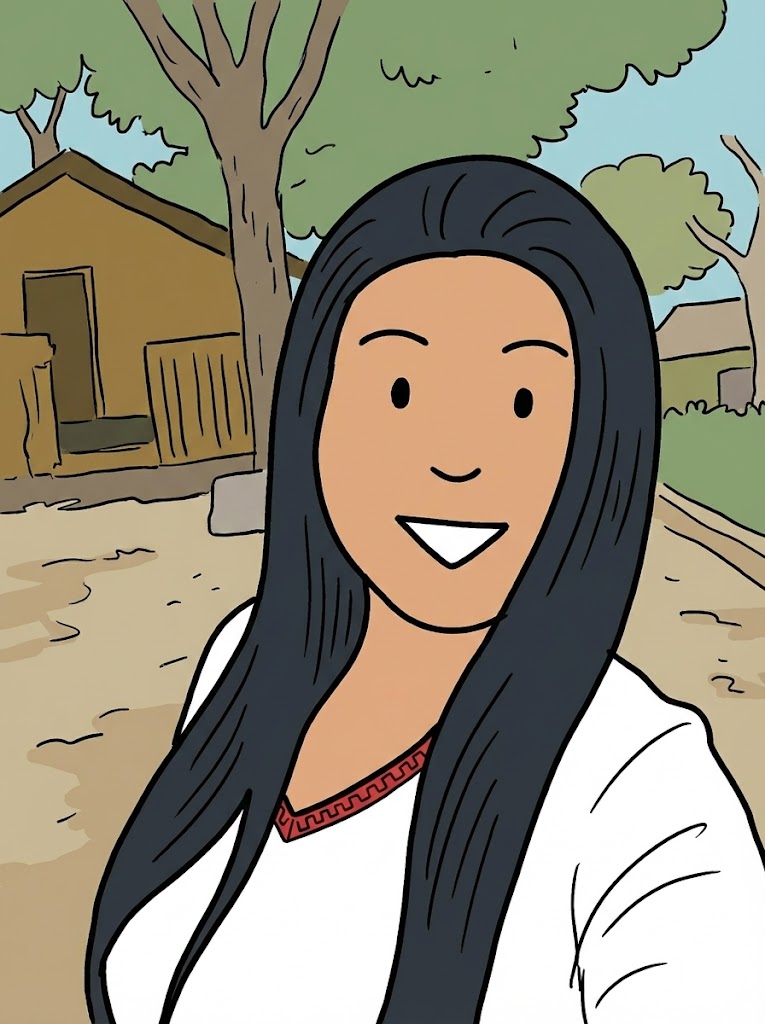
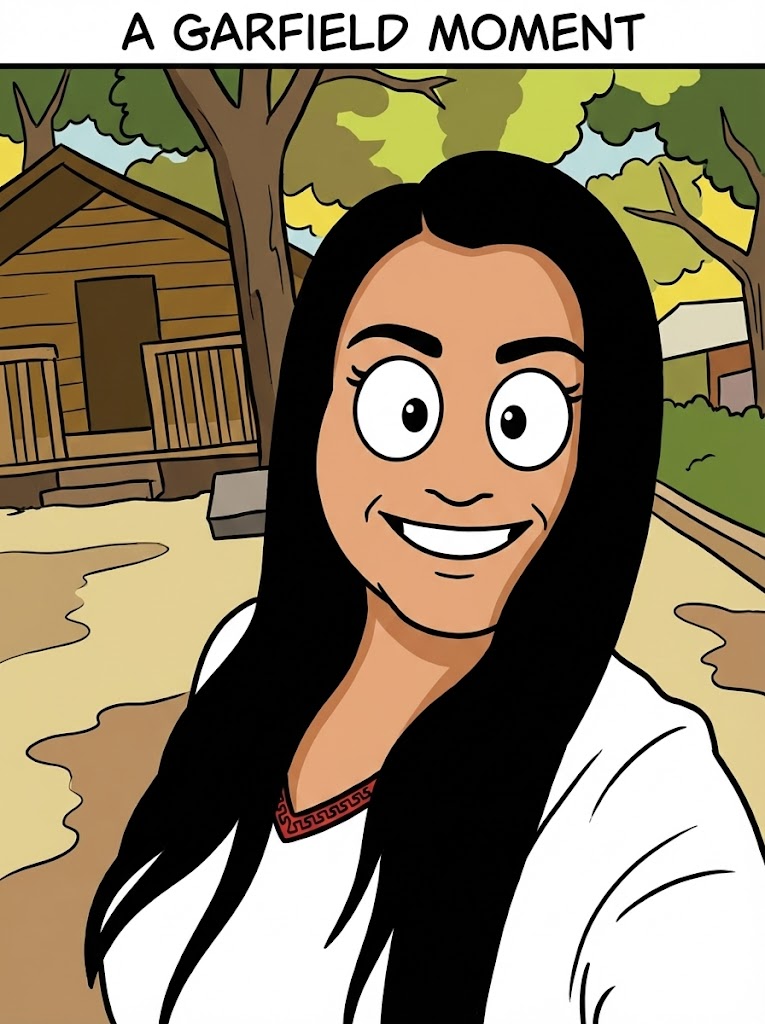
I have attached an image. Please follow these steps:

Step 1: Write a detailed analysis of the artistic style of {{Comic:[comics]}}. Cover: character design conventions, line weight, shading technique, color palette, typical backgrounds, and costume design.

Step 2: Using the attached image as the subject, apply the style described in Step 1 to generate a detailed image generation prompt. The subject must remain recognizable. Output only the final image generation prompt, ready to paste into an image generator.
[comics]
I have attached an image. Please follow these steps:

Step 1: Write a detailed analysis of the artistic style of [comics]. Cover: character design conventions, line weight, shading technique, color palette, typical backgrounds, and costume design.

Step 2: Using the attached image as the subject, apply the style described in Step 1 to generate a detailed image generation prompt. The subject must remain recognizable. Output only the final image generation prompt, ready to paste into an image generator.
As variáveis ficam entre {{ e }} e seguem este padrão:
Uma seleção pode fazer referência a uma lista de variáveis predefinida usando colchetes. Aparecem em [laranja] e fornecem valores comuns, como cores, tons ou idiomas.
Também pode fornecer uma lista de opções em linha, separadas por vírgulas.
Dica: não precisa da app PUCO para usar estes prompts! Basta copiar o modelo e substituir cada secção {{…}} pelo seu próprio texto diretamente no ChatGPT, Claude, Gemini ou qualquer outro assistente de IA.