Ideal para
- Começar a partir de um prompt estruturado e reutilizável em vez de um chat em branco.
- Adaptar o prompt aos seus próprios dados, mantendo intacta a intenção original.
- Fluxos de trabalho relacionados com Design & Art.

Transforma a foto de uma pessoa em um design detalhado de action figure, com embalagem personalizada e acessórios personalizados.
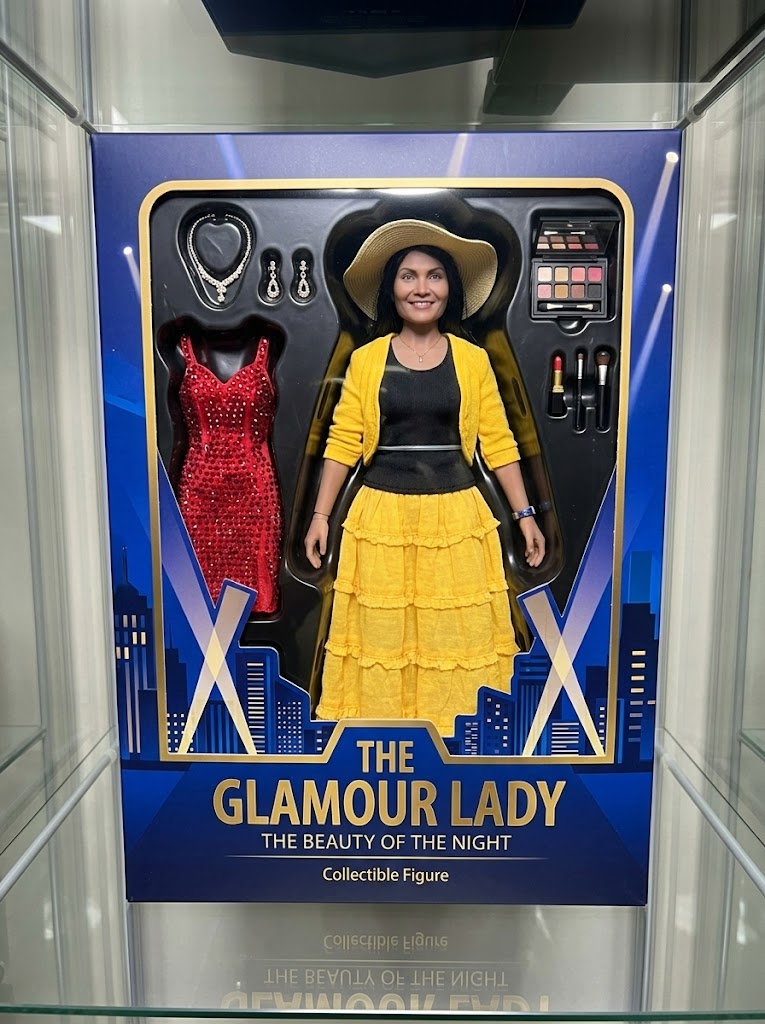
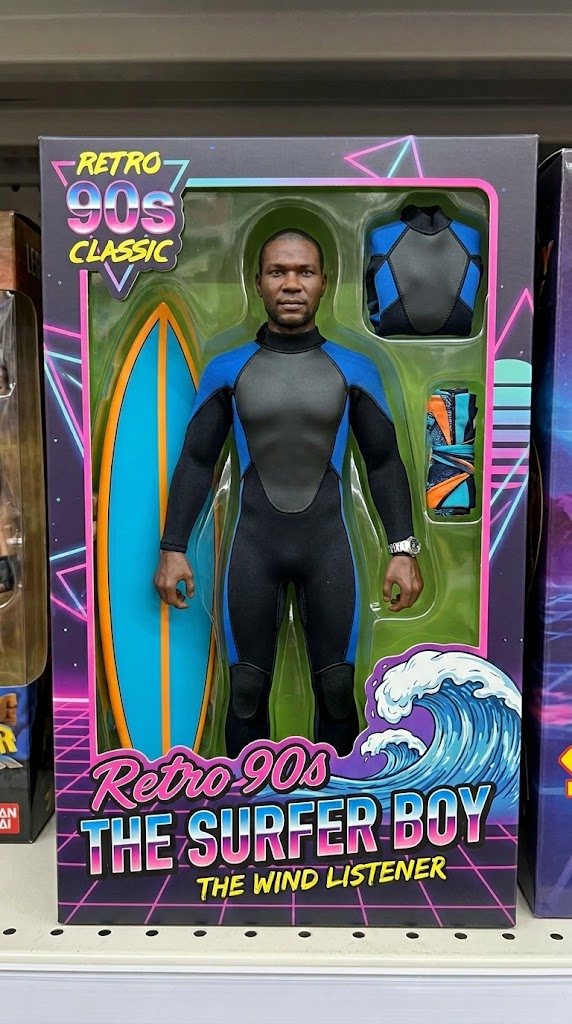
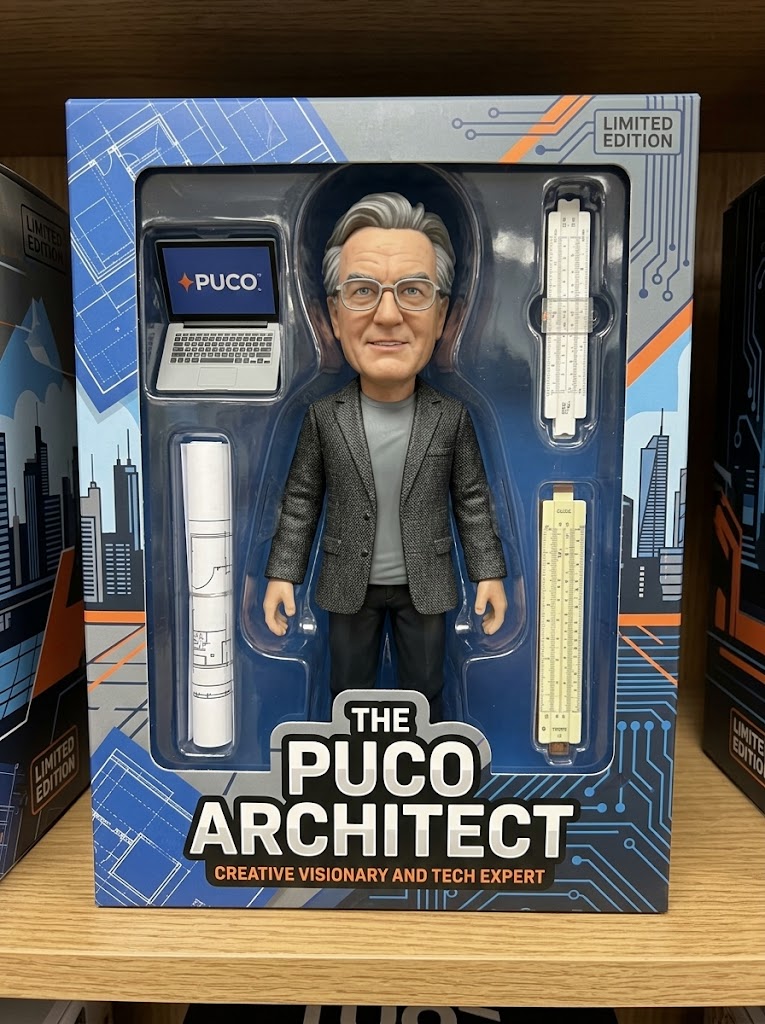
Generate a high-fidelity, realistic image of the person from the attached photo as a professional collectible action figure secured inside its retail window-box packaging. The figure's sculpt must accurately reflect the person's likeness and attire. The packaging should prominently display the name "{{Name:e.g. The PUCO Architect}}" and include at least three miniature accessories representing their interests, specifically: {{Accessories:e.g. a laptop with a PUCO sticker, a specialized toolkit, and a travel mug}}. The design style should be {{Style:Modern High-End, Retro 90s Classic, Stylized Vinyl, Cyberpunk}}. Ensure the box art and background graphics emphasize the character's vibe as {{Personality:e.g. a creative visionary and tech expert}}.
e.g. The PUCO Architect
e.g. a laptop with a PUCO sticker, a specialized toolkit, and a travel mug
Modern High-End, Retro 90s Classic, Stylized Vinyl, Cyberpunk
e.g. a creative visionary and tech expert
Generate a high-fidelity, realistic image of the person from the attached photo as a professional collectible action figure secured inside its retail window-box packaging. The figure's sculpt must accurately reflect the person's likeness and attire. The packaging should prominently display the name "e.g. The PUCO Architect" and include at least three miniature accessories representing their interests, specifically: e.g. a laptop with a PUCO sticker. The design style should be Modern High-End. Ensure the box art and background graphics emphasize the character's vibe as e.g. a creative visionary and tech expert.
As variáveis ficam entre {{ e }} e seguem este padrão:
Uma seleção pode fazer referência a uma lista de variáveis predefinida usando colchetes. Aparecem em [laranja] e fornecem valores comuns, como cores, tons ou idiomas.
Também pode fornecer uma lista de opções em linha, separadas por vírgulas.
Dica: não precisa da app PUCO para usar estes prompts! Basta copiar o modelo e substituir cada secção {{…}} pelo seu próprio texto diretamente no ChatGPT, Claude, Gemini ou qualquer outro assistente de IA.