Ideal para
- Começar a partir de um prompt estruturado e reutilizável em vez de um chat em branco.
- Adaptar o prompt aos seus próprios dados, mantendo intacta a intenção original.
- Fluxos de trabalho relacionados com Creative & Visuals.

Gera uma caricatura digital bem-humorada e de alta qualidade que visualiza o apelido de uma pessoa por meio de elementos simbólicos e traços exagerados.
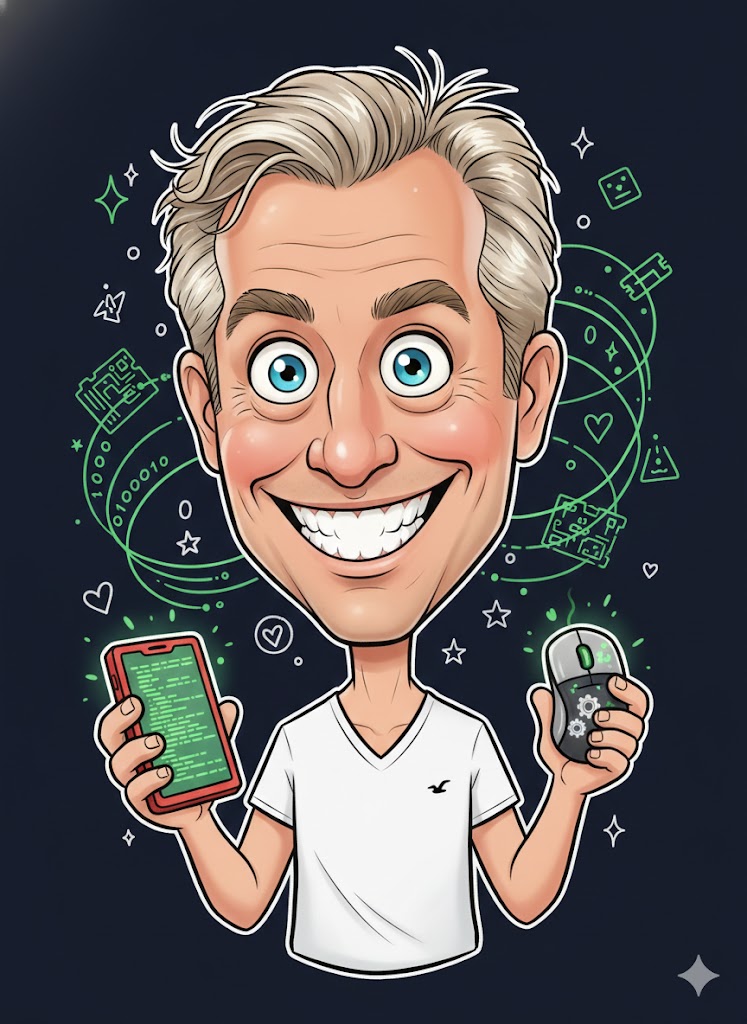
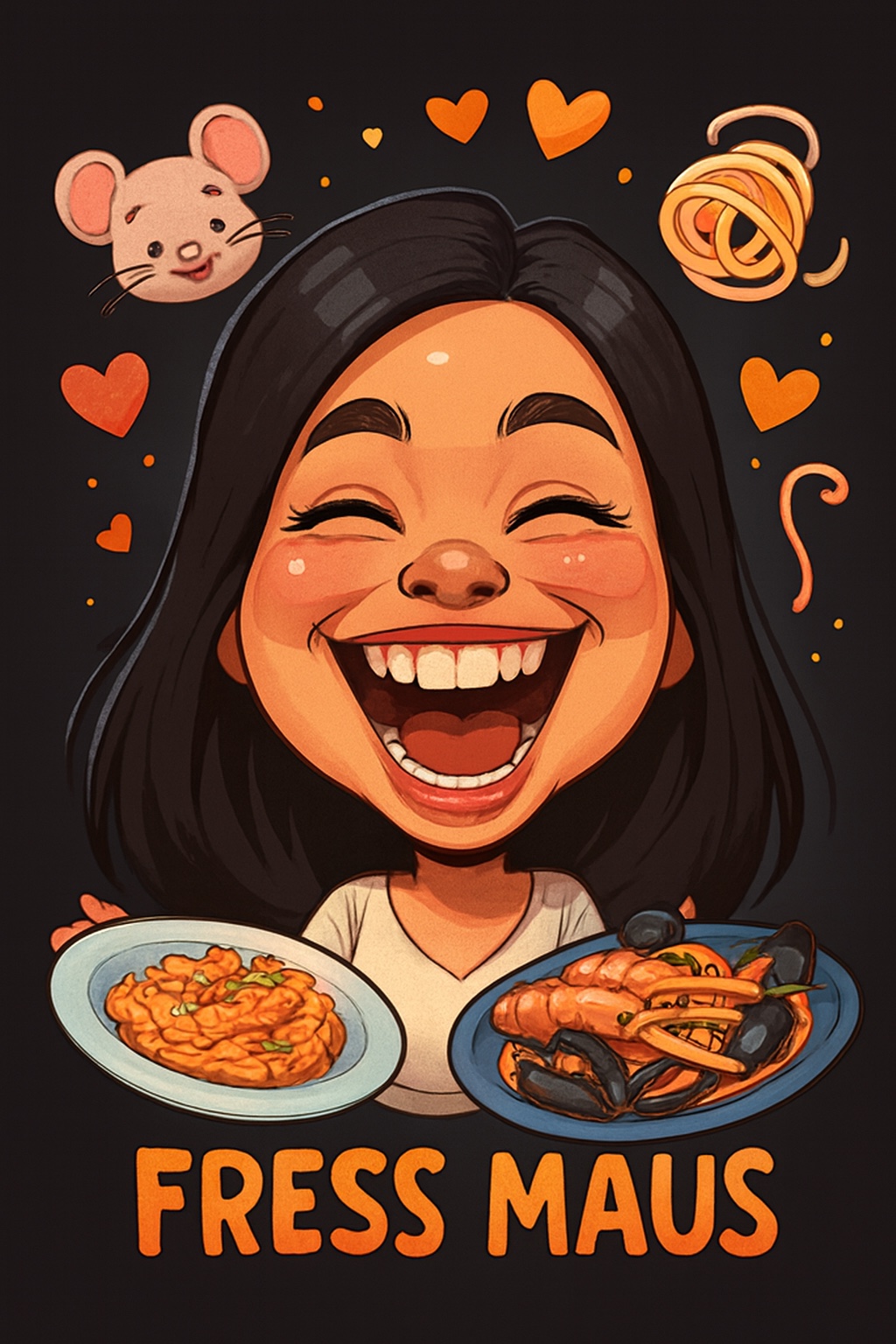

Create a humorous caricature of {{Subject: The subject on the attached picture}} in the style of a modern digital cartoon illustration. The person should remain recognizable but with strongly exaggerated facial features, specifically a {{Expression: Wide Smile, Huge Grin, Laughing Face}}, large eyes, and a slightly enlarged head on a smaller body. Use soft, clean outlines with varying line weight, organic shapes, and warm, saturated colors with soft-shading. The style should be semi-flat digital painting (Pixar/sticker aesthetic) with gentle highlights on skin and hair. Visually interpret the nickname '{{Nickname: e.g. The Code Wizard}}' by including symbolic elements related to it floating playfully around the head and having the subject hold thematic objects in their hands. Composition: Central frontal figure, dark or black background, with small supporting icons like hearts or symbols. The final image should look like a premium sticker or poster with high aesthetic appeal and friendly, non-offensive humor.
The subject on the attached picture
Wide Smile, Huge Grin, Laughing Face
e.g. The Code Wizard
Create a humorous caricature of The subject on the attached picture in the style of a modern digital cartoon illustration. The person should remain recognizable but with strongly exaggerated facial features, specifically a Wide Smile, large eyes, and a slightly enlarged head on a smaller body. Use soft, clean outlines with varying line weight, organic shapes, and warm, saturated colors with soft-shading. The style should be semi-flat digital painting (Pixar/sticker aesthetic) with gentle highlights on skin and hair. Visually interpret the nickname 'e.g. The Code Wizard' by including symbolic elements related to it floating playfully around the head and having the subject hold thematic objects in their hands. Composition: Central frontal figure, dark or black background, with small supporting icons like hearts or symbols. The final image should look like a premium sticker or poster with...
As variáveis ficam entre {{ e }} e seguem este padrão:
Uma seleção pode fazer referência a uma lista de variáveis predefinida usando colchetes. Aparecem em [laranja] e fornecem valores comuns, como cores, tons ou idiomas.
Também pode fornecer uma lista de opções em linha, separadas por vírgulas.
Dica: não precisa da app PUCO para usar estes prompts! Basta copiar o modelo e substituir cada secção {{…}} pelo seu próprio texto diretamente no ChatGPT, Claude, Gemini ou qualquer outro assistente de IA.