Ideal para
- Começar a partir de um prompt estruturado e reutilizável em vez de um chat em branco.
- Adaptar o prompt aos seus próprios dados, mantendo intacta a intenção original.
- Fluxos de trabalho relacionados com Creative & Visuals.

Gera infográficos educativos desenhados à mão, em estilo aquarela, que explicam temas complexos por meio de storytelling visual e sketchnotes.
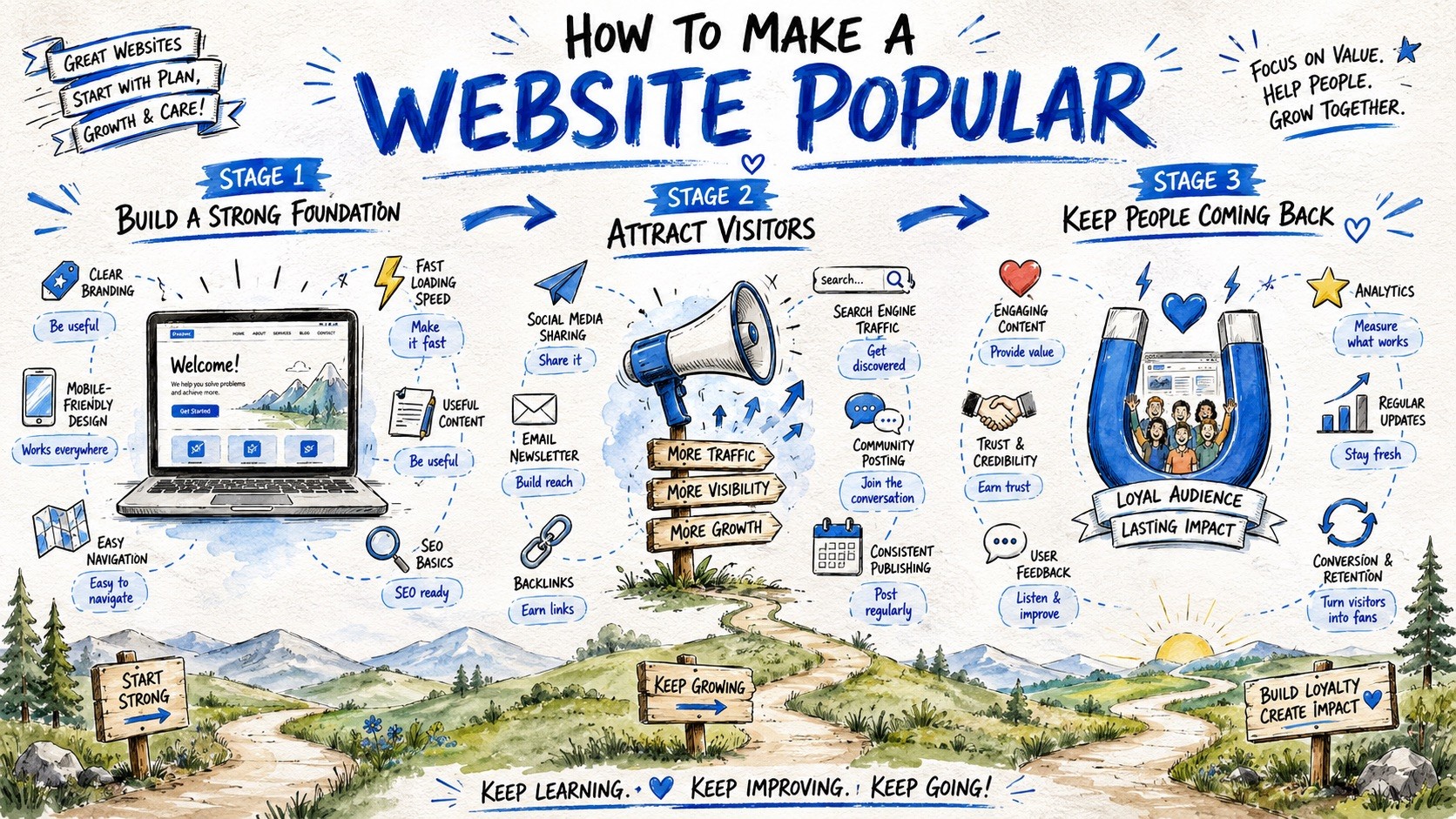
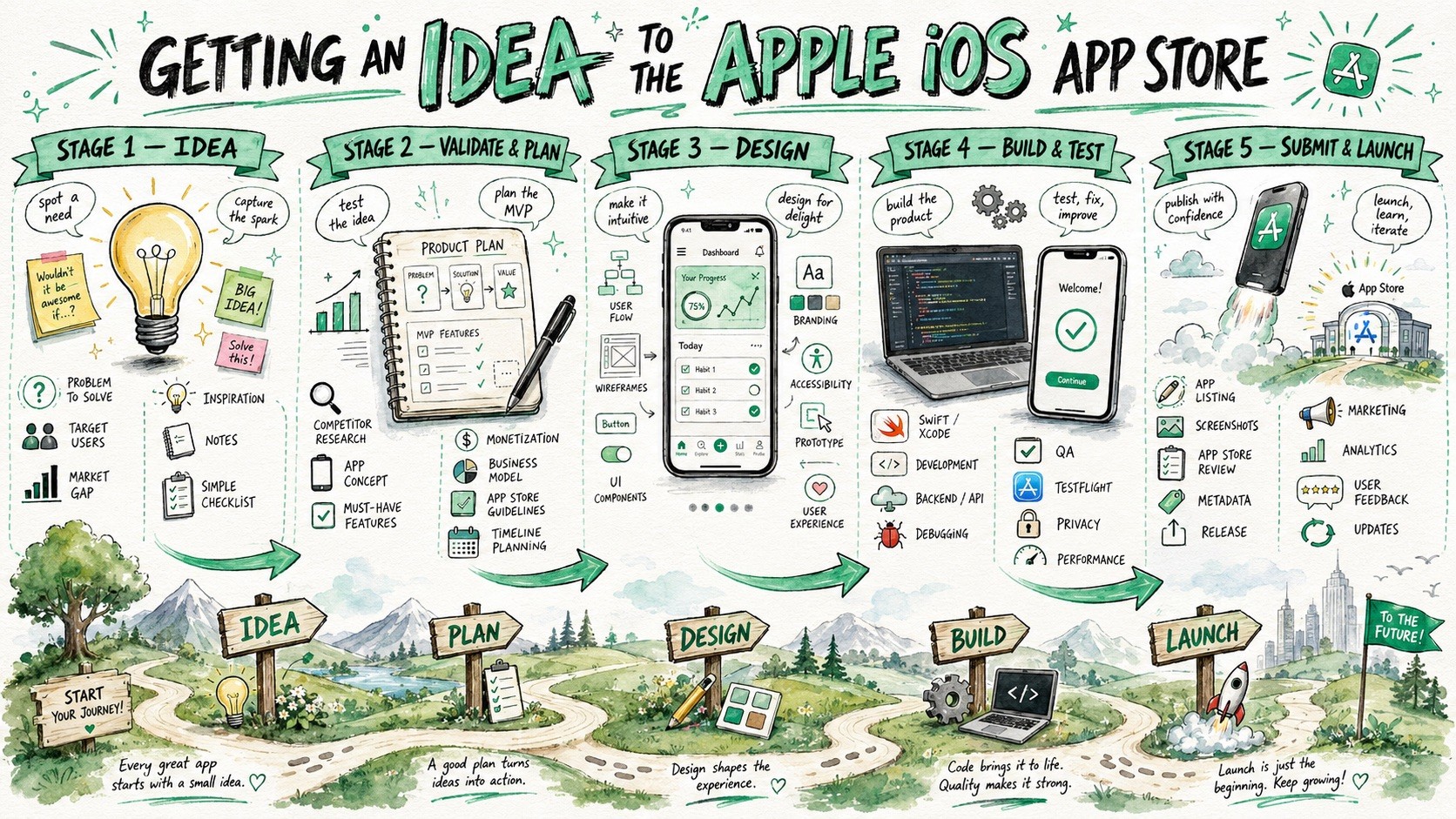
Create a large-format hand-drawn infographic illustration about {{Topic: e.g. How the Puco app organizes prompts for teams}}. The style must combine visual facilitation sketchnotes, watercolor concept art, and educational whiteboard storytelling. Structure the composition as a horizontal {{Layout Style: Journey Map, Evolution Timeline, Roadmap, Visual Presentation}} with {{Stages: 3 Stages, 4 Stages , 5 Stages , 6 Stages , 7 Stages , 8 Stages, 9 Stages}} sequential horizontal sections. Visual Language: Use loose but controlled sketch illustrations with organic hand-drawn imperfections and expressive black ink outlines. Color Palette: Apply a watercolor and marker hybrid rendering using {{Accent Colors: Cobalt Blue, Turquoise, Mint Green, Orange, Golden Yellow, Violet, Soft Pink, Sky Blue, Charcoal }} as primary accents on a textured white paper background. Composition: Feature a large, bold hand-painted title at the top center. Each stage should include a central hero object, supporting mini-icons, and hand-drawn curved arrows to guide the flow. The bottom third should contain a continuous grounding landscape, such as rolling hills or a curving path, to reinforce the narrative journey. Tone: {{Tone: Optimistic, Educational, Imaginative, Clean, Future-focused, Dystopian}}.
e.g. How the Puco app organizes prompts for teams
Journey Map, Evolution Timeline, Roadmap, Visual Presentation
3 Stages, 4 Stages, 5 Stages, 6 Stages, 7 Stages, 8 Stages, 9 Stages
Cobalt Blue, Turquoise, Mint Green, Orange, Golden Yellow, Violet, Soft Pink, Sky Blue
Optimistic, Educational, Imaginative, Clean, Future-focused, Dystopian
Create a large-format hand-drawn infographic illustration about e.g. How the Puco app organizes prompts for teams. The style must combine visual facilitation sketchnotes, watercolor concept art, and educational whiteboard storytelling. Structure the composition as a horizontal Journey Map with 3 Stages sequential horizontal sections. Visual Language: Use loose but controlled sketch illustrations with organic hand-drawn imperfections and expressive black ink outlines. Color Palette: Apply a watercolor and marker hybrid rendering using Cobalt Blue as primary accents on a textured white paper background. Composition: Feature a large, bold hand-painted title at the top center. Each stage should include a central hero object, supporting mini-icons, and hand-drawn curved arrows to guide the flow. The bottom third should contain a continuous grounding landscape, such as rolling hills or a...
As variáveis ficam entre {{ e }} e seguem este padrão:
Uma seleção pode fazer referência a uma lista de variáveis predefinida usando colchetes. Aparecem em [laranja] e fornecem valores comuns, como cores, tons ou idiomas.
Também pode fornecer uma lista de opções em linha, separadas por vírgulas.
Dica: não precisa da app PUCO para usar estes prompts! Basta copiar o modelo e substituir cada secção {{…}} pelo seu próprio texto diretamente no ChatGPT, Claude, Gemini ou qualquer outro assistente de IA.