Best For
- Starting from a structured, reusable prompt instead of a blank chat.
- Adapting the prompt to your own inputs while keeping the original intent intact.
- Workflows related to Creative & Visuals.

Transforms a provided portrait into a specific historical fashion style while preserving the person's identity.
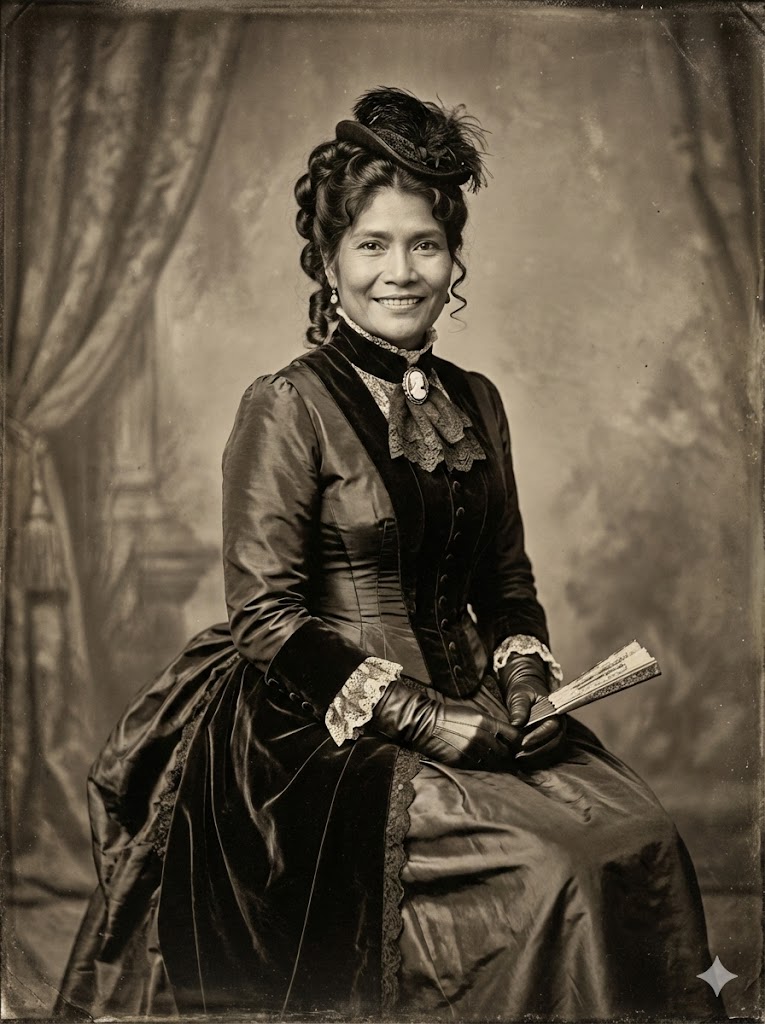
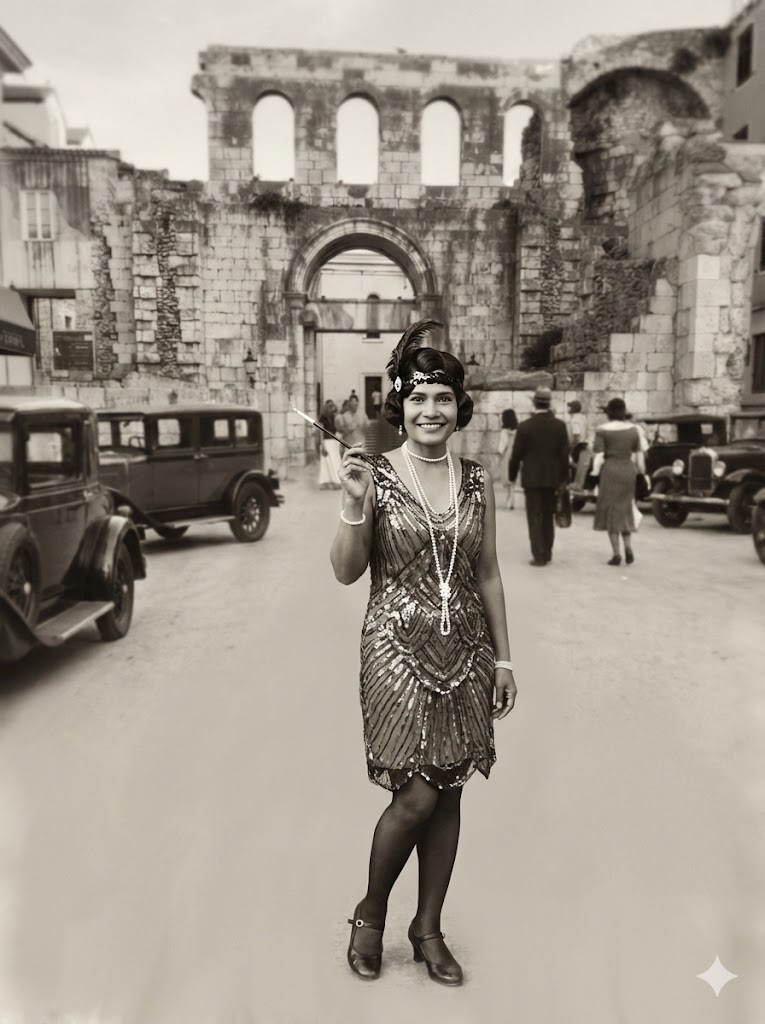
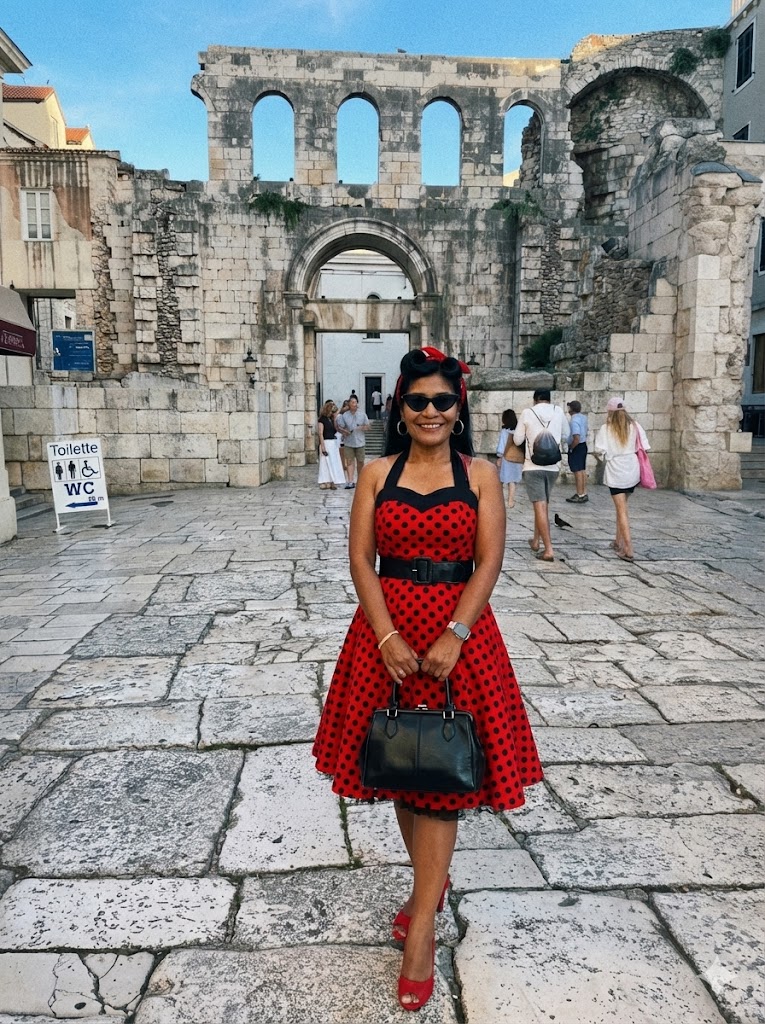
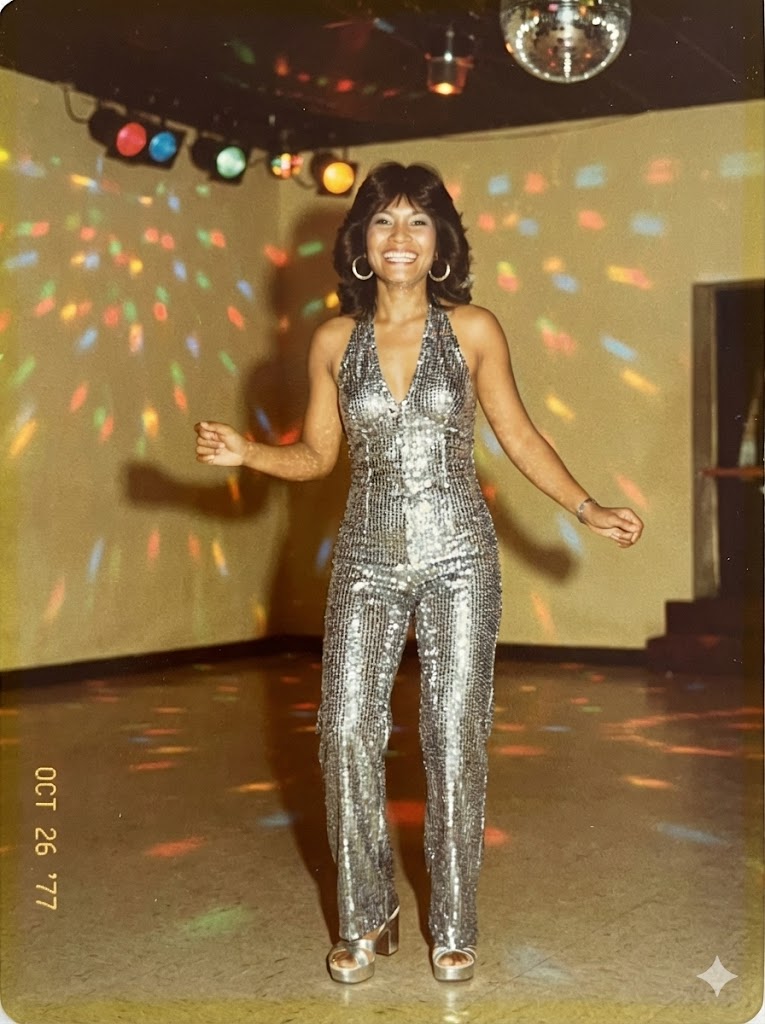
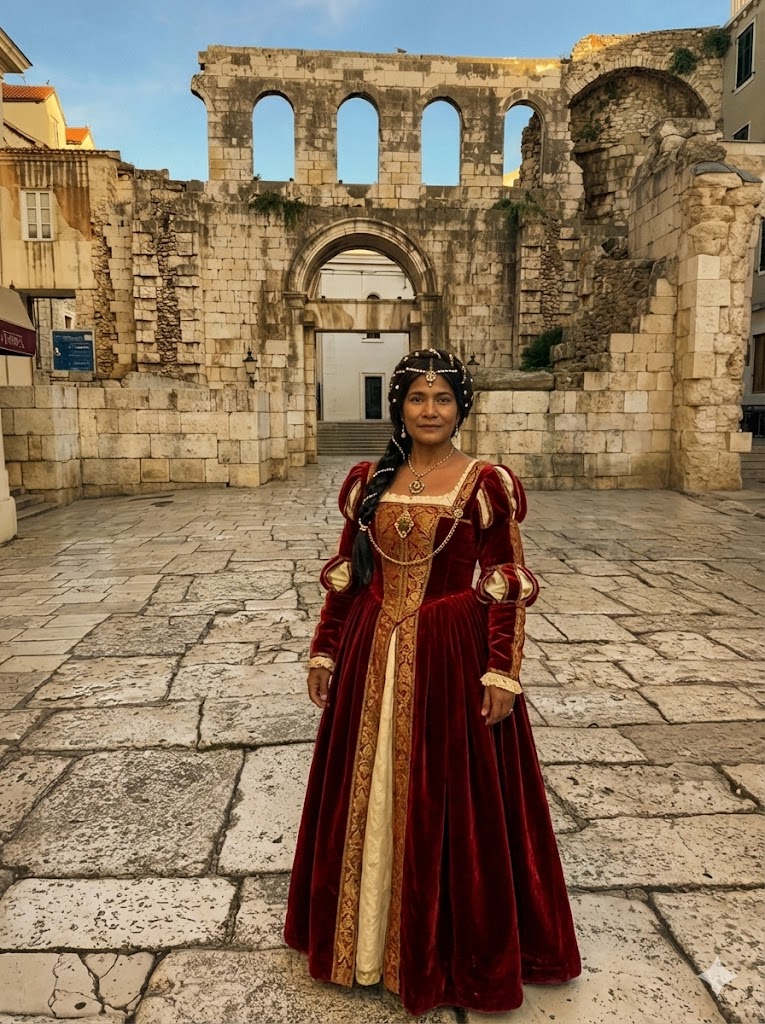
Create an image. Transform the subject in the provided image into the authentic fashion style of the {{Era: Victorian, Roaring 20s, 1940s Noir, 1950s Rockabilly, 1960s Mod, 1970s Disco, 1980s Neon, 1990s Grunge, Renaissance, Regency}} era, ensuring the clothing, accessories, hairstyle, and photographic texture accurately reflect the chosen time period.
Always ensure that the face remains the same from face shape to  eyes mouth nose teeth eye brows.
Victorian, Roaring 20s, 1940s Noir, 1950s Rockabilly, 1960s Mod, 1970s Disco, 1980s Neon, 1990s Grunge
Create an image. Transform the subject in the provided image into the authentic fashion style of the Victorian era, ensuring the clothing, accessories, hairstyle, and photographic texture accurately reflect the chosen time period.
Always ensure that the face remains the same from face shape to  eyes mouth nose teeth eye brows.
Variables are wrapped in {{ and }} and follow this pattern:
A selection can reference a predefined variable list using square brackets. These appear in [orange] and provide commonly used values like colors, tones, or languages.
You can also provide an inline list of choices separated by commas.
Tip: You don't need the PUCO app to use these prompts! Simply copy the template and replace each {{…}} section with your own text directly in ChatGPT, Claude, Gemini, or any other AI assistant.