Best For
- Starting from a structured, reusable prompt instead of a blank chat.
- Adapting the prompt to your own inputs while keeping the original intent intact.
- Workflows related to Creative & Visuals.

Generates an extreme close-up portrait of a young woman in a snowy outdoor winter scene with macro focus on eyes.
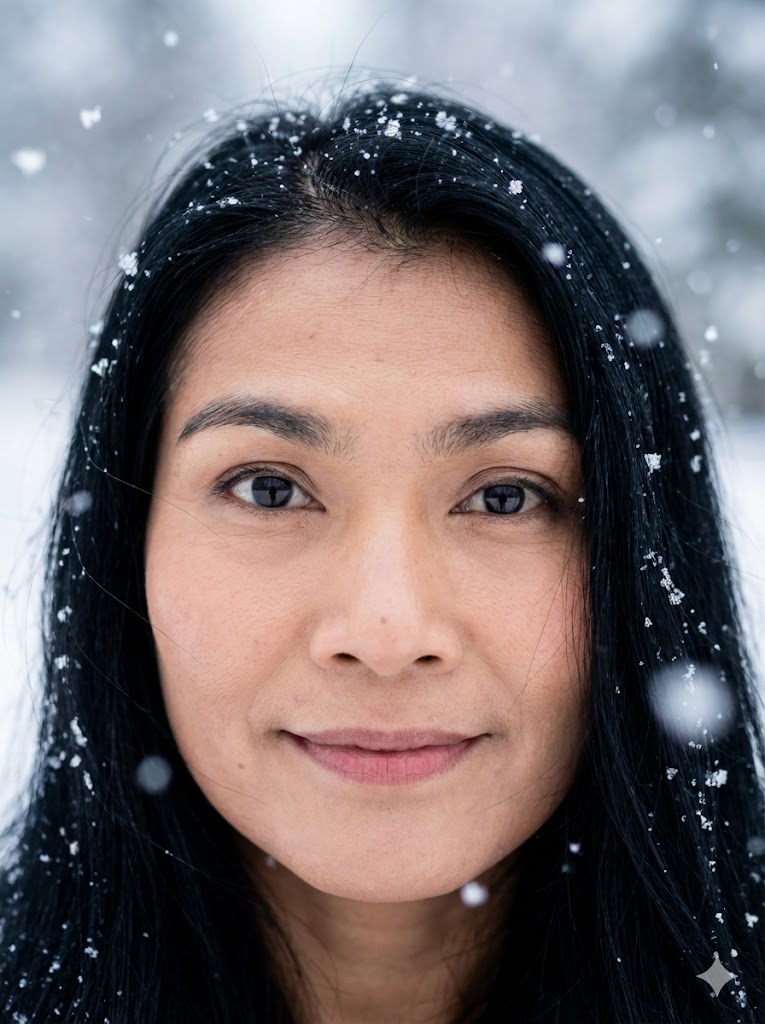
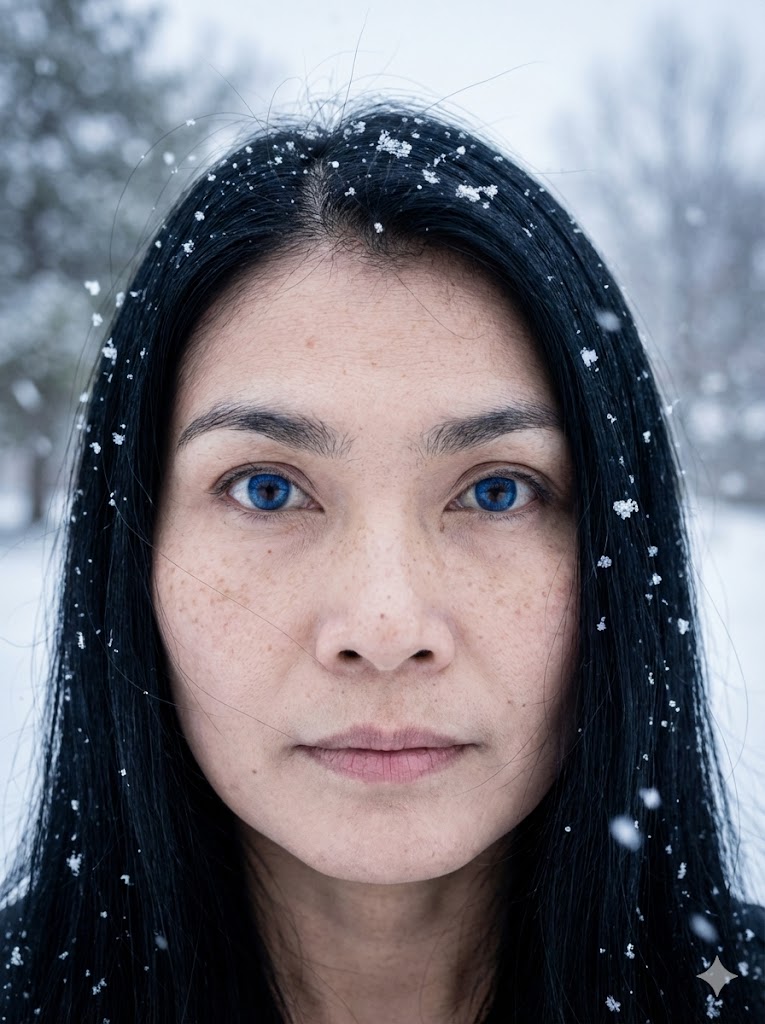
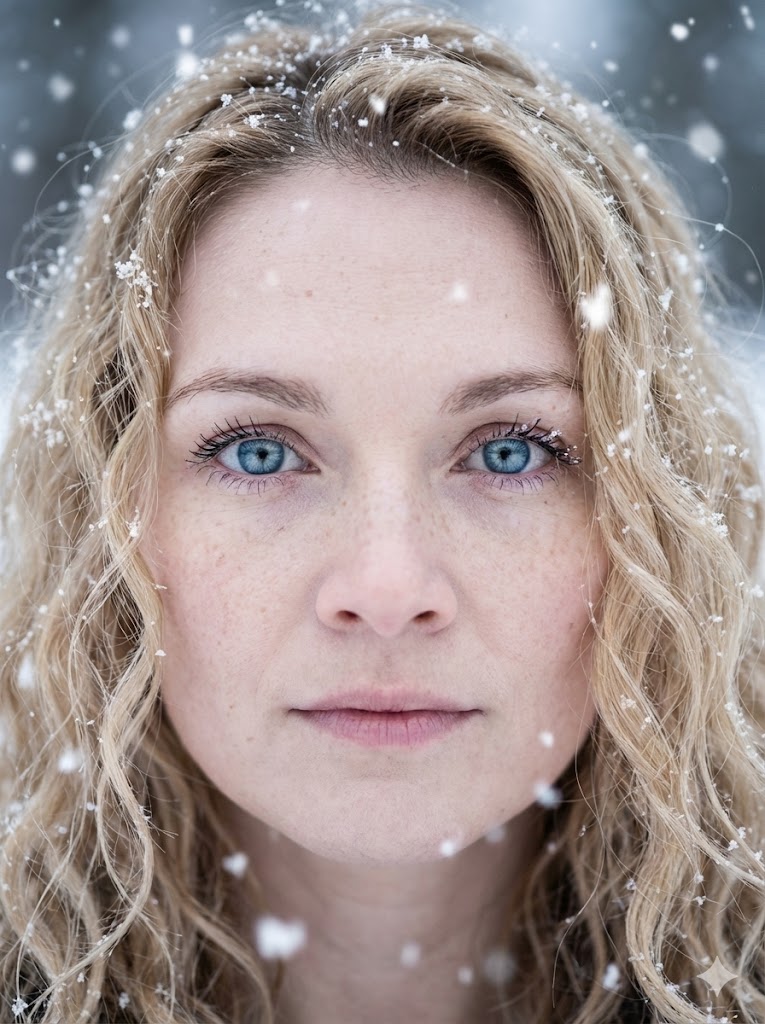
Create an extreme close-up portrait of a {{subject: the subject from the attached photo,young woman, woman mid-20s, woman mid-40s, old woman}} with {{Skin Texture:pale porcelain skin with light freckles}}. The subject features {{Eye Color:[colors]}} eyes with sharp focus and {{Hair Color: [hair_color]}} {{Style: straight, curly, short, Afro, very long, shoulder long}} hair with loose strands and snowflakes. Set in an outdoor winter scene during a snowy day with an ethereal vibe and large bokeh snowflakes. Use soft, diffuse natural overcast light with cool tones. High resolution, cinematic photography, 8k.
the subject from the attached photo, young woman, woman mid-20s, woman mid-40s, old woman
pale porcelain skin with light freckles
[colors]
[hair_color]
straight, curly, short, Afro, very long, shoulder long
Create an extreme close-up portrait of a the subject from the attached photo with pale porcelain skin with light freckles. The subject features [colors] eyes with sharp focus and [hair_color] straight hair with loose strands and snowflakes. Set in an outdoor winter scene during a snowy day with an ethereal vibe and large bokeh snowflakes. Use soft, diffuse natural overcast light with cool tones. High resolution, cinematic photography, 8k.
Variables are wrapped in {{ and }} and follow this pattern:
A selection can reference a predefined variable list using square brackets. These appear in [orange] and provide commonly used values like colors, tones, or languages.
You can also provide an inline list of choices separated by commas.
Tip: You don't need the PUCO app to use these prompts! Simply copy the template and replace each {{…}} section with your own text directly in ChatGPT, Claude, Gemini, or any other AI assistant.