Ideale per
- Partire da un prompt strutturato e riutilizzabile invece di una chat vuota.
- Adattare il prompt ai propri input mantenendo intatto l'intento originale.
- Flussi di lavoro legati a Creative & Visuals.

Trasforma un ritratto fornito in uno specifico stile di moda storica, preservando l’identità della persona.
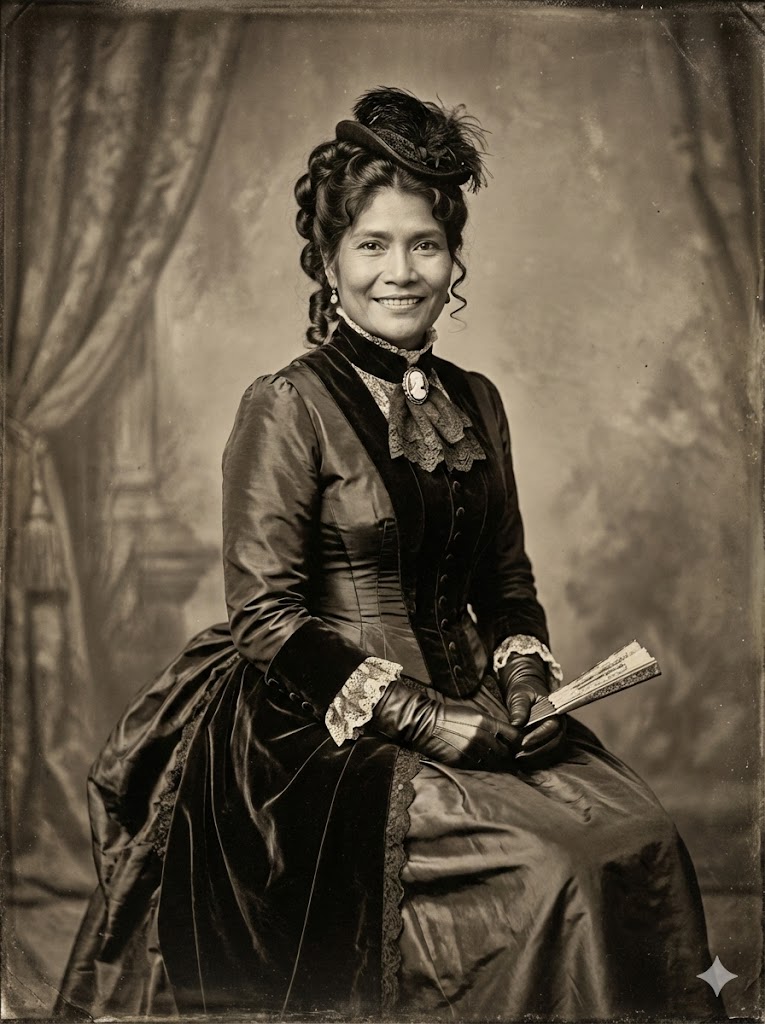
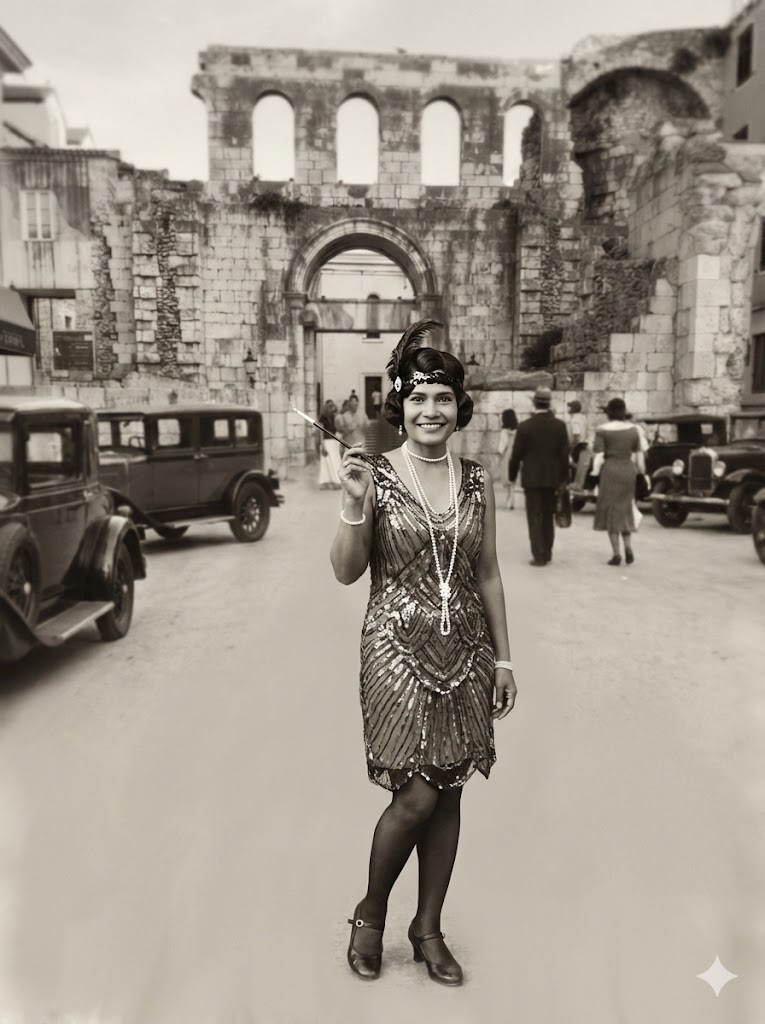
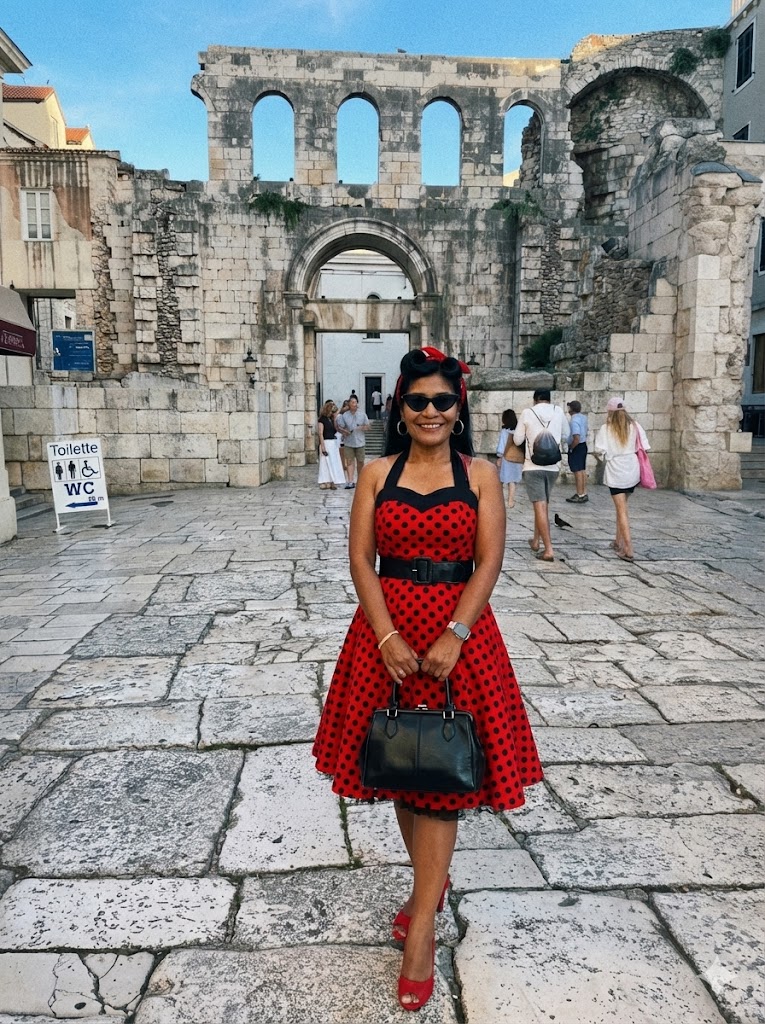
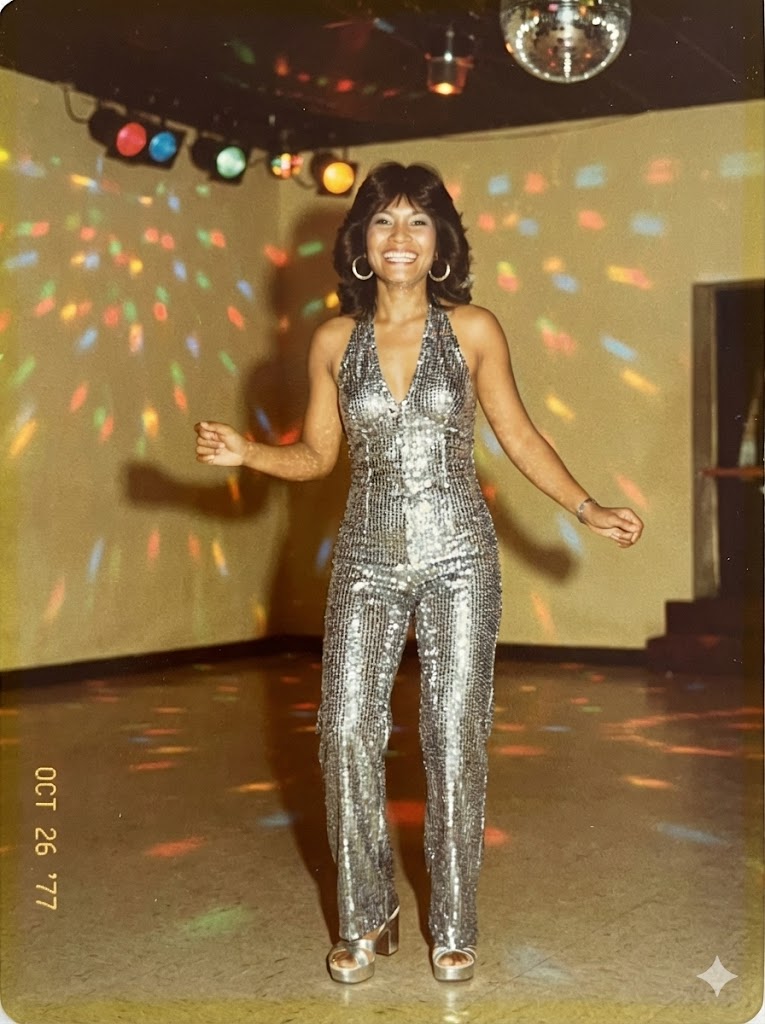
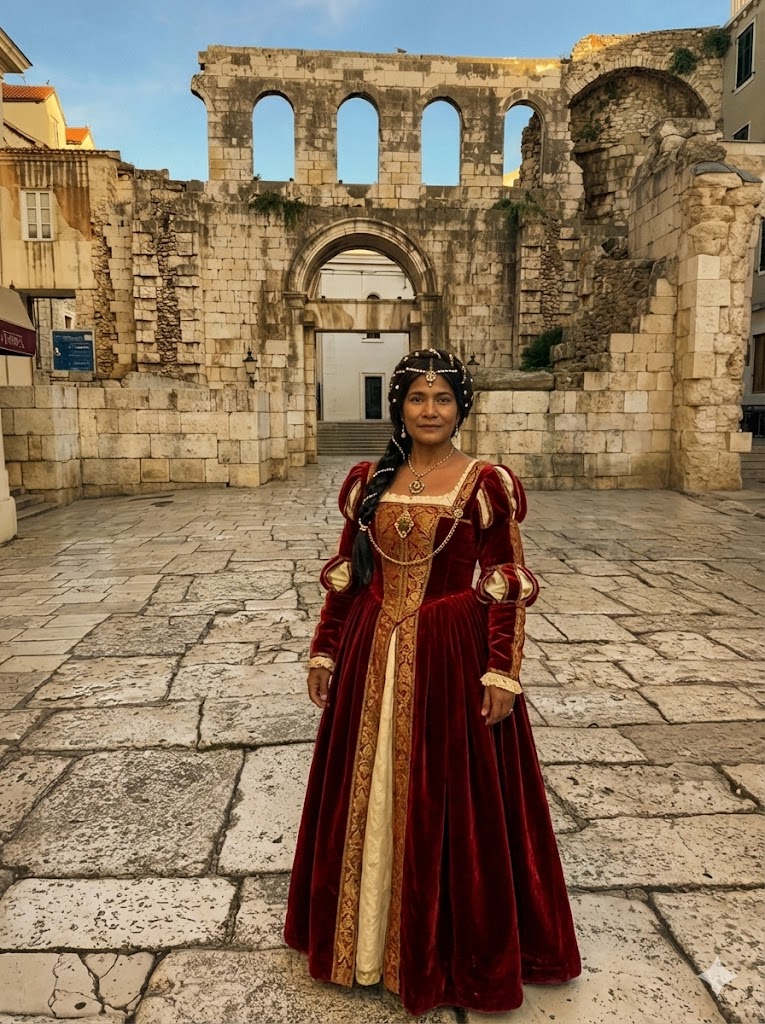
Create an image. Transform the subject in the provided image into the authentic fashion style of the {{Era: Victorian, Roaring 20s, 1940s Noir, 1950s Rockabilly, 1960s Mod, 1970s Disco, 1980s Neon, 1990s Grunge, Renaissance, Regency}} era, ensuring the clothing, accessories, hairstyle, and photographic texture accurately reflect the chosen time period.
Always ensure that the face remains the same from face shape to  eyes mouth nose teeth eye brows.
Victorian, Roaring 20s, 1940s Noir, 1950s Rockabilly, 1960s Mod, 1970s Disco, 1980s Neon, 1990s Grunge
Create an image. Transform the subject in the provided image into the authentic fashion style of the Victorian era, ensuring the clothing, accessories, hairstyle, and photographic texture accurately reflect the chosen time period.
Always ensure that the face remains the same from face shape to  eyes mouth nose teeth eye brows.
Le variabili sono racchiuse tra {{ e }} e seguono questo schema:
Una selezione può fare riferimento a un elenco di variabili predefinito usando le parentesi quadre. Appaiono in [arancione] e forniscono valori di uso comune come colori, toni o lingue.
Puoi anche fornire un elenco di scelte in linea, separate da virgole.
Suggerimento: non hai bisogno dell'app PUCO per usare questi prompt! Copia semplicemente il modello e sostituisci ogni sezione {{…}} con il tuo testo direttamente in ChatGPT, Claude, Gemini o qualsiasi altro assistente IA.