Ideal para
- Empezar desde un prompt estructurado y reutilizable en lugar de un chat en blanco.
- Adaptar el prompt a tus propios datos manteniendo intacta la intención original.
- Flujos de trabajo relacionados con Creative & Visuals.

Genera una hoja de referencia profesional del personaje desde varios ángulos para mantener la coherencia visual en la generación de imágenes y videos con IA.
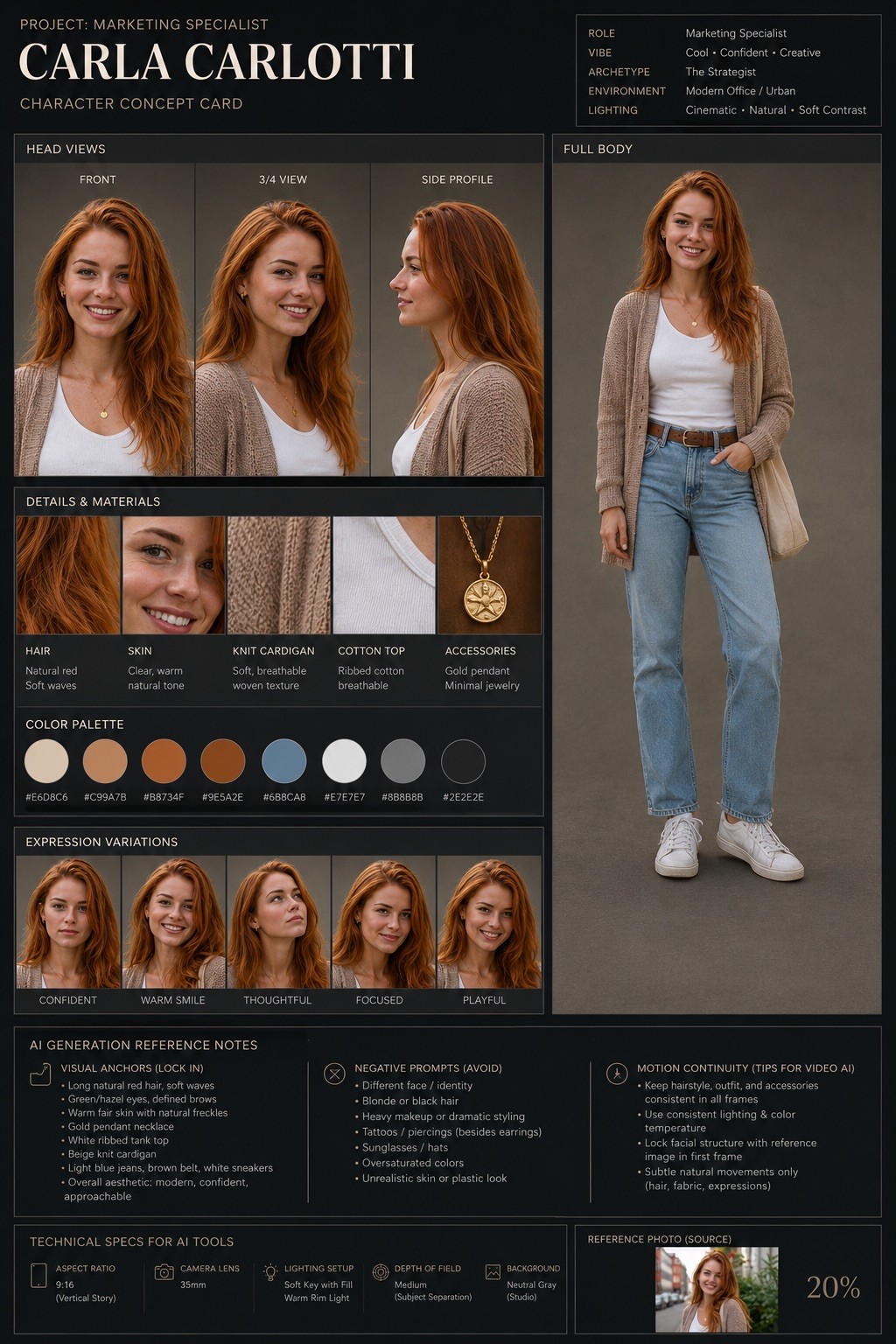
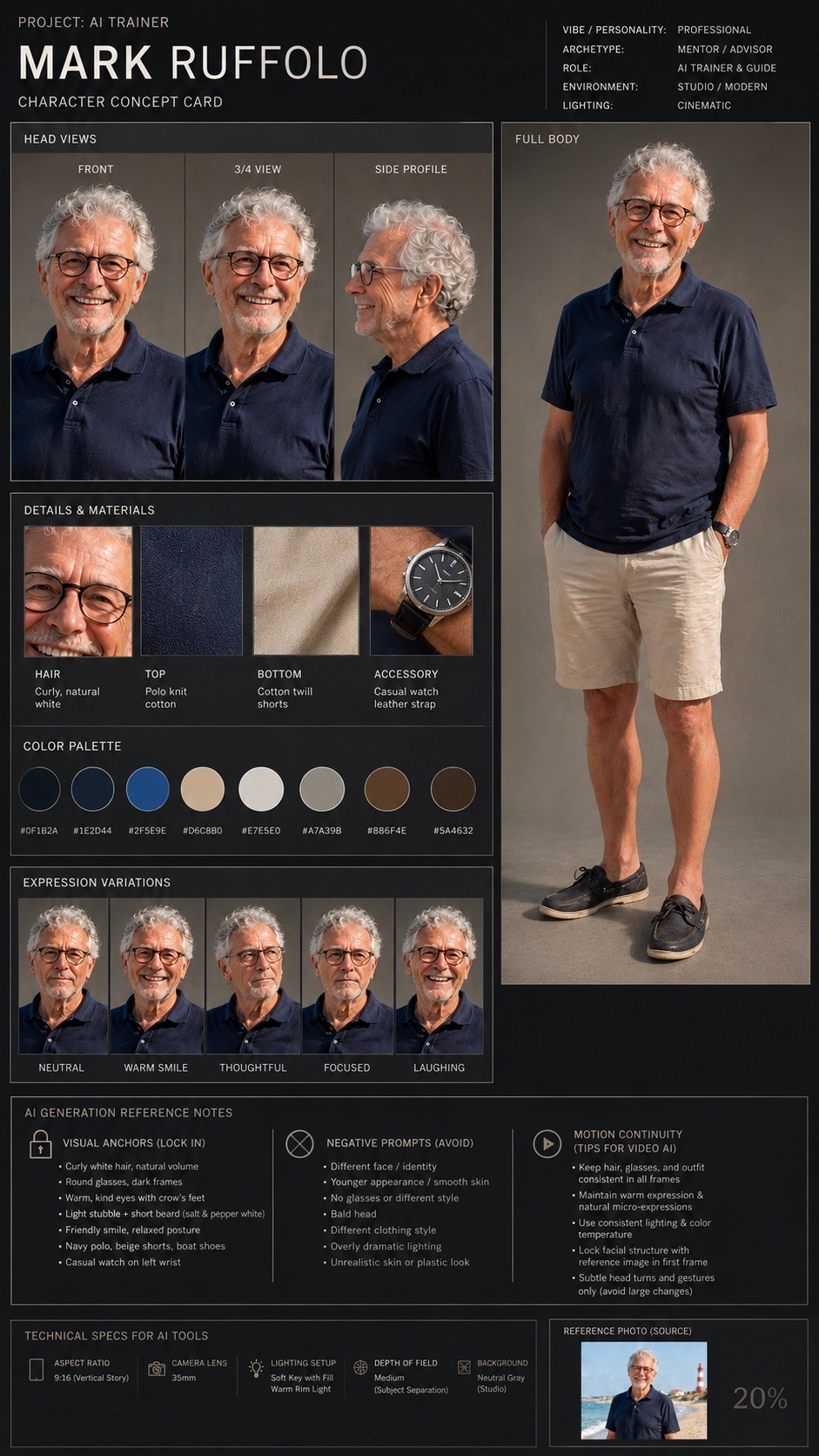
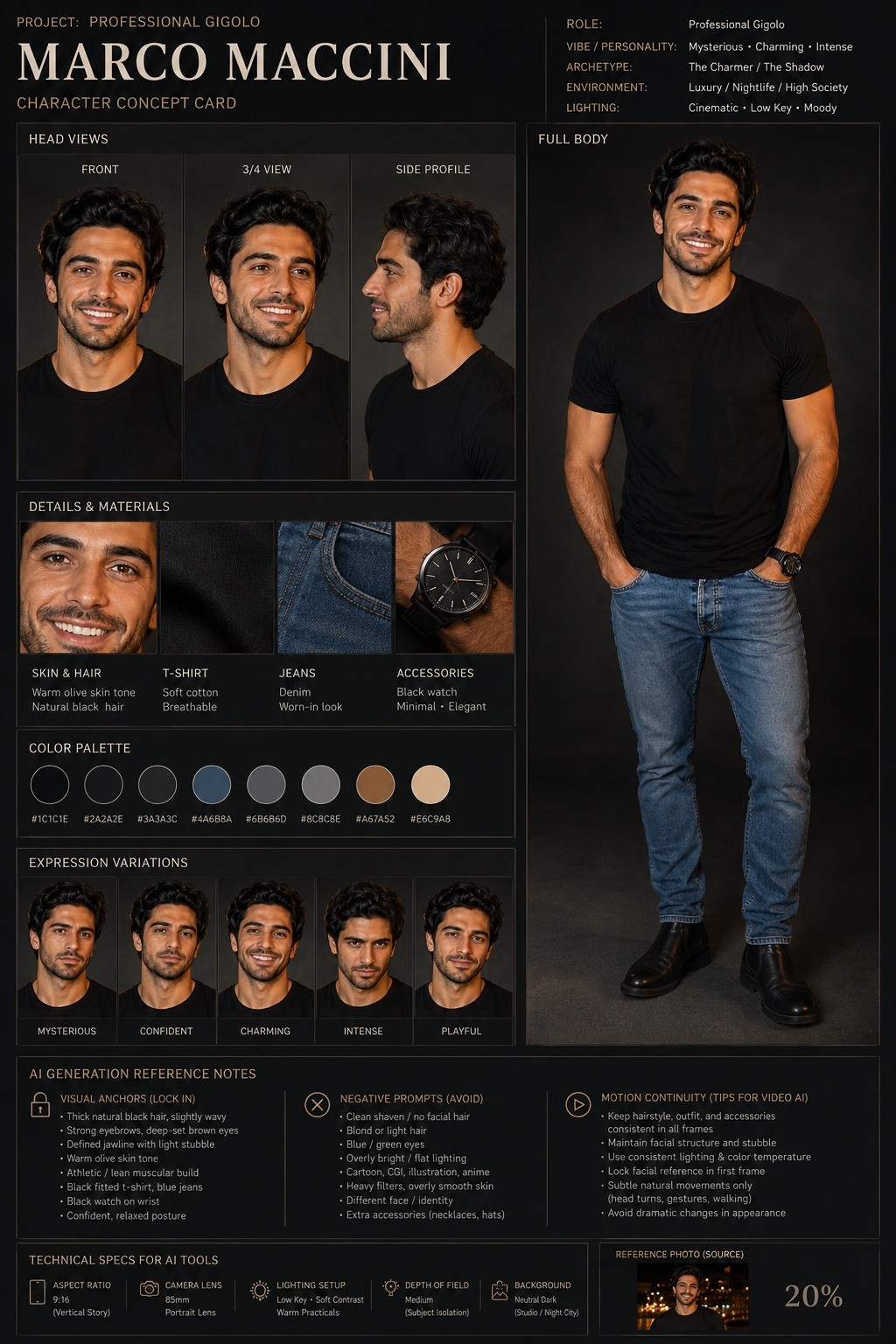
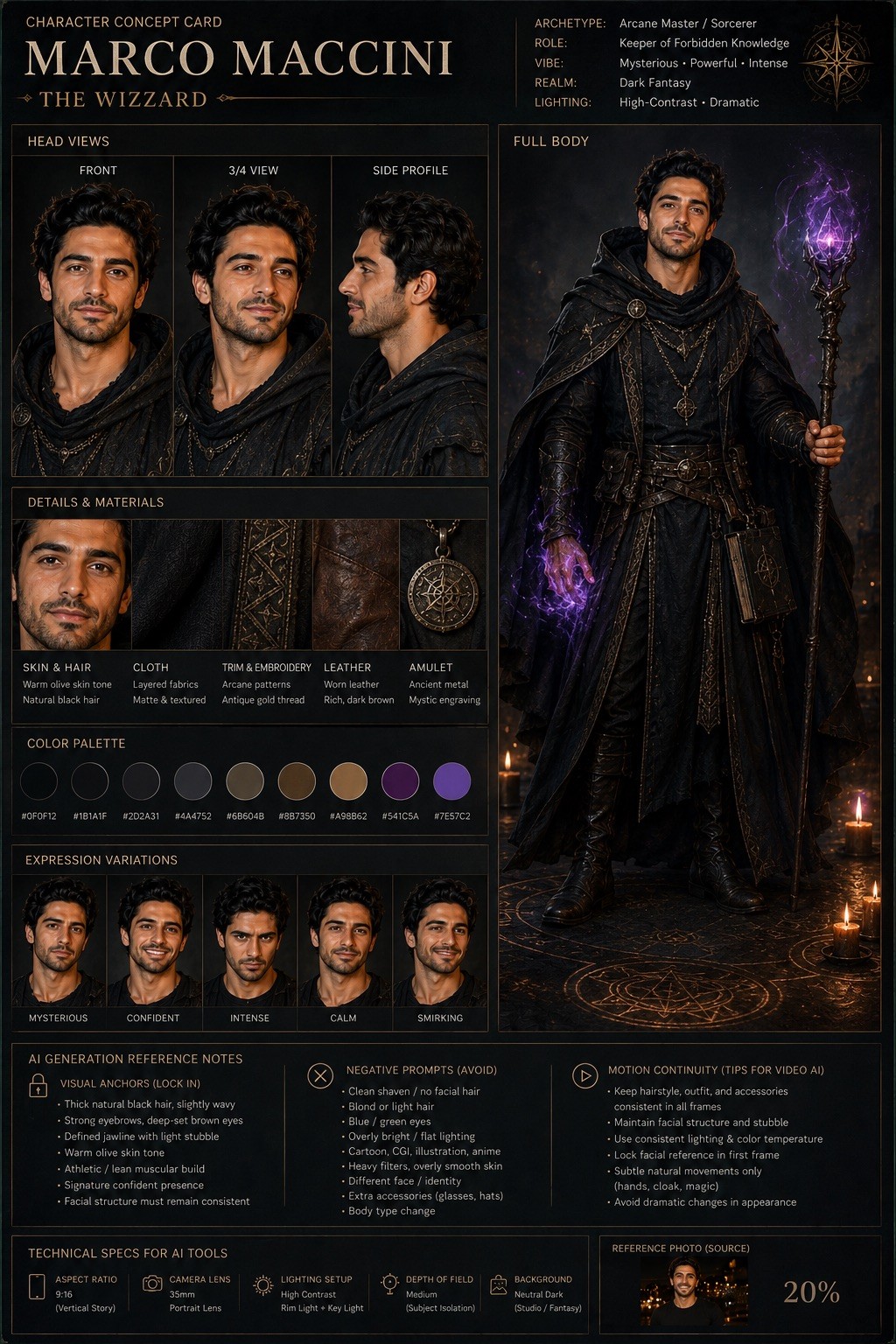
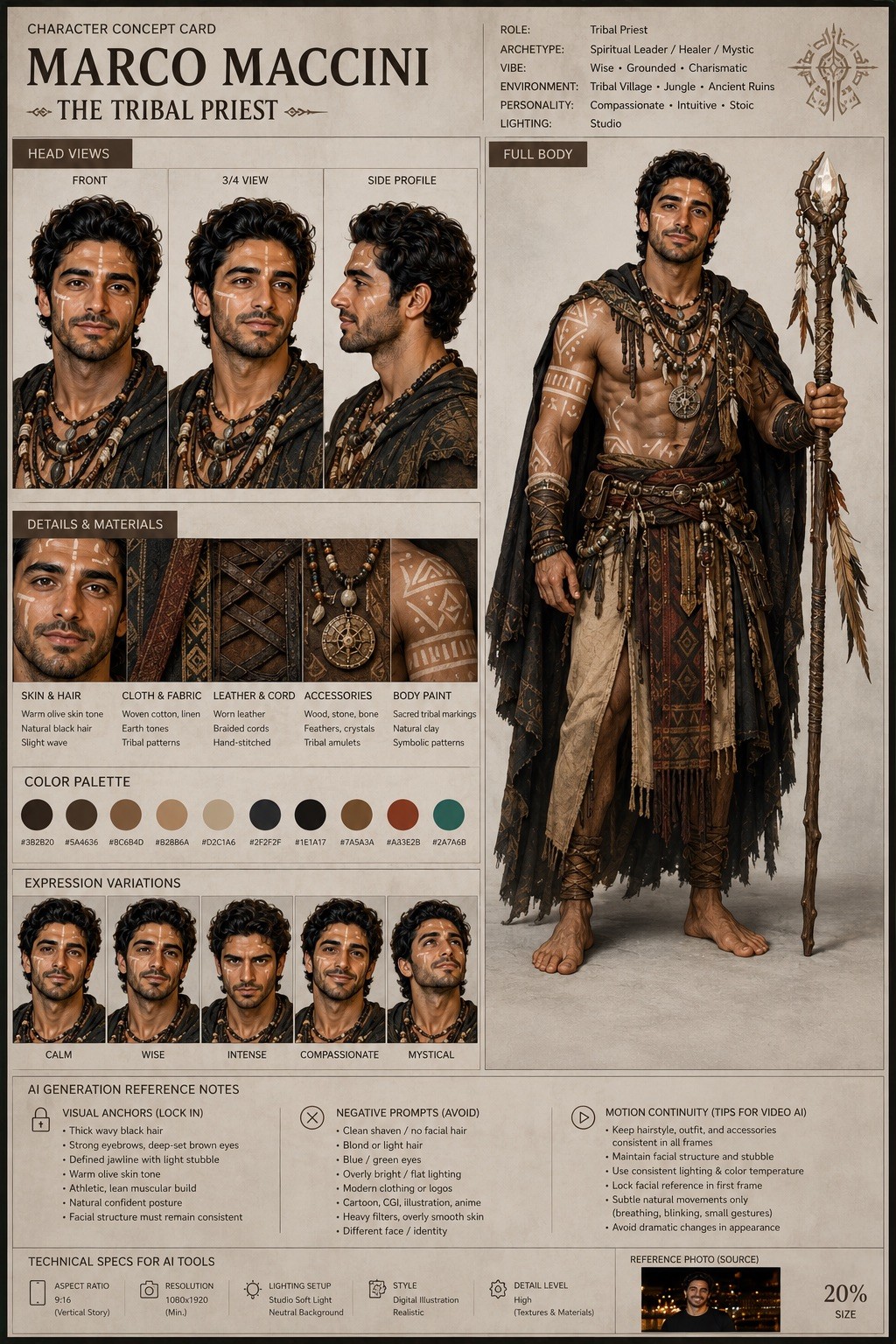
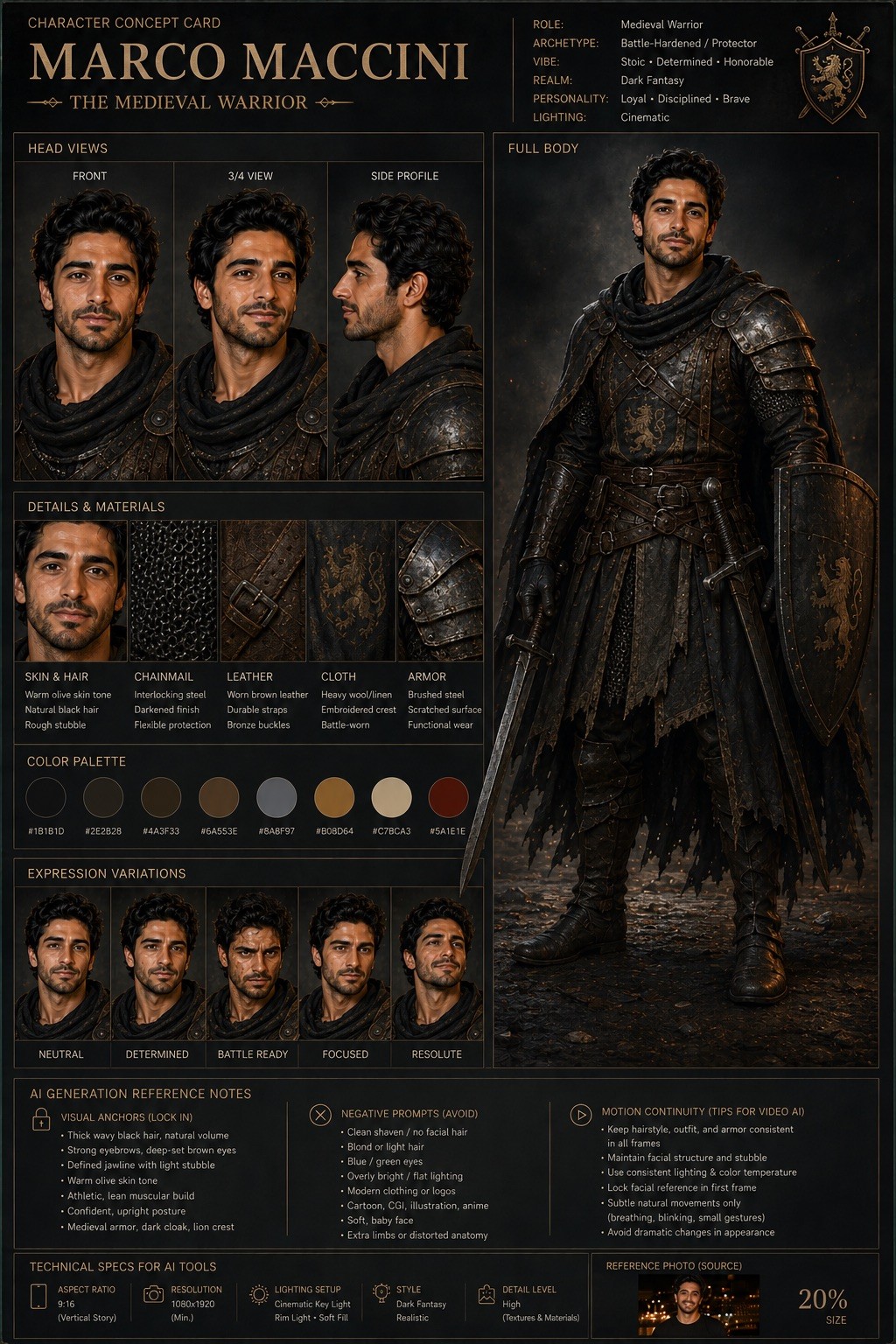
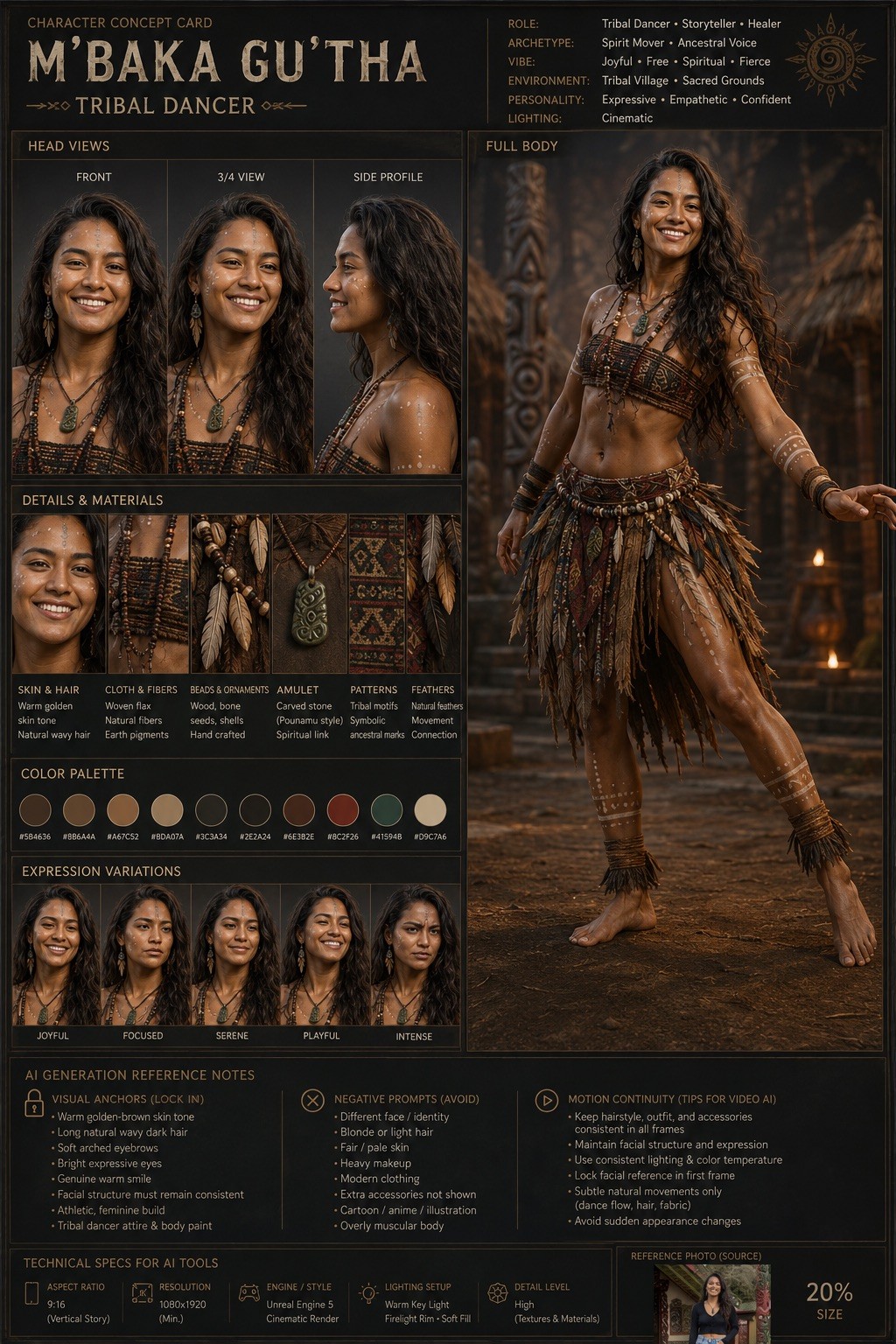
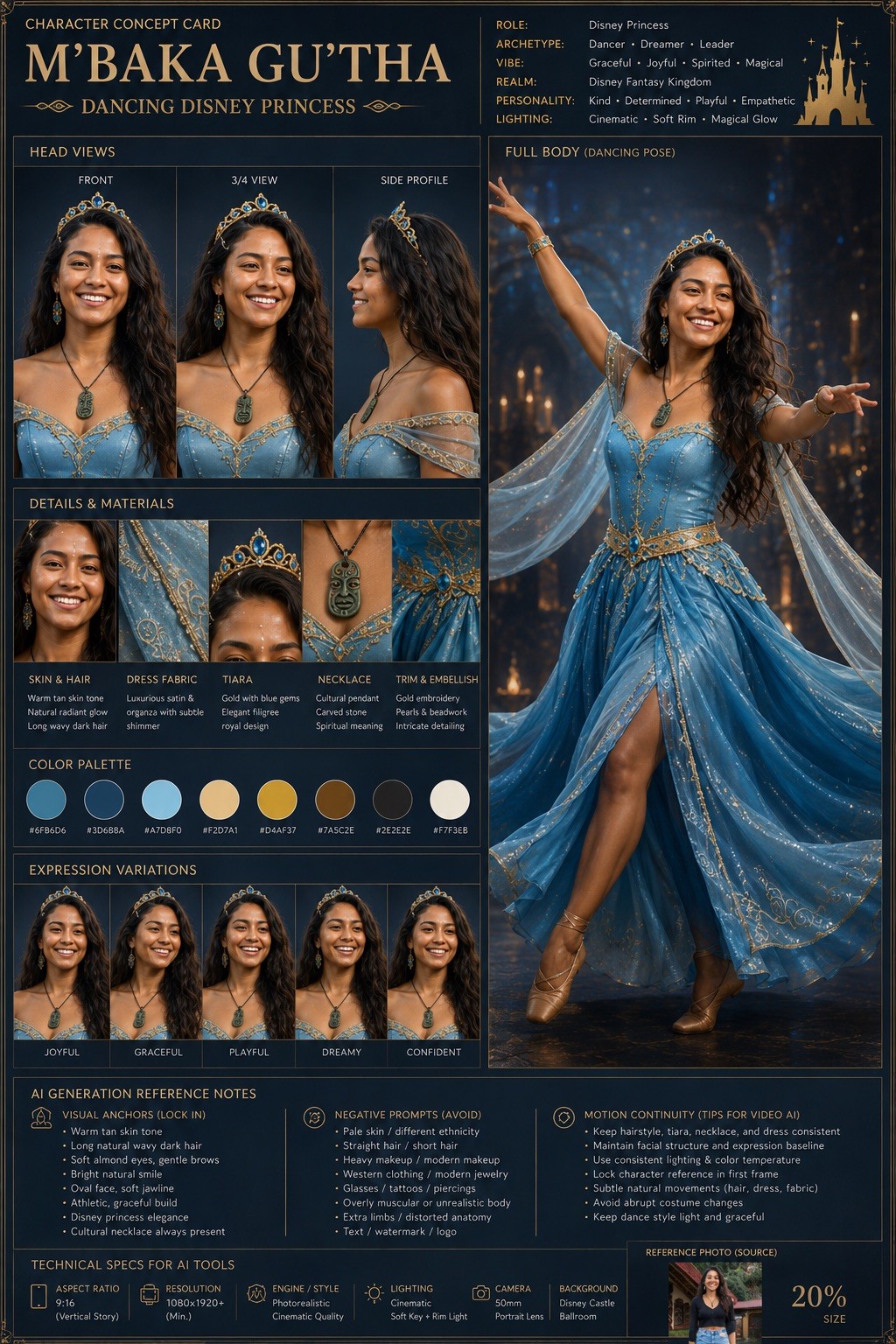
Act as a world-class AI character designer and cinematic concept artist. Your objective is to transform the uploaded character image into a highly detailed “Character Concept Card” for: {{Project Headline: e.g. AI Trainer, Marketing Specialist, Medival Warrior, Tribal Priest }}.

### Task
Analyze the original image and create a professional character sheet optimized for AI visual consistency. Preserve the exact facial structure, skin tone, eye color, and clothing silhouette of the source identity.

### Character & Style Specs
- Character Name: {{Sub Headline: e.g. Person’s Name}}
- Target Art Style: {{Art Style: # Cinematic, Photorealistic, Digital Illustration, # Gaming, AAA Concept Art, Unreal Engine 5 Render, # Stylized, 2D Animation, Cyberpunk, Dark Fantasy, Minimalist Editorial}}
- Lighting: {{Lighting Setup: Cinematic, Studio, High-Contrast, Soft-Box}}

### Output Requirements
Design a premium studio layout containing:
1. Front, Side Profile, and 3/4 angle views with consistent facial geometry.
2. A full-body pose showing costume details and silhouette.
3. A breakdown of the color palette and materials.
4. Facial expression variations matching the core identity.

### AI Generation Reference Notes
Include a technical section for consistency in tools like Midjourney, Flux, or Veo:
- Aspect Ratio: {{Aspect Ratios: [aspect_ratios]}}
- Visual Anchors: Key traits to lock in prompts.
- Negative Prompts: Traits to avoid to prevent identity drift. Avoid assumed or invented text.
- Motion Continuity: Advice for AI video tools.

Maintain an ultra-clean, AAA game concept art quality with professional typography labels and a neutral background.
e.g. AI Trainer, Marketing Specialist, Medival Warrior, Tribal Priest
e.g. Person’s Name
# Cinematic, Photorealistic, Digital Illustration, # Gaming, AAA Concept Art, Unreal Engine 5 Render, # Stylized, 2D Animation
Cinematic, Studio, High-Contrast, Soft-Box
[aspect_ratios]
Act as a world-class AI character designer and cinematic concept artist. Your objective is to transform the uploaded character image into a highly detailed “Character Concept Card” for: e.g. AI Trainer.

### Task
Analyze the original image and create a professional character sheet optimized for AI visual consistency. Preserve the exact facial structure, skin tone, eye color, and clothing silhouette of the source identity.

### Character & Style Specs
- Character Name: e.g. Person’s Name
- Target Art Style: # Cinematic
- Lighting: Cinematic

### Output Requirements
Design a premium studio layout containing:
1. Front, Side Profile, and 3/4 angle views with consistent facial geometry.
2. A full-body pose showing costume details and silhouette.
3. A breakdown of the color palette and materials.
4. Facial expression variations matching the core identity.

### AI Generation Reference...
Las variables van entre {{ y }} y siguen este patrón:
Una selección puede hacer referencia a una lista de variables predefinida usando corchetes. Aparecen en [naranja] y proporcionan valores de uso común como colores, tonos o idiomas.
También puedes proporcionar una lista de opciones en línea, separadas por comas.
Consejo: ¡no necesitas la app PUCO para usar estos prompts! Solo copia la plantilla y sustituye cada sección {{…}} por tu propio texto directamente en ChatGPT, Claude, Gemini o cualquier otro asistente de IA.