Ideal para
- Empezar desde un prompt estructurado y reutilizable en lugar de un chat en blanco.
- Adaptar el prompt a tus propios datos manteniendo intacta la intención original.
- Flujos de trabajo relacionados con Software Development, Design & Art.

Genera iconos de apps fotorrealistas siguiendo el lenguaje de diseño de macOS de Apple, con ricos materiales 3D y sombras sutiles.
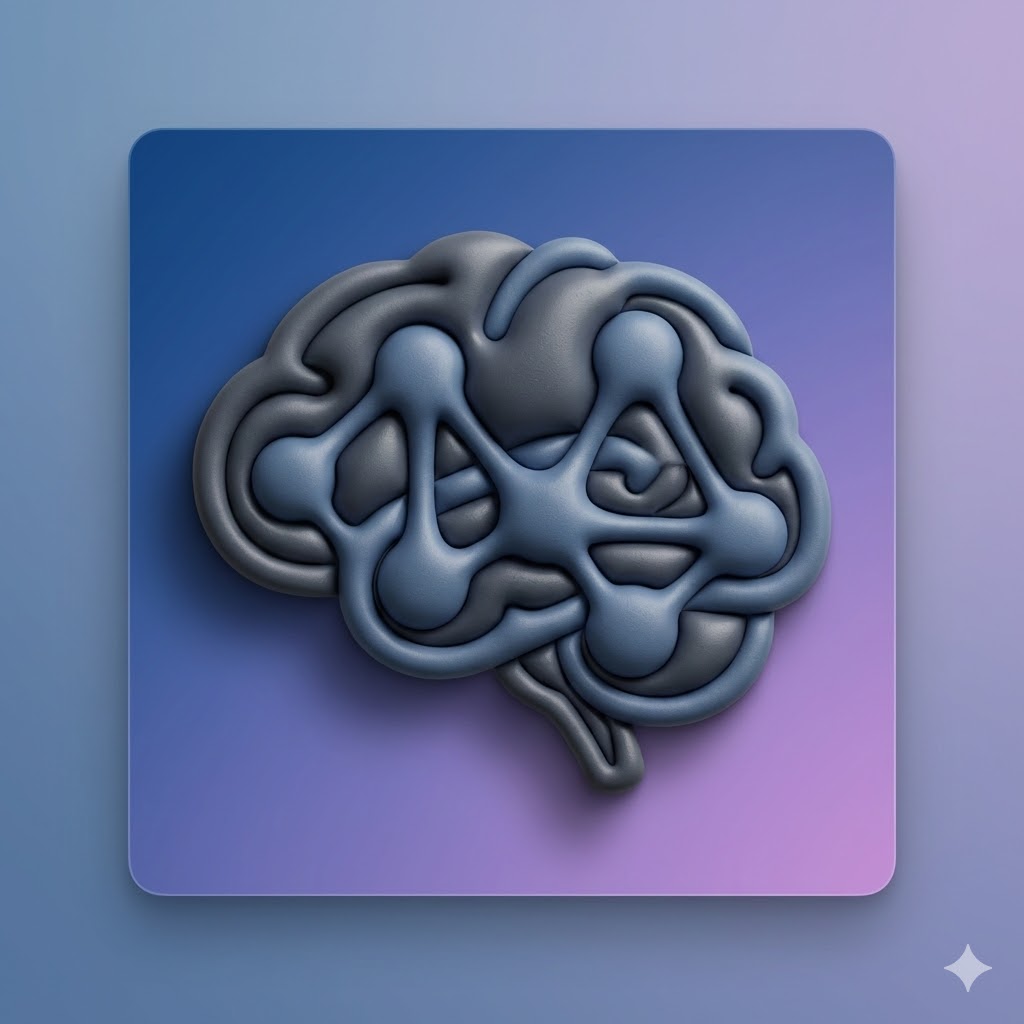

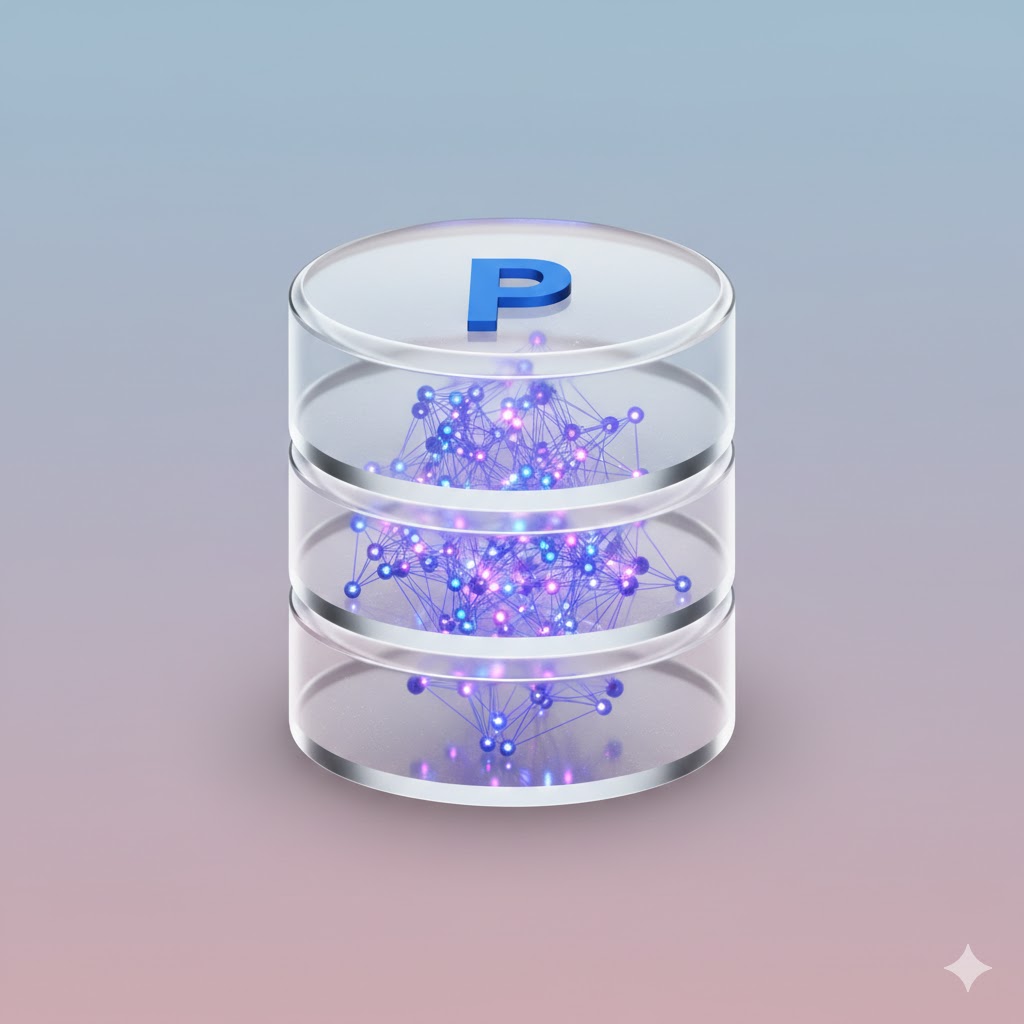
Act as an expert AI image generator. Generate a photorealistic macOS app icon based on these user inputs:

App Concept/Name: {{App Concept: e.g. A Mac App for Prompt Management}}
Central Object: {{Central Object: e.g. a brain}}
Primary Material Texture: {{Material:Matte Plastic, Glass, Brushed Metal, Fine Paper, Ceramic}}
Background Color/Style: {{Background:Subtle Gradient}}

Stylistic constraints: Follows Apple's macOS Human Interface Guidelines. Highly detailed 3D render with rich, tactile materials. Soft, realistic global lighting with a gentle drop shadow beneath the central object. The composition implies the characteristic squircle shape, but the final image is a 1024x1024 square with content drawn to the edges without rounded corners.
e.g. A Mac App for Prompt Management
e.g. a brain
Matte Plastic, Glass, Brushed Metal, Fine Paper, Ceramic
Subtle Gradient
Act as an expert AI image generator. Generate a photorealistic macOS app icon based on these user inputs:

App Concept/Name: e.g. A Mac App for Prompt Management
Central Object: e.g. a brain
Primary Material Texture: Matte Plastic
Background Color/Style: Subtle Gradient

Stylistic constraints: Follows Apple's macOS Human Interface Guidelines. Highly detailed 3D render with rich, tactile materials. Soft, realistic global lighting with a gentle drop shadow beneath the central object. The composition implies the characteristic squircle shape, but the final image is a 1024x1024 square with content drawn to the edges without rounded corners.
Las variables van entre {{ y }} y siguen este patrón:
Una selección puede hacer referencia a una lista de variables predefinida usando corchetes. Aparecen en [naranja] y proporcionan valores de uso común como colores, tonos o idiomas.
También puedes proporcionar una lista de opciones en línea, separadas por comas.
Consejo: ¡no necesitas la app PUCO para usar estos prompts! Solo copia la plantilla y sustituye cada sección {{…}} por tu propio texto directamente en ChatGPT, Claude, Gemini o cualquier otro asistente de IA.